Highlights
- Apple’s new M5 chip steps ahead of the M4 with better efficiency and faster real-world performance.
- The M5 brings improved AI and graphics handling that feel smoother across macOS and iPadOS.
- Even with small changes, the M5 still manages to make last year’s M4 look a bit dated in comparison.
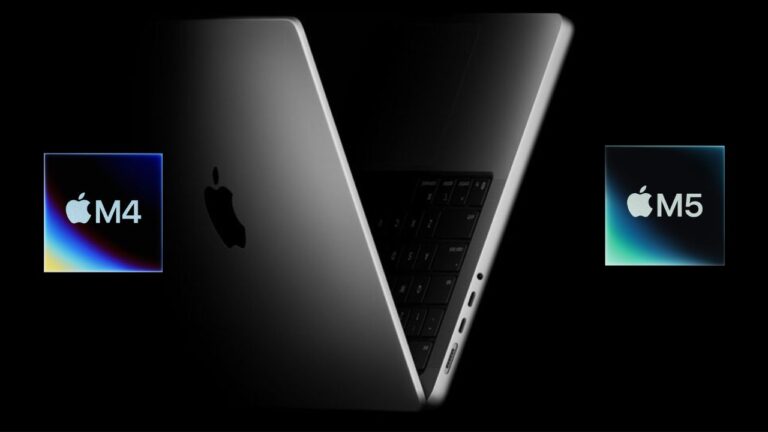
Every time Apple launches a new chip, people start asking the same thing: is it really better or just a small update? That’s what I thought when I saw the new Apple M5 .
I’ve been following Apple’s chips for years, and trust me, this one isn’t just a small bump over the M4 . It’s a real improvement, especially for people who use their Mac for heavy tasks like video editing, AI tools , or 3D rendering.
Don’t want to miss the best from TechLatest ? Set us as a preferred source in Google Search and make sure you never miss our latest.
If you’re wondering whether to switch or stay with your M4, this article will help. I’ll explain the differences between Apple M5 vs. M4 . Let’s get right into it.
Content Table
Apple M5 vs. M4: A complete analysis to make the right choice
CPU performance
Let’s start with the brain of the chip, the CPU . It handles most of the processing, multitasking, and app running.
The M5 chip has a 10-core CPU setup with 4 performance cores and 6 efficiency cores. That basically means it can handle more tasks at once and distribute them smartly.
The performance jump is around 15 to 20% faster in multitasking and thread-heavy workloads compared to the M4 (as Apple usually does), which has an 8-core CPU (4 performance and 4 efficiency cores).
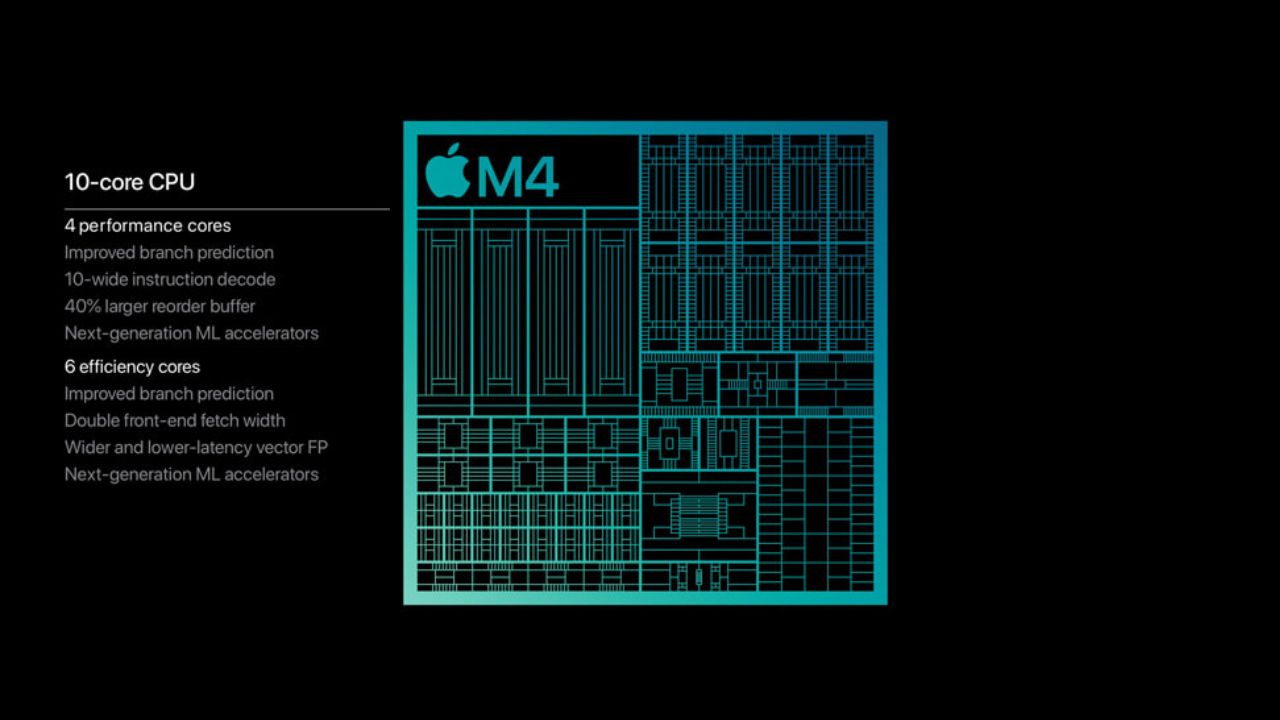
Image Credits: Apple
When it comes to heavy multitasking, like keeping multiple Chrome tabs open, editing a 4K clip, and compiling code at once, the M5 will feel smoother. While watching reviews, there were fewer slowdowns, and everything stayed responsive.
If you’re someone who just browses the web or even edits photos intensively, the M4 is still strong. But if you push your machine hard, the M5 definitely holds up better.
GPU and graphics power
Now, this is where things get interesting. The GPU handles all visuals, gaming, 3D, and video rendering. The M5 uses a 10-core GPU just like the M4, but it’s not the same inside. It includes a third-generation ray tracing engine and a Neural Accelerator inside every core.
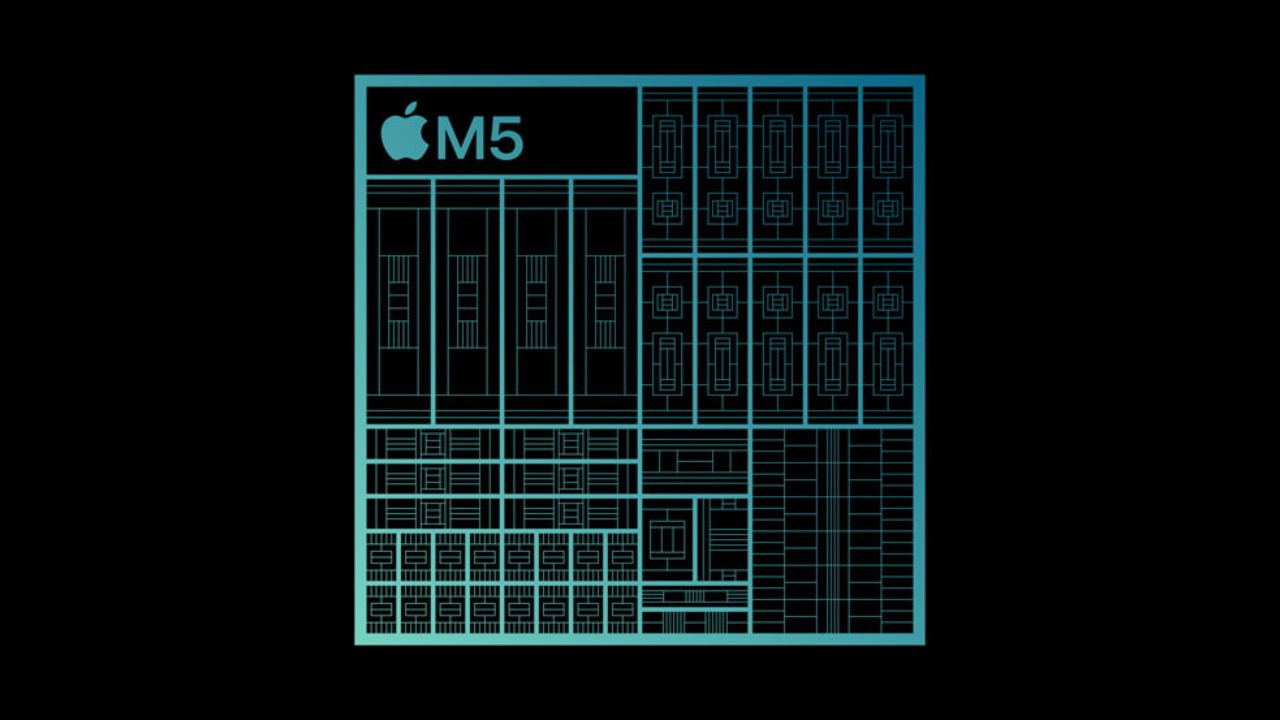
Image Credits: Apple
These updates give around 45% higher graphics performance and make AI-based visual processing about 4x faster than before.
The M4 GPU is still very capable with its second-generation ray tracing, but it can’t match the raw muscle the M5 brings for creative and graphical tasks.
If you’re a video editor, gamer, or 3D artist , you’ll notice the difference quickly. Rendering feels quicker, previews load smoother, and even GPU-heavy AI models run faster.
But again, if your work is mostly light graphics or standard video editing, the M4 doesn’t disappoint either.
AI and Neural Engine performance
AI is a big part of modern computing now, and Apple’s pushing it hard. Both chips come with a 16-core Neural Engine , but the M5 adds a new trick: dedicated Neural Accelerators built inside the GPU cores.
What does that mean in real use? It can run AI and machine learning tasks a lot faster. Things like voice recognition, smart photo editing, and AI-assisted video effects are smoother and more efficient. Apple claims up to 3.6x faster AI processing on the M5 compared to the M4.
If you’re into AI development or you use creative apps that depend on AI, like Final Cut, Photoshop, or DaVinci Resolve, you’ll clearly see the speed difference. The M4 is still capable, but the M5 is just better prepared for future AI tools.
Memory bandwidth
Memory bandwidth decides how quickly data can move between the chip and the unified memory. It’s important when you’re working with large files or multiple heavy apps.
The M4 supports around 120 GB/s , while the M5 takes it up to 153 GB/s . That’s almost a 27% jump . It doesn’t sound huge, but it matters when you’re editing massive videos or using large AI models.
In day-to-day use, you might not notice it, but under heavy load, the M5 feels smoother and less laggy because of this improvement.
Manufacturing process and efficiency
Both chips are made using TSMC’s 3nm process , but the M5 uses the third-generation version of that technology. It’s slightly more refined, which means it’s more efficient.
In short, the M5 runs cooler and gives better sustained performance without killing battery life. Even under heavy tasks, the Mac stays quieter and doesn’t heat up much.
This is one of those subtle upgrades you might not notice daily, but it helps keep your Mac stable over time.
Storage and device options
One of the practical changes with the M5-powered devices is storage . Apple now allows up to 4TB of internal SSD storage in the new M5 MacBook Pro . The M4 MacBook Pro maxed out at 2TB .
That’s a big deal for professionals who need to store large project files locally, like photographers, video editors, and designers. If you’ve always felt limited by the 2TB cap, the M5 model solves that problem.
Table of differences between M4 vs M5
Should you upgrade?
Here’s the truth: the Apple M5 is a quite good improvement, but not everyone needs it. It depends on what you do.
You should upgarade if:
- You work on AI or use advanced creative apps daily.
- You edit 4K or 8K videos, 3D models, or run simulations.
- You need more local storage for projects.
You can skip for now if:
- You mostly browse, stream, or even do intense productivity work, but for a shorter time.
- Your M4 MacBook still feels fast for your needs.
- You want to save money and maybe wait for the M6.
The M5 is built for professionals and creators who want more RAW power and speed. For others, the M4 still delivers excellent performance and battery life.
Overall, to sum it up, Apple M5 is a usual, expected jump from M4. The M5 improves graphics, AI, and memory speed in a big way, while keeping the same great battery life and stability Apple Silicon is known for.
If your workflow needs more power, go for the M5. If you’re doing regular stuff and your M4 is still flying, you can easily skip this one.
At the end of the day, it’s not about having the latest chip. It’s about having the one that fits your work best, I hope you understand.
Enjoyed this article?
If TechLatest has helped you, consider supporting us with a one-time tip on Ko-fi. Every contribution keeps our work free and independent.
