Highlights
- Apple Watch hypertension alerts quietly track long-term heart data to warn about possible high blood pressure.
- Satellite communication on Ultra 3 lets you send short texts and SOS when you’re totally off the grid.
- watchOS 26 update brings hypertension alerts to Series 9, Series 10, and Ultra 2, with wider rollout after approvals.
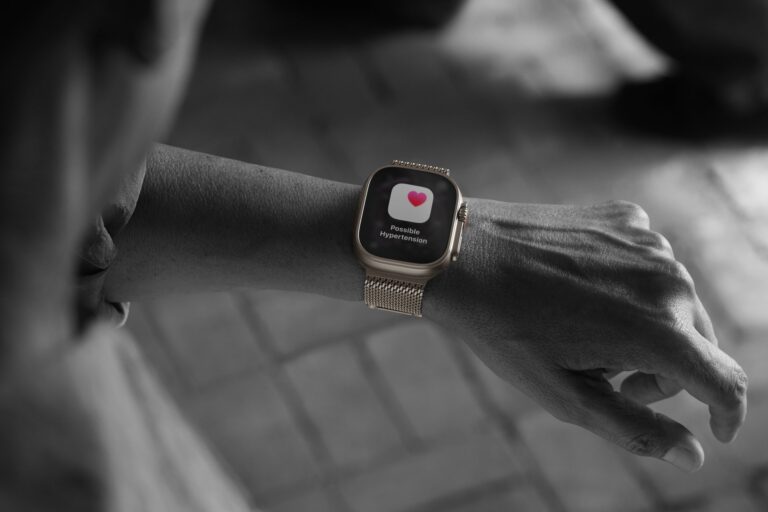
Apple used its September launch to push two big themes: smarter, everyday health monitoring (that includes Apple Watch hypertension alerts and satellite communication as headline items) and making those features accessible across the ecosystem via watchOS 26 .
The hypertension alerts are not a blood-pressure cuff replacement; they’re a pattern detector that watches how your blood vessels respond over time and nudges you if something looks consistently off.
Don’t want to miss the best from TechLatest ? Set us as a preferred source in Google Search and make sure you never miss our latest.
Meanwhile, the Ultra 3 finally brings full satellite messaging to the wrist: iMessage and SMS via satellite when there’s no cellular or Wi-Fi.
Content Table
Apple Watch Hypertension Alerts and Satellite Communication: What’s New and What It Means
The Launch: What Apple Actually Announced Today
Apple announced the new Apple Watch lineup and watchOS 26 during the September event (press materials dated Sept 9, 2025).
The two items everyone’s talking about, Apple Watch hypertension alerts and satellite communication , were central.
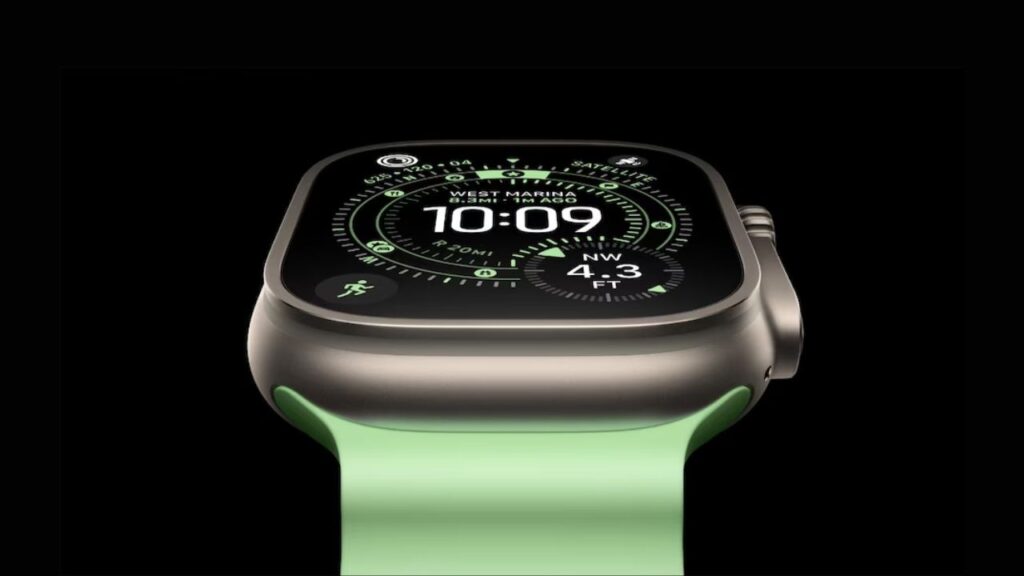
Image Credits: Apple
The hypertension feature watches your optical heart sensor data over about a 30-day window; if the pattern suggests chronic high blood pressure, you’ll get a notification suggesting next steps (for example, confirm readings with a cuff and talk to your doctor).
That feature will be available on Series 9 and later, as well as Ultra 2 and later, once watchOS 26 and regional regulatory approvals are rolled out.
The Apple Watch Ultra 3 adds satellite connectivity that supports Messages and SMS, Emergency SOS via satellite, and Find My updates.
That means if you’re hiking in a valley or far from cellular, you can still send text messages from your wrist without a paired phone network.
Apple emphasizes safety (emergency routing, last emergency call waypoint) and also day-to-day off-grid communication.
How do the hypertension alerts work?
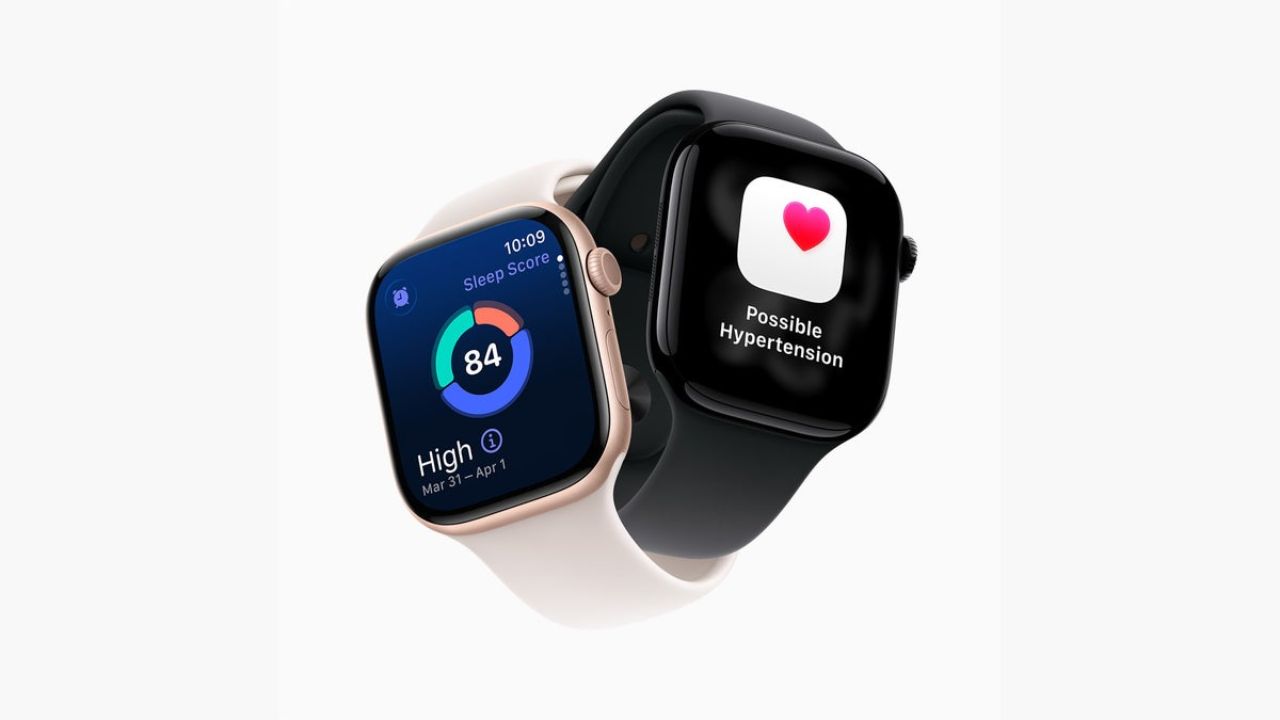
Image Credits: Apple
The feature uses the watch’s optical heart sensor (the same sensor that reads heart rate and some other pulse-based metrics). It doesn’t spit out systolic/diastolic numbers like a cuff. Instead, it analyzes how blood vessels respond to heartbeats over long windows, roughly 30 days, to detect consistent signs that match patterns associated with chronic high blood pressure.
If those patterns are present, the watch sends a notification and recommends follow-up steps.
Important: this is a screening/alert tool, not a diagnosis . Apple and health authorities position it as an early-warning system to prompt formal testing (home cuff, clinic visit) and medical advice.
That’s the correct safety framing; it’s meant to reduce the many undiagnosed cases by nudging people to check properly.
Availability : Apple expects regulatory clearances (for example, the FDA) and plans to make the feature available in more than 150 countries and regions as approvals finish. The rollout depends on local approvals, so timing will vary by country.
Why is it important?
Hypertension is a silent risk; many people don’t know they have it until something bad happens. The value of Apple Watch hypertension alerts and satellite communication is twofold: earlier detection + staying reachable in risk scenarios.
Getting a nudge from a watch could mean someone measures their blood pressure properly and starts treatment earlier.
For people who adventure off the grid, satellite messaging turns a luxury device into a practical safety tool. Both features push the Watch from “nice gadget” toward “daily health and safety companion.”
Also, Read : Apple AirPods Pro 3 Heart Rate Monitoring: What Apple Shipped Today
Satellite Communication: What It Does and How Reliable It Is?
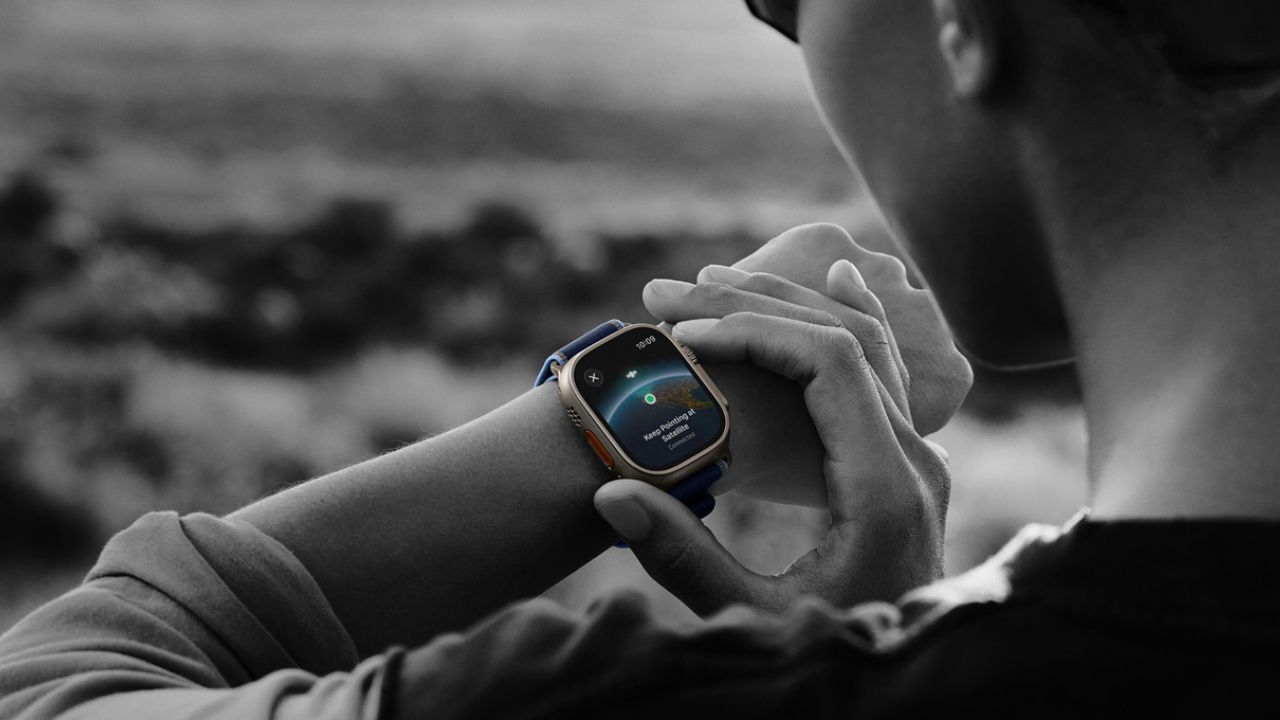
Image Credits: Apple
The Ultra 3 supports Messages via satellite, both iMessage and SMS, and Emergency SOS routing. Apple’s product pages explain that the watch can connect to satellites to send short messages.
It will guide you to point the watch to the sky, gather minimal data, and relay messages through satellite networks to recipients or emergency responders. It’s not meant for streaming or heavy chat, it’s for brief text/emoji/SOS.
Real-world reliability depends on line-of-sight to the sky, satellite coverage at your location, and network congestion.
Apple’s implementation mirrors what the iPhone introduced: practical in many remote cases, but not a complete replacement for two-way broadband. Treat the satellite on the watch like an emergency and short-message tool.
Who Gets the Features (Compatibility and Update Details)
Hypertension alerts : Series 9 and later, Apple Watch Ultra 2 and later with watchOS 26 (Apple’s press materials). Regulatory approvals are the gating item; Apple says the feature will hit 150+ countries as clearances finish.
Satellite messaging : Hardware-level on Ultra 3 (the Ultra 3’s satellite radios and firmware are built for it). Apple’s product pages call out Emergency SOS, Messages, and Find My via satellite.
Whether older Ultras or models will get any satellite features depends on hardware; generally, full satellite texting needs the Ultra 3 hardware.
watchOS 26 : Scheduled release (watchOS 26) will bring many features to older watches where hardware supports them. Apple announced the software rollout window around Sept 15, 2025.
How to Use these New Features
- If you see a hypertension alert: don’t panic. Use a validated home blood-pressure cuff and record readings for a week, then talk to a healthcare provider. The Watch’s alert is a prompt to verify, not a final answer.
- For satellite messaging: practice using it in a safe, open area to understand the steps (pointing the watch to the sky, waiting for a connection). Keep messages short. Know that satellite messaging may consume power and is slow compared to cellular.
- Update to watchOS 26 when it’s available, and check Apple’s regional rollout notes for the hypertension feature; some countries may get it earlier than others due to regulatory timing.
Limitations and Honest Caveats
The hypertension routine is a pattern detector . It doesn’t measure blood pressure numerically and won’t replace clinical cuffs. Don’t use it to titrate medication or skip doctor visits.
Satellite messaging is excellent for short text and emergencies but won’t replace normal phone service for photos, long conversations, or data-heavy tasks. Expect latency and occasional connection failures depending on terrain.
Whoop vs. Apple Watch: Best Fitness Tracking Device
How to Add and Use ChatGPT on Apple Watch?
Can’t Swipe Up on Apple Watch? Here’s How to Fix
Are Apple Watch hypertension alerts the same as a blood pressure monitor?
No. The Watch detects patterns suggestive of chronic high blood pressure over time; it does not give systolic/diastolic readings. Use a cuff to confirm.
Which watches get hypertension alerts?
Apple says Series 9 and later, plus Apple Watch Ultra 2 and later, with watchOS 26, though regulatory approvals will determine exact availability per region.
Can I send full iMessages and SMS via Ultra 3’s satellite?
Yes, for short iMessage/SMS text and emoji, it’s designed for brief messages and Emergency SOS. It’s not a substitute for full mobile data.
When will watchOS 26 be available?
Apple announced watchOS 26 with a release window around mid-September 2025; expect staged rollouts and regional variations.
Wrapping It All
So, Apple’s push around Apple Watch hypertension alerts and satellite communication shows the Watch is becoming less of a luxury accessory and more of a real health and safety tool.
If you own a compatible Watch, update to watchOS 26, try the new safety features, and take any hypertension alert seriously by checking with a proper cuff and a doctor.
Would you like me to draft a short how-to post for your readers (step-by-step: enabling alerts, interpreting results, and using satellite messages safely)? I can write it in your voice.
Enjoyed this article?
If TechLatest has helped you, consider supporting us with a one-time tip on Ko-fi. Every contribution keeps our work free and independent.
