Highlights
- Chromium’s open-source nature means that browsers can provide any number of unique strengths, security, speed, and privacy, depending on your individual needs.
- Privacy is not created equal among Chromium browsers. Your choice will depend on whether you care more about advanced features (like Edge and Chrome) or stronger privacy protections.
- In 2025, the top browsers aren’t just fast, they’re also forward-looking, melding AI, improved cross-device syncing and modern web standards in sync with evolving user habits.

The internet is your gateway to nearly anything you may want, and your web browser is the key you use to access it. Besides, picking the right browser isn’t just about a faster loading time on websites; it affects privacy, security, multitasking, efficiency, and even how much you can use your computer’s memory.
In 2025, the vast majority of the world’s popular browsers are based on one thing: Chromium . But with so many choices available across a range of Chromium-based products, how can you tell which is right for you?
Don’t want to miss the best from TechLatest ? Set us as a preferred source in Google Search and make sure you never miss our latest.
In this guide, we’ll tell you about what Chromium actually is, why it’s the engine behind so many browsers, and then offer you a deep dive into the best Chromium browsers in 2025, from privacy-first choices to gamer-friendly ones and productivity powerhouses.
Source: AI Generated
Content Table
What is Chromium?
Chromium is an open-source browser project center by Google, kicked off in 2008. It’s the “engine” that delivers the driving force for Google Chrome, but because it is open source, other developers have been able to use it as a foundation for building their own browsers.
You can think of Chromium as a trimmed-down version of Chrome: it’s fast, secure, up-to-date, and really works well with web standards. The developers then grow more features based on this result, features such as:
- Privacy tools (ad blockers, trackers disabled, anti-fingerprinting)
- Productivity features (tab management, sidebars, built-in messengers)
- Gaming performance (CPU/RAM controls, integrations with Twitch/Discord)
- Customization (themes, gestures, rearrangeable toolbars)
Because of this, Chromium has become the lifeblood behind the modern web.
Why Choose a Chromium Browser in 2025?
Here are the key factors that have contributed to Chromium-based browsers being so popular today:
- Speed – Chromium is optimized for fast page loads.
- Stability – It’s tested by millions of users and developers daily.
- Security – Frequent updates protect against vulnerabilities.
- Extension Support – Most Chromium browsers support Chrome Web Store extensions .
- Cross-Platform Availability – Many are available for Windows, macOS, Linux, iOS, and Android.
With that being said, Chromium-based browsers aren’t infallible: many have much the same look and feel as Chrome, and a number can be a little resource-heavy compared to lighter engines like Gecko, which powers Firefox.
Best Chromium-Based Browsers of 2025
Here’s a look at the best Chromium browsers for this year, best include mainstream offerings, niche and emerging favorites.
0. Google Chrome – The Baseline
It has never been the most innovative, but Chrome is the most popular browser in the world. It’s the standard for performance, extension support, and compatibility.
Best for: People who prioritize compatibility and convenience above all.
Highlights
- Chrome syncs seamlessly across devices.
- It’s more powerful with Google’s AI baked into search and productivity apps.
- But it’s resource-intensive and not privacy-friendly.
1.Arc Browser– Rethinking Tabs
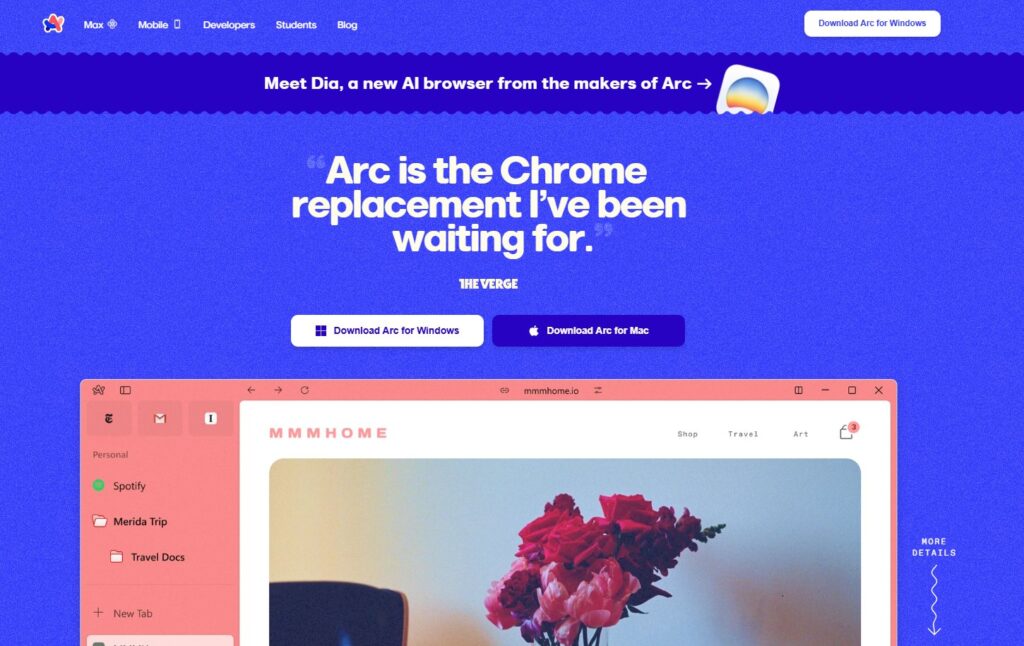
One of the latest browsers to take on the space is Arc. Rather than typical top-row tabs, Arc consolidates everything into a sidebar interface, with “Spaces” for different projects.
Best for: Students, remote workers and multitaskers in need of organization.
Highlights
- Split-view browsing (two sites side by side).
- Customizable workspaces for school, work, or personal use.
- Clean design that feels futuristic.
Read : Arc Browser for Windows Review: What So Special?
2.Brave– Privacy Without Compromise

It takes some effort to forget that Brave is the fast, private version of Chrome. It comes with built-in tracking and ad blocking, fast page loading and even includes some cryptocurrency mining protection.
Best for: Anyone who values privacy and speed .
Highlights
- Built-in ad and tracker blocking.
- Brave Rewards: earn BAT tokens by opting into ads.
- Tor mode for anonymous browsing.
3.Microsoft Edge– Windows’ Best Friend
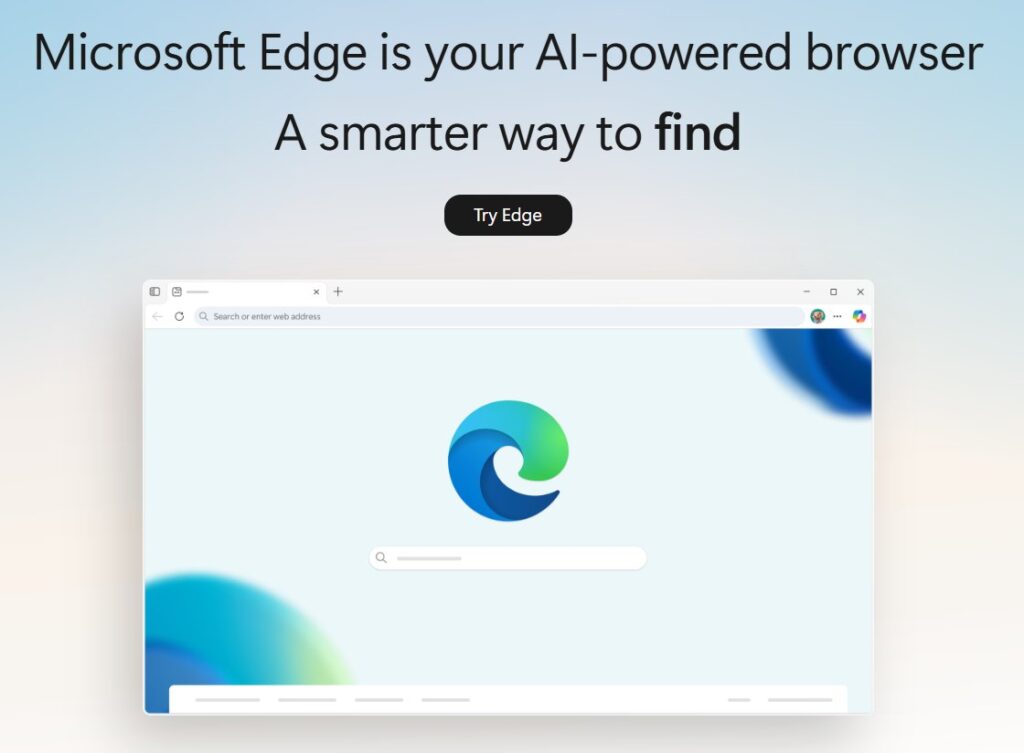
Since it has switched to Chromium, Edge has become a refined browser with Windows-first integration. It’s more lightweight than Chrome and filled with features like a built-in PDF editor and reading mode.
Best for: Windows users who simply want a default browser that works.
Highlights
- Memory-efficient compared to Chrome.
- Tight integration with Windows 11 and Microsoft 365.
- Built-in AI Copilot assistant.
4.Opera– The Feature-Rich Classic
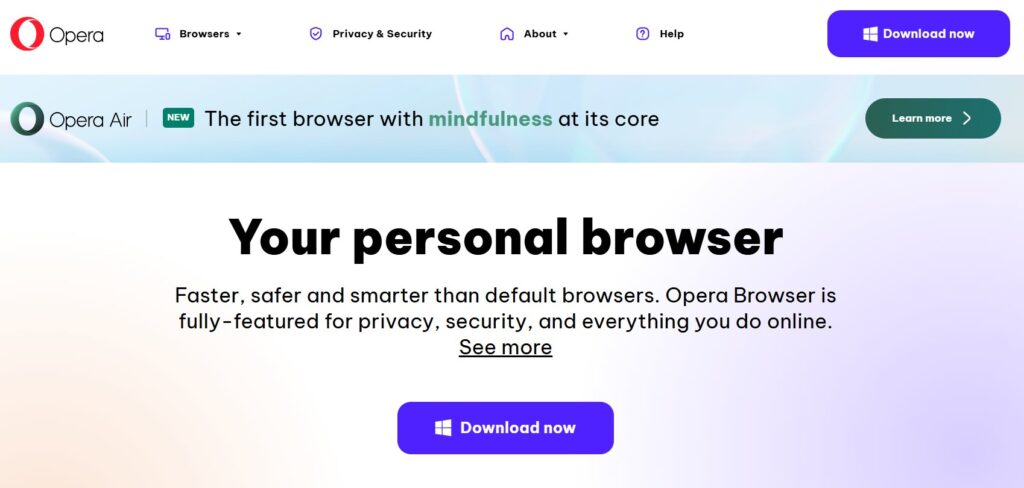
Opera is one of the oldest browsers in the game, having been around since the early days of the World Wide Web, and in 2025, it’s still one of the most complete.
Best for: People who seek a browser to do everything and don’t want to install 30 extensions.
Highlights
- Built-in VPN and ad blocker.
- Sidebar integrations for WhatsApp, Telegram, and Instagram.
- Data compression for faster browsing on slow networks.
5.Opera GX– Gamers’ Choice
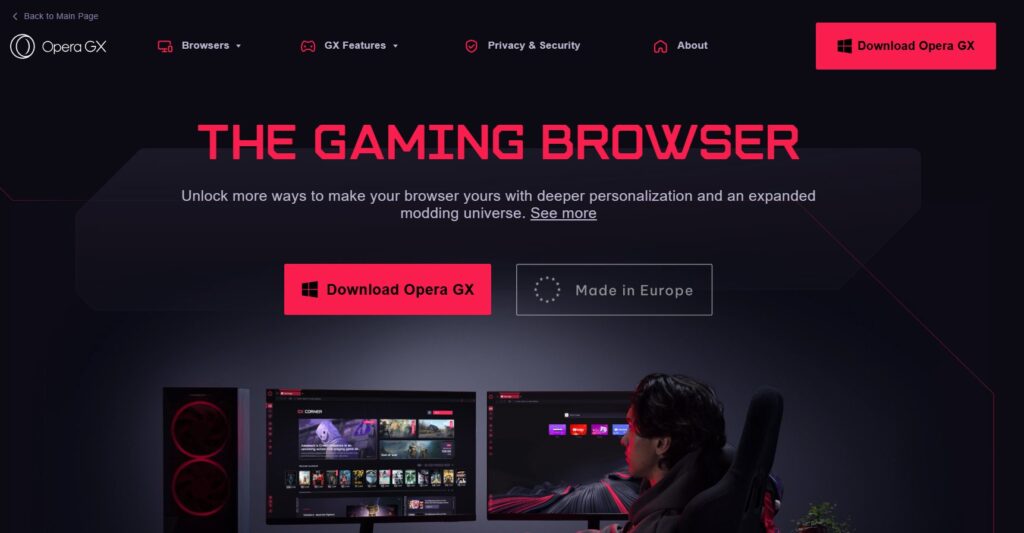
Opera GX is a browser specifically for gamers. With flashy designs, system resource controls, and direct Twitch/Discord integration, it’s more than just a browser, it’s part of your gaming setup.
Best for: Players who don’t want a browser that’s going to slow down their games by hogging resources.
Highlights
- GX Control: manage CPU, RAM, and bandwidth usage.
- Gaming news and deals built in.
- Deep customizations (sounds, animations, themes).
6.Vivaldi– The Power User’s Dream
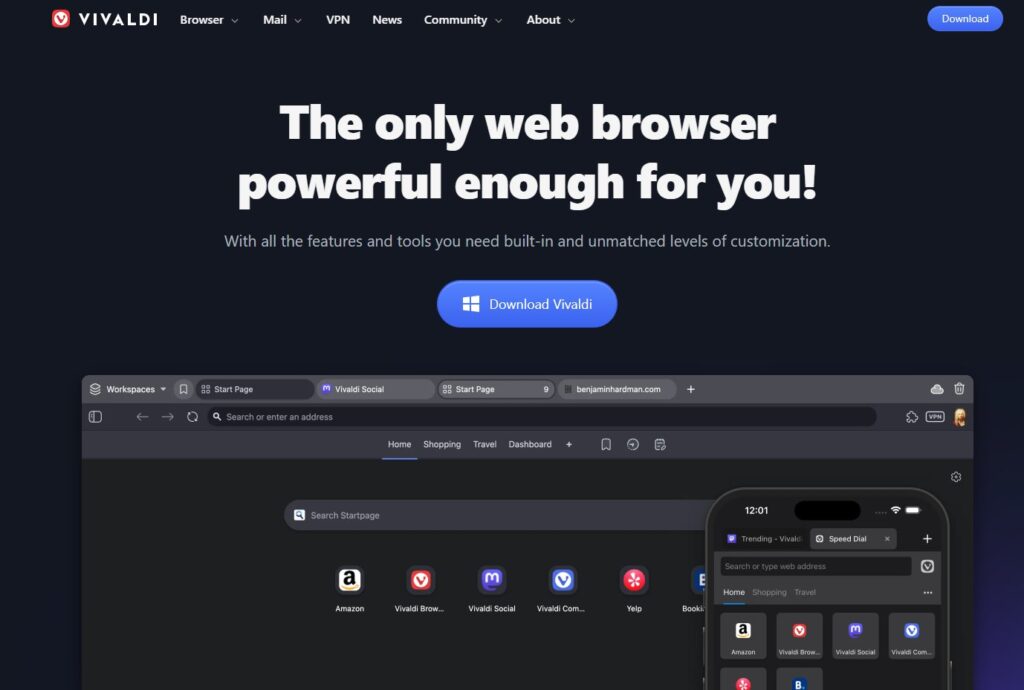
Vivaldi is all about customization. Made by Opera’s departed CEO, this extension allows you to tweak just about everything, from your tab layout to gesture shortcuts.
Best for: Power users who would like a browser that fits perfectly into their workflow.
Highlights
- Tab stacking, tiling, and advanced management.
- Built-in tools (notes, calendar, mail client).
- Adaptive color themes that match the site you’re on.
7.Sidekick Browser– Built for Work
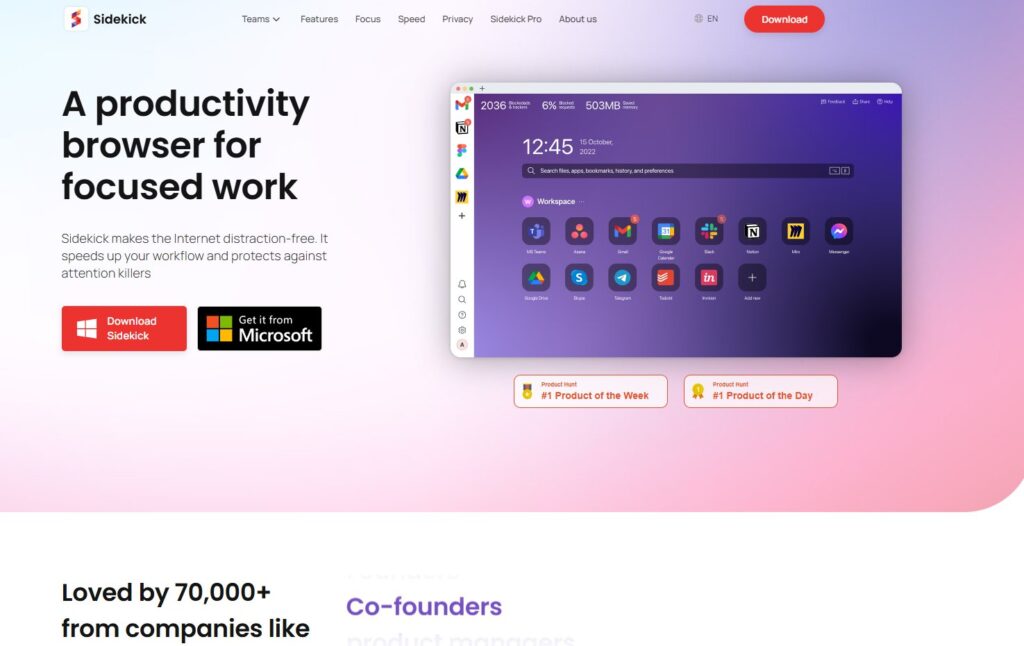
Sidekick is built with work in mind. The new tab replaces the standard tab overload with app integrations and a workspace-first design.
Best for: Professionals and teams who bounce between productivity apps all day.
Highlights
- Built-in apps (Slack, Notion, Google Docs, etc.).
- Advanced tab suspension to save memory.
- Notification control to minimize distractions.
8.Thorium Browser– Performance Tweaked
Thorium is a high-performance Chromium fork that offers extra speed and keeps the footprint small. They are supposed to render faster and use less CPU than standard Chromium builds.
Best for: People who have older PCs or want to gain maximum speed.
Highlights
- Optimized for speed and lower resource use.
- Regular updates synced with Chromium.
- Lightweight interface.
9.Colibri Browser– Minimalist Alternative
Colibri is as far removed from feature-happy browsers as you can get: It’s all about minimalism. It eliminates old tabs and uses a clean UI based on no-distraction browsing.
Best for: Minimalists and users who dislike clutter.
Highlights
- No clutter—just a simple, focused design.
- Perfect for light browsing or writing.
- Uses less memory than mainstream browsers.
10.Epic Privacy Browser– Always Incognito
Epic is a web browser based on Chromium and behaves like a permanent private mode. It clears history, cookies and cache after every session.
Best for: People who prefer privacy but don’t want to adjust the settings.
Highlights
- Built-in encrypted proxy.
- Blocks trackers and fingerprinting.
- No data saved locally.
11.Ungoogled Chromium– Pure and Private
Ungoogled Chromium removes all the Google services from Chromium, making it a Google-free browser.
Best for: Tech-savvy users who prefer taking control themselves and don’t want any Google anywhere.
Highlights
- No Google tracking or services.
- Clean, open-source foundation.
- Extensions can be installed manually.
Conclusion
Choosing the right browser in 2025 largely depends on your priorities—speed, privacy, security, or plenty of advanced customization options. Chromium is the engine that powers some of the world’s most popular browsers, and each browser is best at different things.
Google Chrome remains in front in both unrivaled compatibility and regular updates, though Microsoft Edge throws in some productivity tools and efficiency.
Brave has established itself on being the privacy-first provider, Opera is ahead when it comes to media handling in particular, while Vivaldi’s target audience is power users who love to tinker with even the most minute settings.
Not even the lesser-known ones, like Epic Privacy Browser, are still around, catering to niche audiences. At the end of the day, no browser is perfect for all, but thanks to Chromium, you’ll be no more (or less) limited than with any other pick in 2025.
Enjoyed this article?
If TechLatest has helped you, consider supporting us with a one-time tip on Ko-fi. Every contribution keeps our work free and independent.
