Highlights
- Each AI image generator has its pros and cons, from Midjourney’s artistically beautiful results to Ideogram’s accurate text, so it depends on the use case.
- Using them in combination (such as creating in Midjourney, refining in Photoshop and publishing through Canva) also usually works better than using just one.
- So, if you already started missing the Gramhir. pro, then these alternatives may work for you.

Artificial intelligence has changed the way that we create and consume content. From text-based helpers to sophisticated AI image generators, creators today have access to tools that can make even the craziest ideas a reality.
A name that has given rise to excitement as much as it has given rise to confusion in recent years is Gramhir.pro. The service had begun as Instagram analytics, suddenly rebranding itself as an AI photo generator.
Don’t want to miss the best from TechLatest ? Set us as a preferred source in Google Search and make sure you never miss our latest.
But when users went in search of the features it promised, including the ability to create text-to-image, the ability to set custom parameters and commercial rights, they often found a hollow shell instead.
So, what happened to Gramhir.pro, and more importantly, which AI image generators actually work in 2025 ? What are the other alternatives to Gramhir.pro? Let’s check out.
Content Table
What was Gramhir.pro?
Gramhir was born not as an AI art platform but as something altogether different. Instead, it was a service that provided Instagram analytics. Here is what users can see without logging in:
- Follower counts
- Engagement rates
- Top-performing posts
- Profile stats
But the original domains, Gramhir.com and Gramhir.net, went offline or redirected elsewhere, effectively taking the analytics platform into darkness. Later, a new domain, Gramhir.pro, emerged and claimed to be an AI image generator.
Why Can’t You Access Gramhir.pro AI Image Generator Anymore?
When researchers and users dug deeper, they found:
- No archived version of Gramhir.pro ever actually demonstrated a functioning AI generator.
- References to “Novel AI” were visible on the site, adding to the confusion. (Novel AI is its own platform but is not the same as Gramhir.)
- The service never worked as advertised, and now it’s dead and gone in a way that’s no longer usable.
Note: Gramhir.pro never released a working AI picture generator. If you’re looking for artistic tools, you’re going to have to look elsewhere for ones that are legitimate and stable products.
Why You Need Alternatives?
The rise of AI art has opened doors for:
- Content creators: Bloggers, YouTubers and social media managers in search of fast, good-looking visuals.
- Businesses & marketers: Brands seeking custom ad creatives, posters or product images.
- Designers & artists: For those professionals who need some inspiration or tools for faster workflows.
- Educators & students: Those who need illustrations, diagrams, or study visuals.
Since Gramhir.pro isn’t fulfilling those needs, let’s check out the best working AI image generator options for 2025.
Best Gramhir Pro AI Image Generator Alternatives in 2025
We have compiled the top 8 options, and reviewed them thoroughly with the features, pros and cons along with the working links.
1)Midjourney
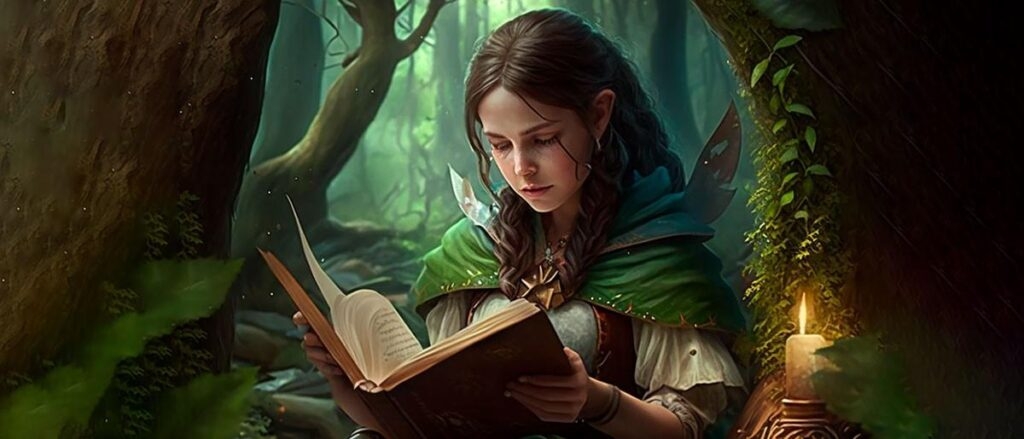
Midjourney manages to be a beautiful warper with minimal prompt fuss. Excellent for ideation, moody scenes and editorial snaps.
Best for: Stunning aesthetics, concept art, and stylized photorealism
Core strengths:
- High-quality outputs with rich lighting and composition
- Strong community prompts and styles to learn from
- Consistent improvements and model updates
- Runs via Discord (some love it, some don’t)
- Limited granular edits compared to full editors
- Subscription required; heavy use can add up
Use it if: You appreciate speed “wow” images, and find a Discord-first workflow interesting.
2)Adobe Firefly(Photoshop, Illustrator, Express)
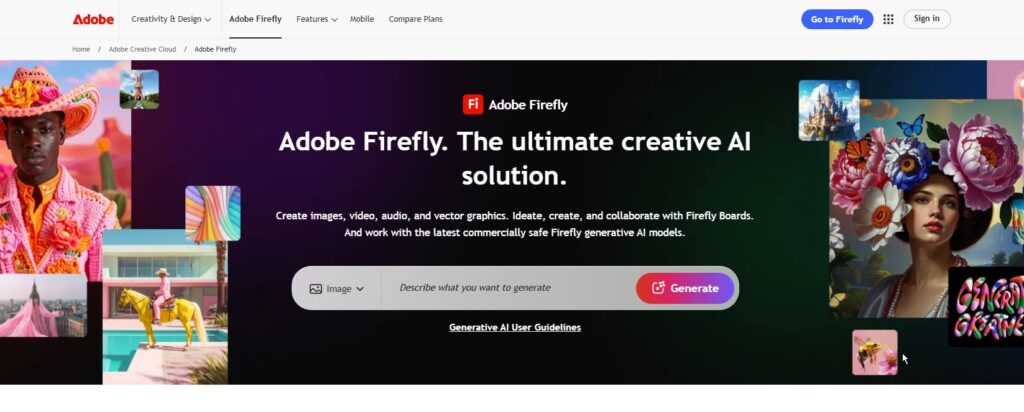
Firefly’s generative tools reside within Photoshop and Illustrator (great for those, like me, who polish stills there already).
Best for: Professional editing, compositing, and clear commercial usage
Core strengths:
- Powerful in-painting , out-painting , and layered editing
- Industry-standard tools (masks, curves, smart objects)
- Enterprise-grade licensing clarity
- Learning curve if you’re new to Photoshop
Use it if: You need pixel-perfect control with professional results, all in a single place.
3)OpenAI DALL-E(via ChatGPT / Copilot)
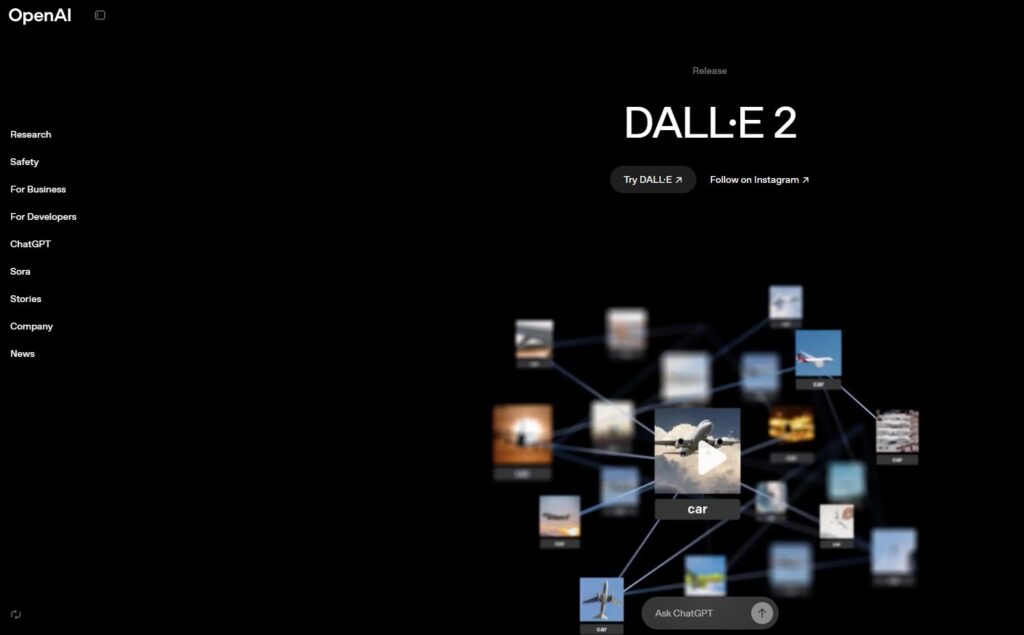
DALL-E can work with structured prompts and scenes in the style of a product or mock-up. It’s also available in larger AI assistants.
Best for: Clean, instruction-following outputs with solid detail
Core strengths:
- Good compositional accuracy, captions/text in images improving over time
- Simple UI pathways through ChatGPT/Copilot
- Strong for prototyping, storyboards, and marketing scenes
- Editing tools are less granular than full image editors
- Credit/usage limits vary by plan
Use it if: You need quick prompts and fast integration into your writing and thought processes.
4)Stable Diffusion(Local or Cloud)
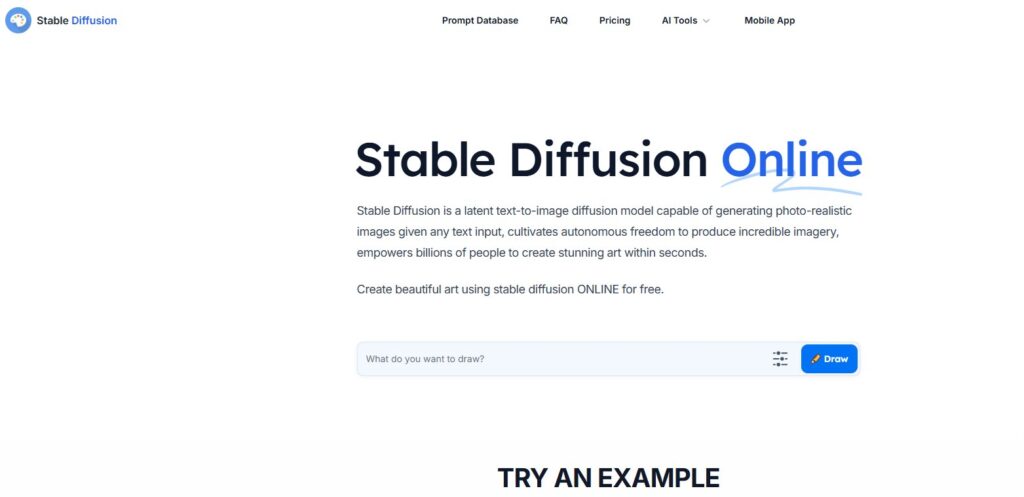
It’s open source, infinitely customizable and runs on your hardware (or cheap cloud).
Best for: Power users, privacy, and cost control at scale
Core strengths:
- Total control : custom models (SDXL), LoRAs, ControlNet, IP-Adapter
- Local generation avoids per-image fees and offers privacy
- Extensive ecosystem
- Setup and model management take time
- Quality depends on model choice and your settings
Use it if: You seek extensive control & automation, binding character development and fiscal efficiency for larger numbers.
5)Leonardo AI
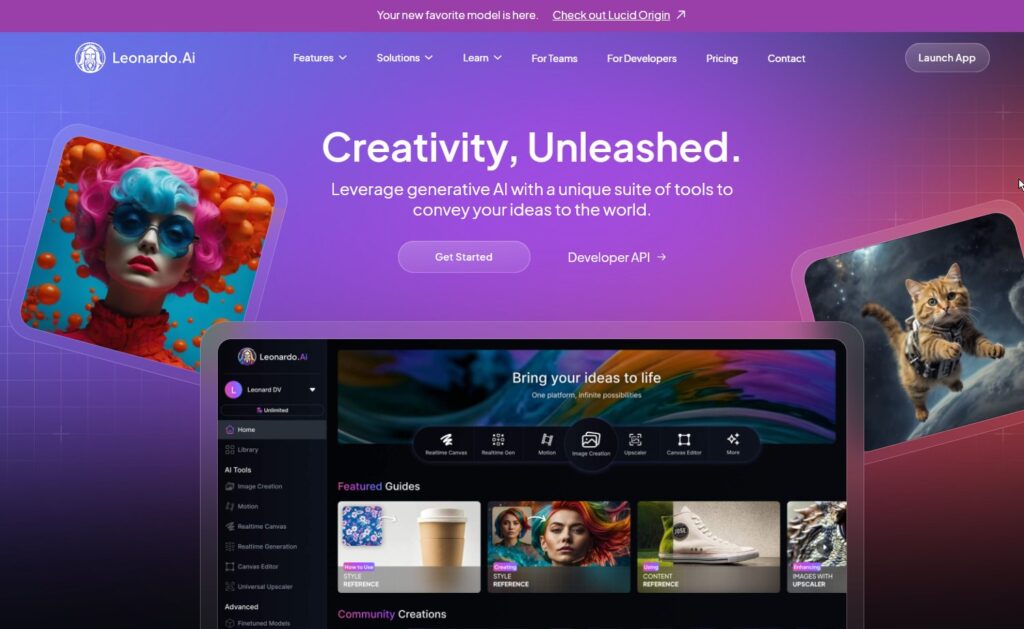
Provides fine-tune-like properties (e.g., teaching to a “style” or a “character”) without complete local complexity.
Best for: Brand consistency and production workflows
Core strengths:
- Style libraries, character consistency, background and product renders
- Asset management and batch tools for teams
- Good browser UI with pro controls
- Credit-based pricing; heavy usage requires higher tiers
- Some features are locked to paid plans
Use it if: You’re looking for Stable Diffusion-like power, with a more user-friendly managed platform.
6)Ideogram
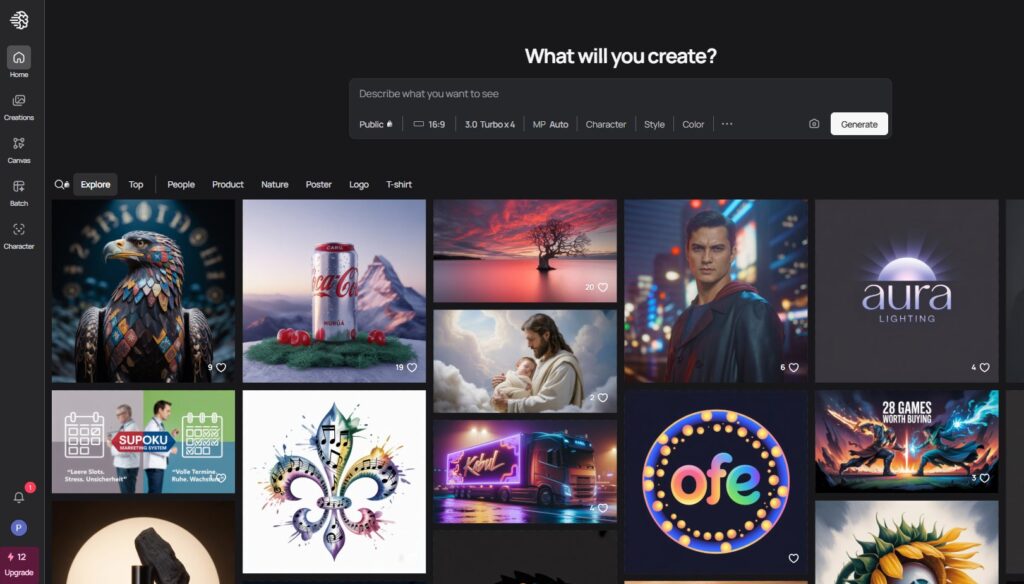
Famous for text/typography that’s much slicker than many of its rivals, and clean poster-style compositions.
Best for: Text inside images , logos, posters, and typographic layouts
Core strengths:
- Reliable lettering and layout for ad creatives
- Poster, signage, and logo-like concepts
- Niche focus; not as broad for photorealism
- Some outputs still need vector polishing afterwards
Use it if: You often want to be able to read text in images, ads, posters, thumbnails, and packaging mock-ups.
7)Canva Magic Media
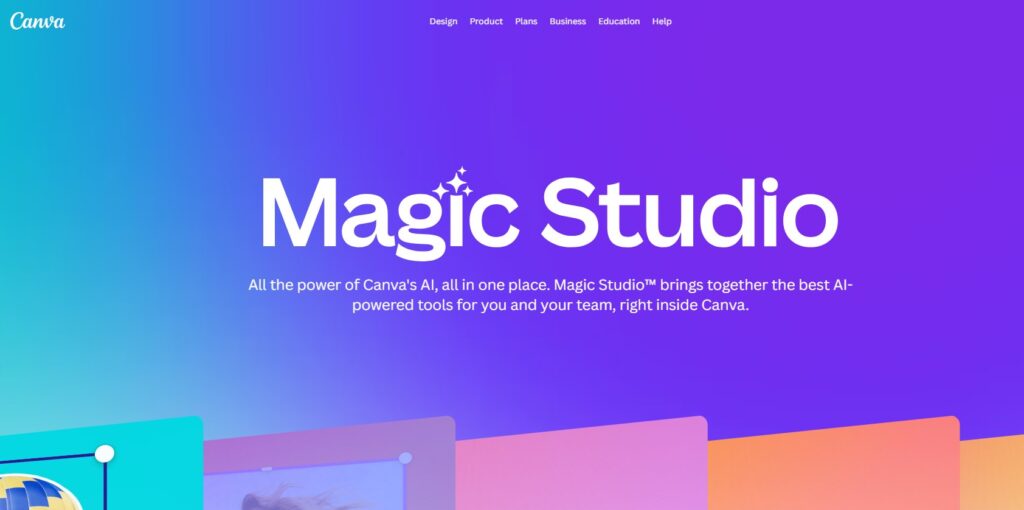
Put a prompt in, then drop the image right into a template, add text, animate, export, done.
Best for: Social posts, thumbnails, quick marketing assets
Core strengths:
- Templates, brand kits, and collaboration
- Instant post-ready sizes for all platforms
- Easy learning curve
- Less control than pro image editors
- Quality is “good enough” but not always top-tier art
Use it if: You prioritize speed from idea → finished post over ultimate image quality.
8)Bing/Copilot Image Creator
May provide you with Skillful generation with few preparations, even at less expense to you than is usual in the environment.
Best for: Free/low friction entry point
Core strengths:
- Simple, approachable interface
- Good for casual needs and concepting
- Credit limits; not ideal for heavy production
- Fewer pro-grade controls
Use it if: You want fast, free generations, or you want to try things out before moving on to a pro tool.
Conclusion
Gramhir Pro paved the way for AI-generated images, but let’s face it, it’s not the best tool around anymore.
Today, though, alternatives like Midjourney, Adobe Firefly, DALL·E, Stable Diffusion, Leonardo AI, Ideogram, or Canva Magic Media promise more power, flexibility, and creative control.
The correct decision is the one that aligns with your goal: fast social content, professional client work, or experimental art.
Then, rather than relying on just one tool, you can combine these platforms to provide a full, smooth workflow from initial idea to polished image.
What’s the closest “all-rounder” to Gramhir Pro?
Canva Magic Media is an old friend for fast, social-friendly outputs. For higher quality without sacrificing that simplicity, DALL·E in ChatGPT/Copilot is a good step up.
I need the best photo-real portraits—what should I use?
Midjourney is also SDXL (Stable Diffusion) is a good one, for client work, results are brought into Photoshop for retouching.
Can I get readable text inside images?
Ideogram leads here. You can also use Midjourney/DALL·E to generate backgrounds, and then superimpose real text in Photoshop/Canva for perfect legibility.
Which tool is best for brand/character consistency across campaigns?
Leonardo AI (style/character components) or Stable Diffusion with custom LoRAs and a fixed seed. Maintain a prompt/style guide to keep everything consistent.
Is there any fee AI image generator available?
Start with Bing/Copilot Image Creator for some free credits. Stable Diffusion is local, so as long as you have a decent GPU, it runs for pretty much unlimited generations (time/electricity is your main cost).
Enjoyed this article?
If TechLatest has helped you, consider supporting us with a one-time tip on Ko-fi. Every contribution keeps our work free and independent.
