Highlights
- Nano Banana keeps people, pets, and objects looking consistent in every edit.
- Editing is simple inside the Gemini app with step-by-step changes.
- All AI-edited photos carry visible and invisible watermarks for transparency.
If you have tried any AI photo editing tools before, you would know one main problem. The results are not always consistent.
Sometimes when you edit a picture, the person’s face looks slightly off, or your pet’s fur changes in a weird way.
Don’t want to miss the best from TechLatest ? Set us as a preferred source in Google Search and make sure you never miss our latest.
This is something many people have faced, and it becomes frustrating after a while. Google has now introduced Nano Banana , a new editing feature that solves this exact issue.
The tool makes sure your subject stays the same and does not look like someone else even when you make big changes to the photo.
Google Nano Banana: Fixing the Problem of Inconsistent AI Photo Edits
How Nano Banana works?
The process of using Nano Banana is very simple. You just upload your photo in the Gemini app, type what changes you want, and the tool does the rest.
The AI makes a new version of the image, but it carefully keeps the original subject looking the same. For example, you can change your hairstyle or give your pet a costume, but they will still look like themselves, not like a different person or animal.
The editing options are quite wide.
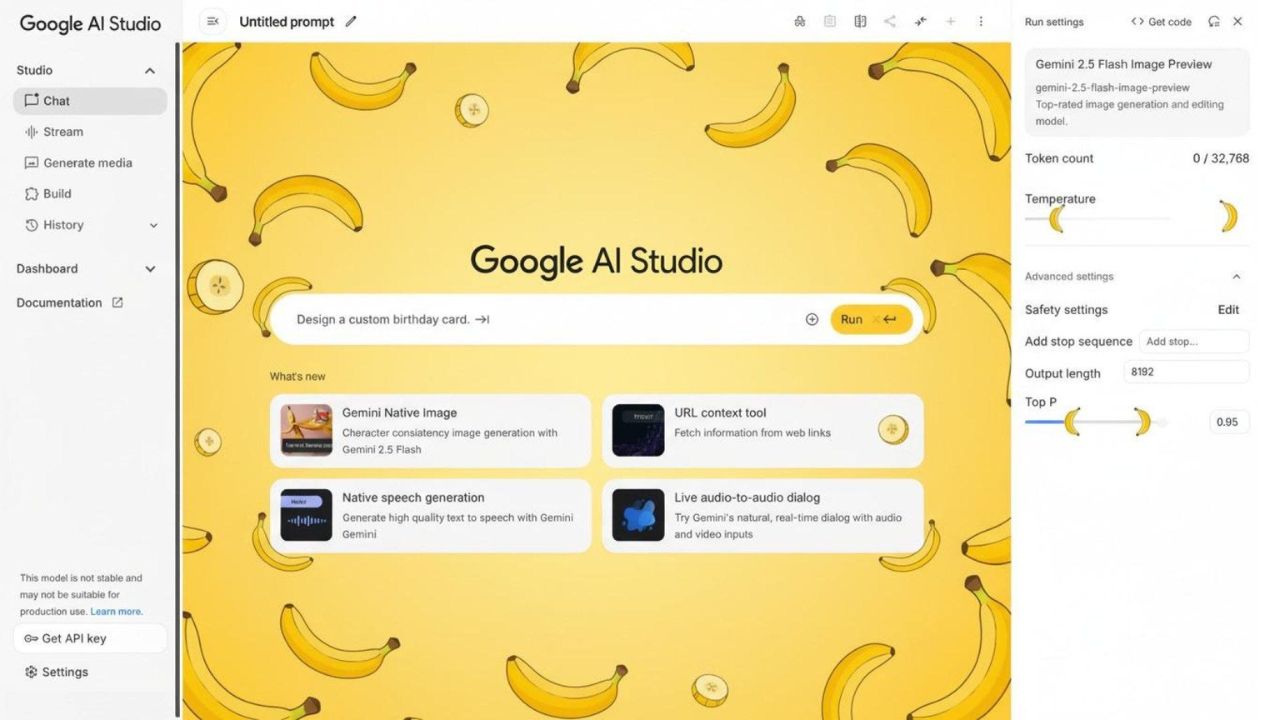
Image Credits: Google
Costume and Background
You can change outfits or place yourself in another background. It can even make you look like you are in another profession or time period.
Blending Photos
It allows merging of two photos into one. Like if you have a picture of yourself and a picture of your pet, you can blend them together in one frame.
Step-by-Step Editing
You can edit in stages. Add or remove things one by one. This is useful if you are redesigning a room, changing furniture or wall colors in parts, instead of all at once.
Mixing Styles
You can take a texture or design from one image and apply it to another. For example, using a floral print from one photo to create a new clothing design.
Focus on Transparency
Google has made Nano Banana with transparency in mind. Every edited or generated photo comes with watermarks.
There is a visible watermark and also an invisible SynthID digital watermark . This makes it clear that the picture was edited using AI. It is important because it prevents people from mistaking AI content as real photos.
Why It Matters?
The release of Nano Banana is not just another feature. It is a big step forward in AI editing. The problem of inconsistent edits has been around for years, and this is one of the first real solutions.
What makes it better is that the tool is not complicated. Anyone can use it and still get reliable results. It shows that powerful AI can be made simple and safe at the same time.
To put it simple, Nano Banana makes AI photo editing much more reliable. It keeps the subject true to the original, allows creative edits without distortion, and keeps transparency with watermarks. This is a strong move from Google to improve AI editing for normal users, not just experts.
Enjoyed this article?
If TechLatest has helped you, consider supporting us with a one-time tip on Ko-fi. Every contribution keeps our work free and independent.
