Highlights
- Here is a detailed comparison between Google Photos and Amazon Photos.
- Google Photos offers 15GB of free storage, while Amazon Photos provides 5GB of free storage for all users and unlimited storage for Amazon Prime members.
- Google Photos has powerful search capabilities with object recognition, allowing users to search for specific items or themes within their photos, while Amazon Photos has basic search options. Read for detailed comparisons.
Both applications provide handy methods to save, organize, and share your memories, but they differ in terms of functionality, cost, and platform integration.
Don’t want to miss the best from TechLatest ? Set us as a preferred source in Google Search and make sure you never miss our latest.
Content Table
Storage
Google offers users 15GB of free storage space. This means you may upload and keep your photos and videos for free up to a maximum of 15 gigabytes. It’s an easy way to back up your valuable memories and retrieve them from numerous devices.
If you find yourself in need of extra storage space for your growing collection of digital material, Google One is a membership service.
You may upgrade your Google One storage beyond the default 15GB. Subscription prices begin at $1.99 per month and include 100GB of storage space.
Google One also offers a variety of plans with varying storage capacities, allowing you to select the one that best meets your needs.
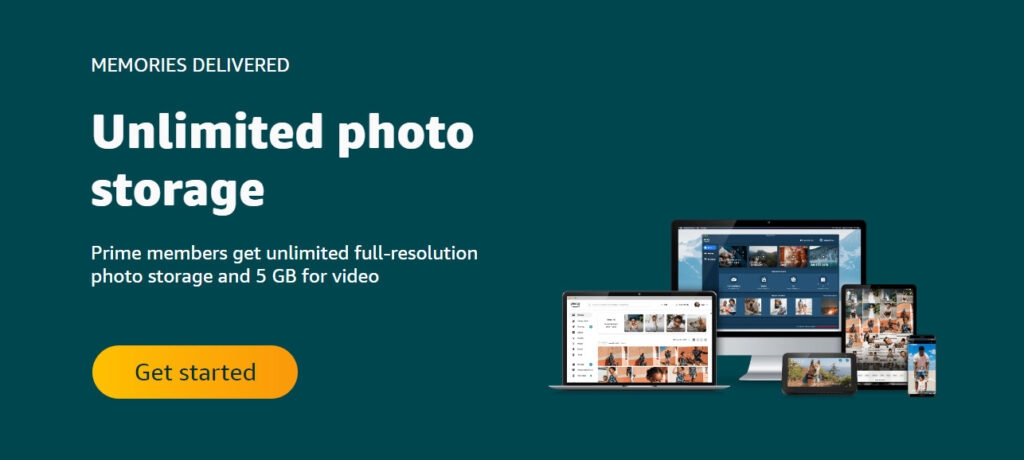
This means that if you have a Prime membership, you may upload and save as many high-quality photographs as you want without worrying about exceeding storage limitations.
It’s a fantastic benefit for Prime members who regularly record and store important moments in digital format.
Backup
Both services provide automated backup of your images, guaranteeing that your priceless memories are safely preserved in the cloud. However, there are some noticeable differences in how these two systems operate.
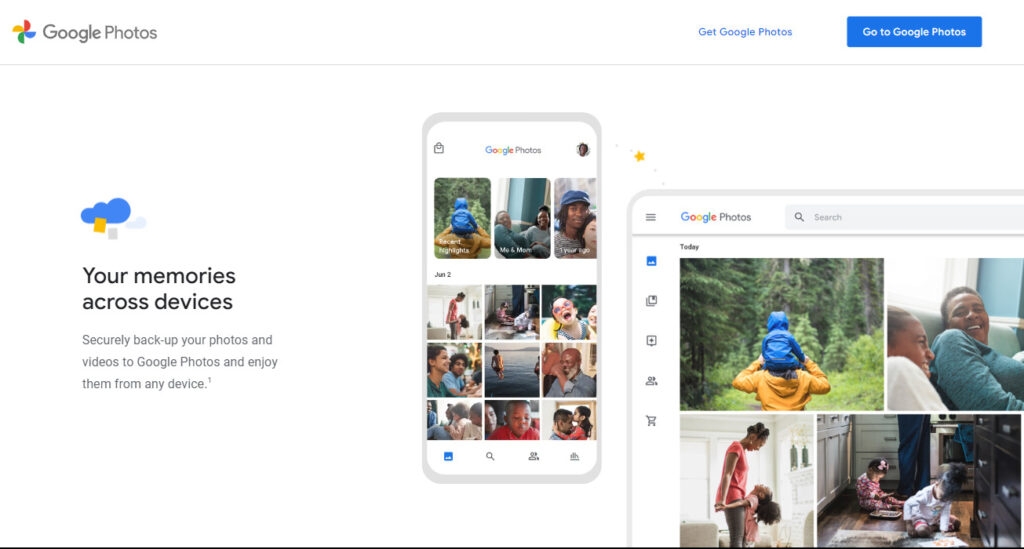
When it comes to Google Photos, the service offers a complete backup option for all of your photographs, regardless of their quality. This implies that whether you have high-resolution or low-quality photographs, Google Photos will back them up and securely store them in the cloud.
So, whether you have precisely recorded professional photographs or beloved family snapshots, you can be confident that Google Photos will retain the original, high-resolution copies of these images.
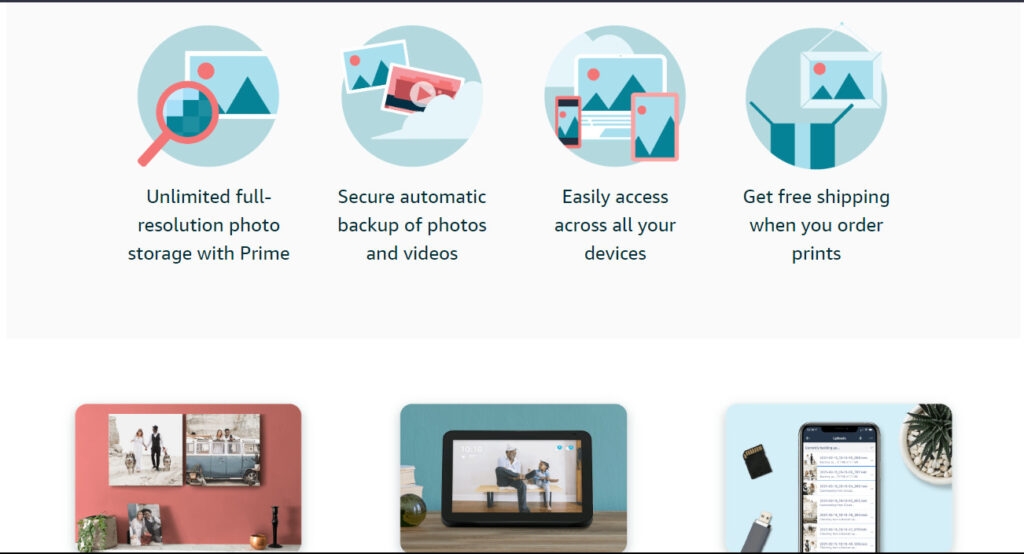
This indicates that the image’s resolution and overall integrity may be lowered, resulting in a little loss of visual details.
It’s worth noting that this lesser resolution backup option is given as a compromise to non-Prime users, allowing them to keep their images in the cloud without the same level of visual fidelity as Prime members.
Search
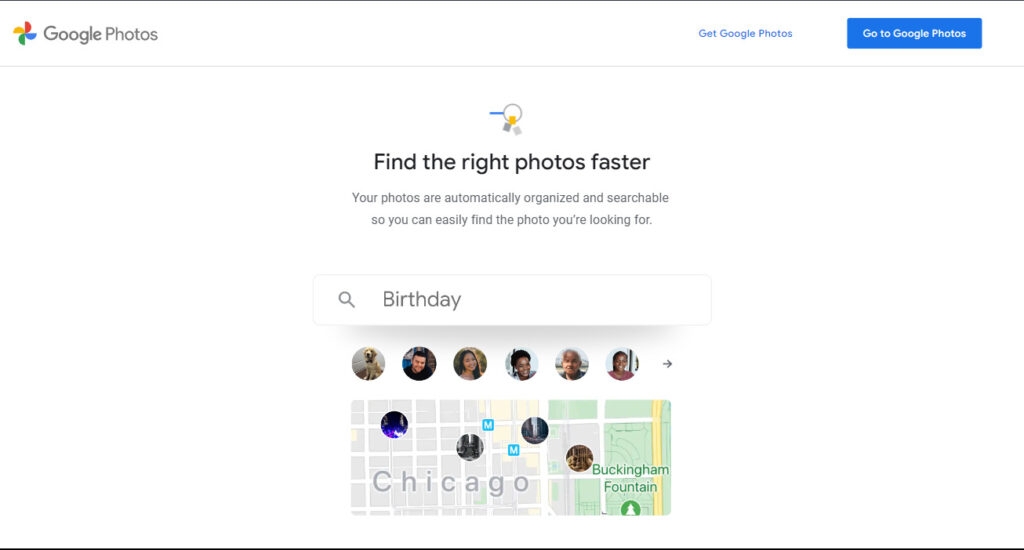
Google Photos, which is recognized for its extensive search capabilities, takes one step further in assisting users in finding exactly what they’re looking for. Google Photos can detect items in photographs you submit by using strong image recognition technologies.
This means you can search Google Photos for certain products or themes, such as “dogs” or “flowers,” and it will return related results. This function is especially useful if you have a large photo collection and need to identify photographs that feature a specific object or subject rapidly.
While you may search for photographs using broad categories such as “beach” or “mountains,” it may not be as exact or thorough as Google Photographs’ object recognition capability.
Users benefit from Google Photographs’ ability to detect items in photographs and enable customized searches based on those objects when organizing and locating their images.
Whether you’re looking for photos of your favorite pet or photographs of gorgeous flowers you took on vacation, Google Photos’ powerful search options can help you save time and effort.
Editing
Both provide a rudimentary set of picture editing tools for users to improve and adjust their photographs. These editing tools enable users to make changes, add filters, and produce visually appealing images without the need for specialist software or technical knowledge.
When it comes to fundamental editing features, both systems provide the same ones, such as cropping and rotating photographs. You may change the composition of your photographs by deleting unnecessary objects or modifying the frame.
These tools allow you to simply obtain the ideal aesthetic, whether you want to straighten a slightly skewed horizon or focus on a single topic.
Whether you want to lighten a dark shot or add depth to your photographs by boosting the contrast, these capabilities provide you the freedom to produce the required aesthetic effect.
Google Photos goes above and beyond basic editing capabilities by including some more complex features. For example, it has a red-eye reduction tool, which is really handy for photographing pictures.
If your subject’s eyes seem red as a consequence of flash photography, you may quickly remove this effect, producing more natural and realistic images.
While both systems provide basic editing capabilities like cropping, rotating, altering brightness and contrast, and adding filters, Google Photos goes above and beyond with features like red-eye correction and collage creation.
Whether you want to make simple tweaks or more extensive edits, both platforms seek to provide users with easy tools to convert their photographs into fascinating visual experiences.
Collaboration
When it comes to collaboration capabilities, Google Photos is the obvious winner, providing a wide range of choices for sharing photographs and albums with others.
Google Photos not only excels in this category, but it also has a specific family-sharing option, making it an excellent alternative for individuals wishing to share memories with their loved ones.
Google Photos has limitless storage and powerful search capabilities, making it an ideal alternative for those who value these features.
Further Reading:
- Google Drive vs. OneDrive, Which one is Safe to Share?
- How to Add Google Drive to File Explorer in Windows 10/11?
- 7 Best File Hosting Providers with Direct Download Link/Hotlink
Enjoyed this article?
If TechLatest has helped you, consider supporting us with a one-time tip on Ko-fi. Every contribution keeps our work free and independent.
