Highlights
- Google’s new Vibe Coding lets users create AI apps instantly from simple prompts.
- The AI Studio update removes complex coding, focusing on creativity and intent.
- New tools like Annotation Mode and App Gallery make AI development faster and more visual.
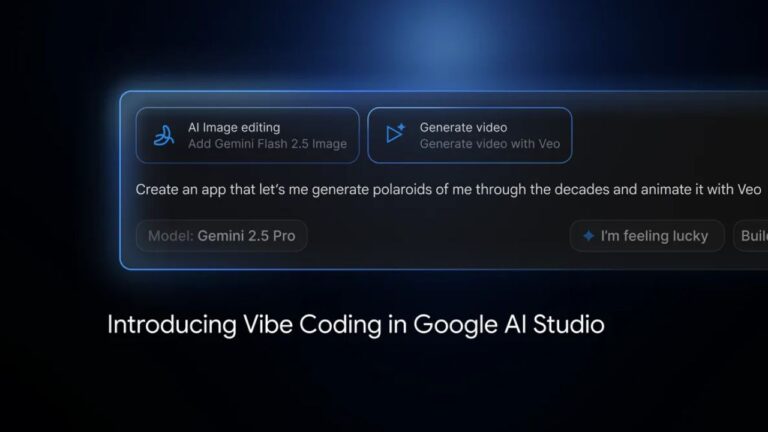
Google has introduced a new update to its AI Studio , and the highlight of this update is called Vibe Coding . It’s meant to make building AI apps easier and quicker.
With this new feature, you don’t need to know all the technical stuff like APIs or SDKs. You just tell the platform what kind of app you want, and it builds it for you.
Don’t want to miss the best from TechLatest ? Set us as a preferred source in Google Search and make sure you never miss our latest.
The main idea is to remove the hard parts of AI development and make it something anyone can try, even if they have no coding background.
Google introduces “Vibe Coding” in AI Studio. Everything you need to know
What is Vibe Coding?
Vibe Coding is Google’s new approach to AI app creation. Instead of writing long code or connecting complex systems, users can describe their idea in plain language.
For example, if you want an AI photo editor or a writing assistant, you just explain it. Then AI Studio , powered by Gemini models , automatically does the rest.
Google says this new version of AI Studio takes care of all the backend work, so users can focus only on the creative part.
It basically turns an idea into a working app within minutes. The whole thing is about coding based on intent, not syntax.
This is why Google calls it “vibe coding”: you build based on the vibe of what you want the app to do, not on how you write the code.
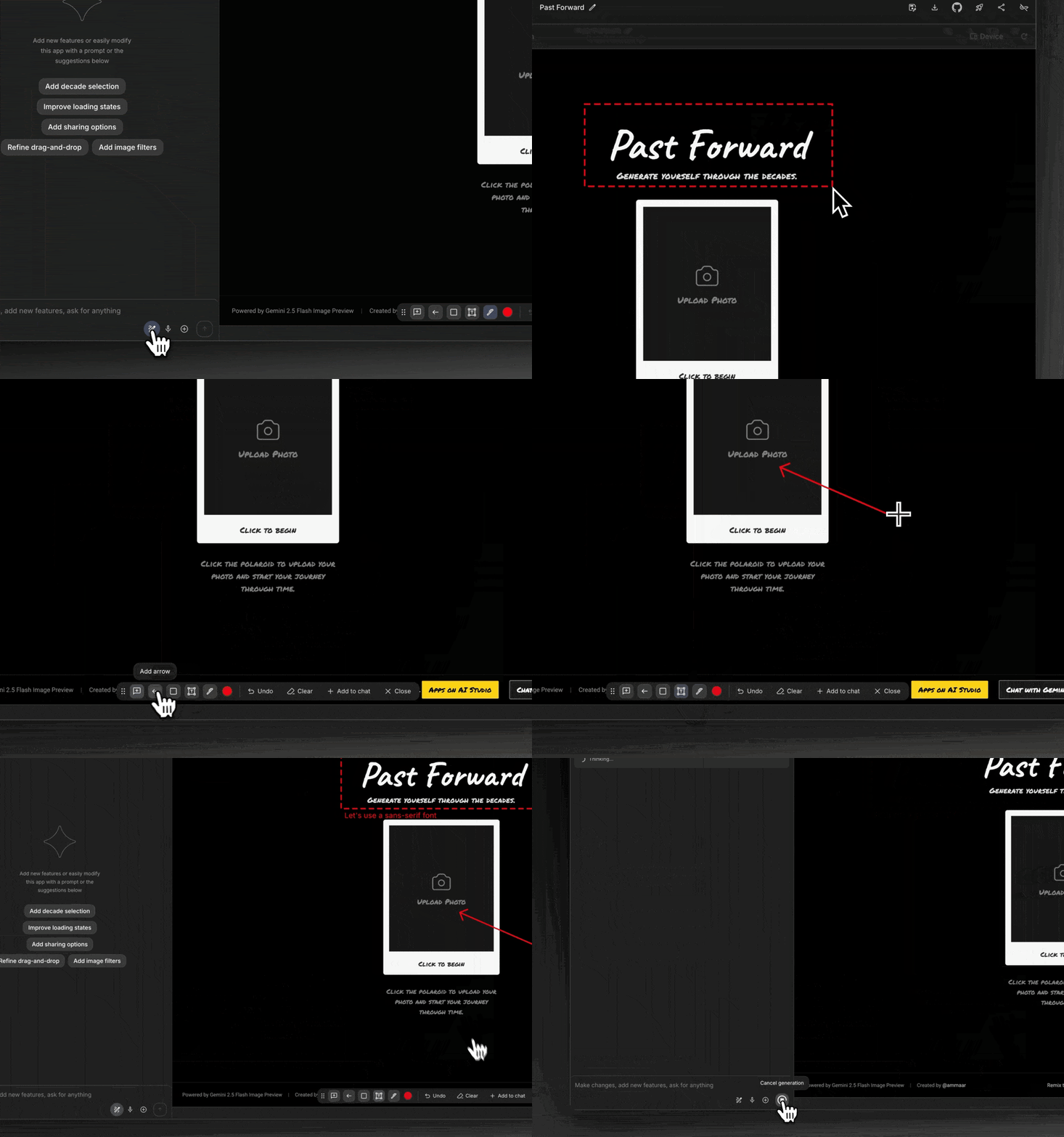
Image Credits: Google
New tools in AI Studio
To make things even better, Google has added new tools that help with faster app creation. Annotation Mode lets users change and improve their apps just by interacting with them directly. You don’t need to touch the code. You can test, adjust, and fix things visually, which saves time.
The I’m Feeling Lucky button is another addition that helps when you’re stuck or need a new idea. Clicking it gives random project suggestions to help start something new.
The App Gallery has also been redesigned. Now it’s more visual and easier to explore. You can see other users’ projects, learn from them, and even remix them to make your own version.
Another small but useful change is the Brainstorming loading screen . When your app is being created, Gemini shows creative prompts and ideas so that your waiting time is still productive.
Access and continuity
Google has also added a feature that lets users connect their own API keys . This means even after you hit the free usage limit, you can keep working without interruptions.
The goal is to make sure everyone, from students to developers, can use Vibe Coding without limits or breaks.
- OpenAI Launches AgentKit for Building No-Code AI Agents
- Windows 11 Agentic OS Brings AI Intelligence Straight to Your Desktop
- Facebook AI Photo Suggestions Can Now Auto Edit and Analyze Your Pictures
Overall, this Vibe Coding thing shows how Google wants to make AI development open for everyone. Instead of learning complex code or backend systems, users can now bring their ideas to life just by describing them. This update to AI Studio is a step toward making AI creation faster, simpler, and more creative.
Enjoyed this article?
If TechLatest has helped you, consider supporting us with a one-time tip on Ko-fi. Every contribution keeps our work free and independent.
