Highlights
- Samsung adds ads to its premium smart fridge displays through a new software update.
- The new widget shows curated advertisements alongside news, weather, and calendar info.
- Users can turn off the ads manually in settings, but the change sparks privacy concerns.
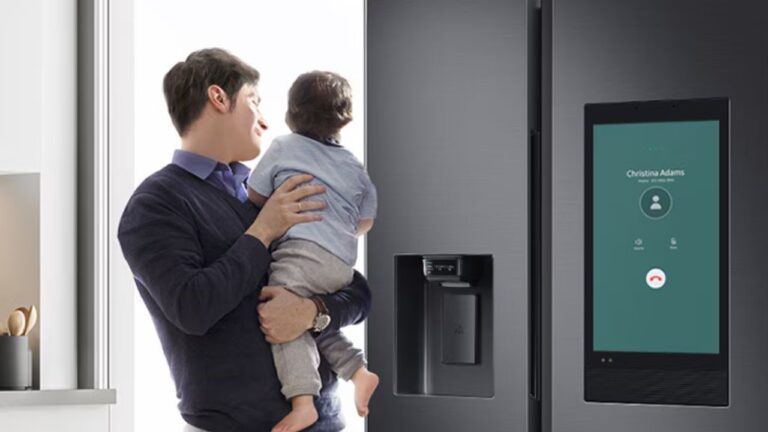
Samsung has started rolling out a new software update for its smart fridge , and it’s already causing mixed reactions.
Don’t want to miss the best from TechLatest ? Set us as a preferred source in Google Search and make sure you never miss our latest.
People who own these Samsung smart fridges will now see an extra widget on the screen. It rotates between four pages every few seconds, showing news, weather, calendar events, and a new section for curated ads .
Shane Higby, who heads Samsung’s Home Appliance Business in America, confirmed this update. For now, the ads will mostly show Samsung products like SmartThings devices or water filters, but the company also hinted that third-party ads could show up later.
What changes with the update?
Starting from early November, Samsung began pushing this new update to Family Hub models with 21.5-inch and 32-inch displays.
The fridge will now automatically display a rotating widget that refreshes every 10 seconds. One of those pages will now show product promotions and other ad content.
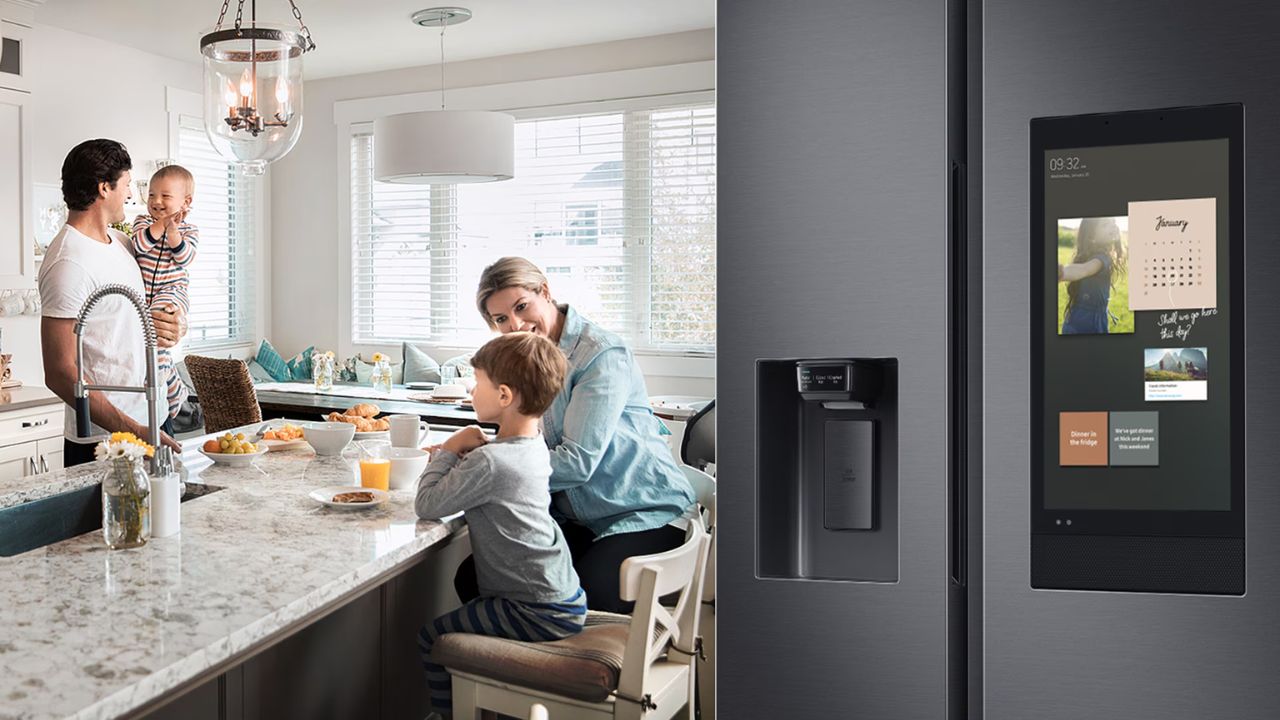
Image Credits: Samsung
Samsung said this is meant to make the fridge “more helpful” by offering useful info. But many buyers aren’t happy about it.
Most of them didn’t expect to see ads on a fridge they already paid thousands for. The update changes how the product works after purchase , which feels unfair to some.
Many users feel like this is another example of smart home devices slowly turning into advertising spaces. Even if Samsung claims it’s just a “pilot program,” the move still raises questions about where this is heading next.
How to turn off ads on a Samsung smart fridge?
If you own a Samsung smart fridge , there’s still a way to turn off the ads. You can remove them by doing this:
- Open Settings on the fridge screen
- Scroll down to Advertisements
- Toggle the ad setting off
Once you do that, the ad widget will disappear completely. Samsung said this feature is still in testing, and they’re collecting feedback from users.
So if you’re unhappy about it, sharing your thoughts through Samsung support or social media might actually help shape what happens next.
Further Reading:
- Samsung’s Perplexity AI-Powered TV App Brings a Smarter Viewing Experience
- Galaxy XR Debuts as Samsung’s $1,800 Android-Powered Mixed Reality Headset
- Samsung W26 Foldable Debuts in China with Feature Missing on Z Fold 7
Even if Samsung says these ads are small, optional, and non-personalized, it still sets a worrying example for future updates.
Right now, you can turn the ads off. But this shows how easily software updates can change the experience of products that are already in your home.
Enjoyed this article?
If TechLatest has helped you, consider supporting us with a one-time tip on Ko-fi. Every contribution keeps our work free and independent.
