Highlights
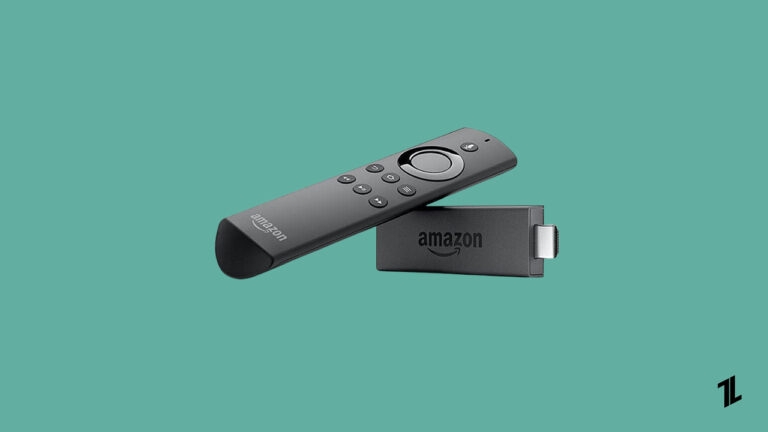
- Firesticks offer an easy setup and compact design, making them a popular choice for those who enjoy watching TV.
- It is common for Firestick users to get stuck on the Amazon logo when trying to watch their favorite shows, movies, series, etc.
- Fortunately, users who’ve experienced the problem have reported several solutions to fix it if they get stuck on the Amazon logo screens.
Don’t want to miss the best from TechLatest ? Set us as a preferred source in Google Search and make sure you never miss our latest.
Content Table
- There may be a software glitch or bug that causes the Firestick to remain at the Amazon logo. The issue can be resolved by clearing the cache, updating the software, or resetting the device.
- In some cases, the Amazon logo may appear on the Firestick if the device is running out of memory. Ideally, you should empty the cache and uninstall unused applications to free up memory.
- There are times when a malfunctioning power adapter or damaged device can cause the Firestick to remain on Amazon’s logo. Depending on the issue, you may need to return the Firestick for repair or replacement.
- There is a possibility that the Firestick will become stuck on the Amazon logo if the software on it is corrupted. Factory resets can help resolve this issue. So, now let’s start with the fixes for this issue in more detail.
Fix 1: Restart Your Firestick
- On the side of the Firestick, you will find the power button.
- You must disconnect the Firestick’s power cord from the wall outlet or remove it from the device’s power source to unplug it.
- Before plugging the Firestick back into the power source, wait for 10-15 seconds.
- Check that the TV is set to the correct input before turning it on.
- By pressing the power button, you can turn the Firestick on.
Fix 2: Use Another HDMI Port
It is common for TVs to come with more than one HDMI port. You cannot get past the logo screen when connecting Fire TV Stick to a dysfunctional HDMI port.
There is a possibility that you will need to switch HDMI ports and plug Fire TV Stick into a different one. Make sure you use the TV remote to change the HDMI screen.
Fix 3: Cool Down Fire TV Stick
Residents of hot climates should pay attention to this. Fire TV Sticks might become hot from heavy usage, which can result in the device being stuck at the logo.
Make sure the TV is turned off, and the Fire TV Stick is unplugged. After a minute or two, let it cool down. You can plug the Fire TV Stick back into your TV and start streaming your favorite TV shows and movies as soon as it’s ready.
Fix 4: Use Fire TV Stick Without HDMI Adapter
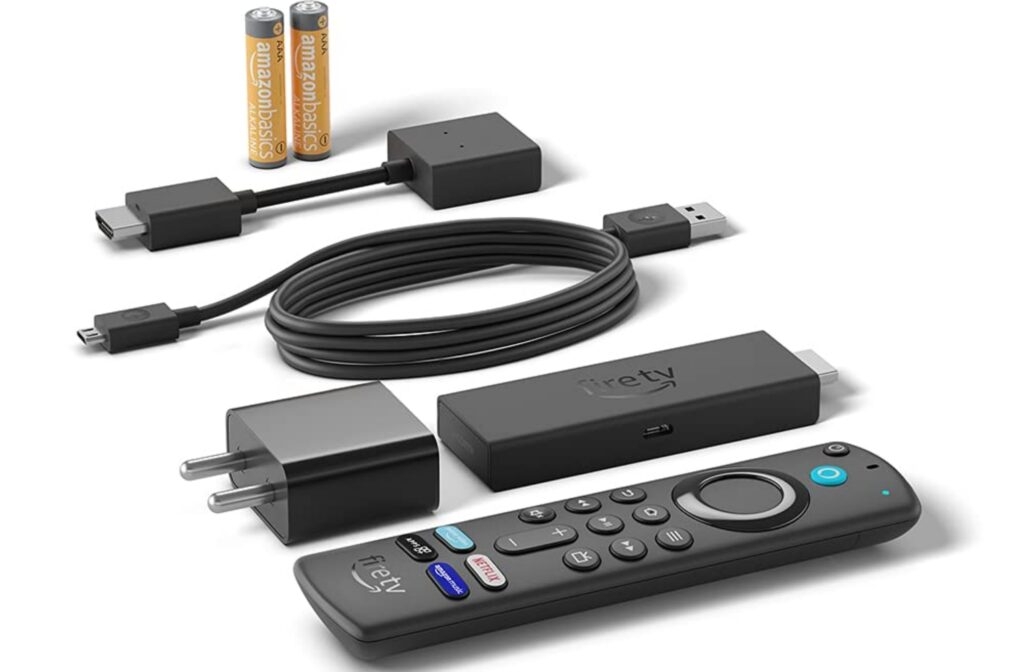
HDMI adapters may be required for Fire TV Stick to be connected to televisions based on their hardware. Unless you need it, you shouldn’t use an HDMI adapter. The adapters might not perform as expected in some cases, and you’ll run into problems.
Fix 5: Use The Original Charging Cable
Data cables that came with your Fire TV Stick should be used just like the original adapter. It is possible that you’ll have trouble using the power supply if you use a crappy third-party data cable to charge your Fire TV Stick. If there is an insufficient power supply, the Fire TV Stick may become stuck at the logo.
- Visit the Amazon Fire TV support website .
- Choose the support type you need (phone, chat, or email).
- You can reach a representative by following the on-screen instructions.
If you would prefer a wired connection over WiFi, some Fire TV Stick models come with ethernet adapters for connecting to a wired network. In addition, the newer versions of the Fire TV Stick also support WiFi 6, which gives them faster and more reliable wireless connectivity.
Conclusion
Further Reading
- How to Airplay to Fire Stick? (iPhone and Mac)
- How to Install APK on FireStick From PC?
- How to Install Android TV ROM on Fire TV Stick 4K?
Enjoyed this article?
If TechLatest has helped you, consider supporting us with a one-time tip on Ko-fi. Every contribution keeps our work free and independent.
