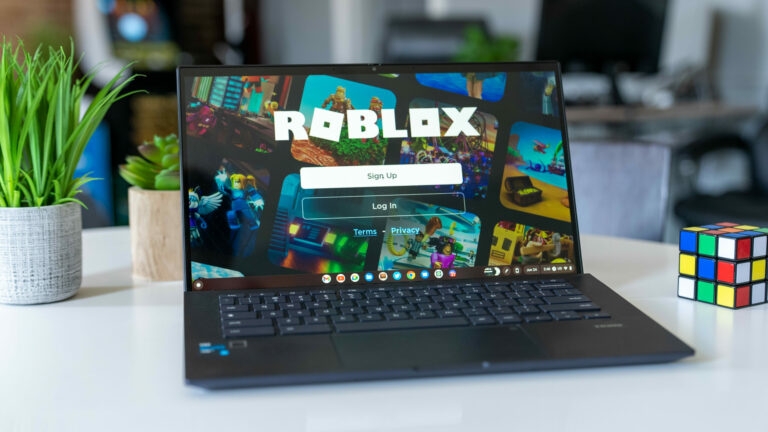
Did you get a new Chromebook? Is there any kid at your home or you yourself would like to play Roblox on your Chromebook? If yes, then we have a detailed guide on “how to play Roblox on Chromebook.” Give a thorough read below.
Roblox has more than 37 million daily users, with people of all ages playing the game. One of the best things is that Roblox can even run smoothly on Chromebook, unlike other games.
Don’t want to miss the best from TechLatest ? Set us as a preferred source in Google Search and make sure you never miss our latest.
- How to Rotate Screen on Chromebook?
- Is It Possible to Run Steam on Chromebook?
- Download and Install Chrome OS Flex on Your PC or Mac
Content Table
How to Install and Run Roblox on Chromebook?
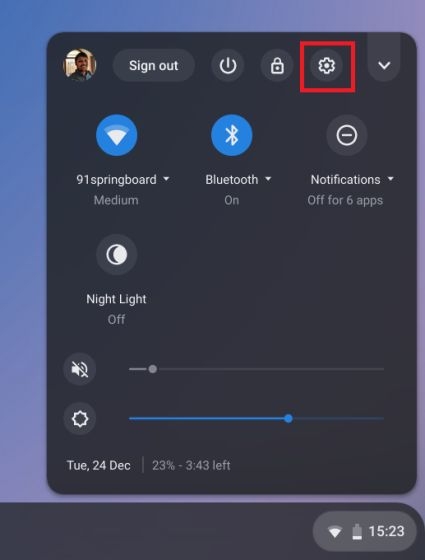
- Firstly, you need to open the settings page of your Chromebook and click on the gear type icon under the ‘Quick Settings’.
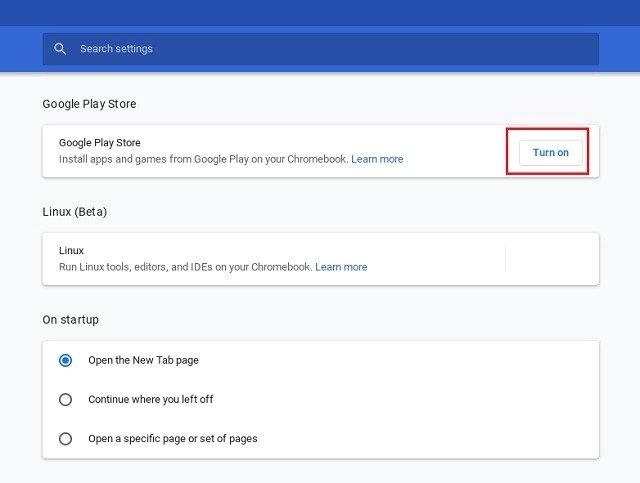
- Now, click on the ‘Apps’ available on the left pane and enable the Google Play Store option.
- Now, search for the Roblox game on Play Store and download it on your Chromebook.
- Now, open the Roblox game from the App drawer and launch it. Alternatively, you can also search for ‘Roblox’ in the search bar and open it. Moreover, this game also supports the WASD keys on the Chromebook.
- If you face a graphics issue on Chromebook, you can enable the GPU acceleration. The graphic issue sometimes arises because Chromebook is an ARM-based processor.
Play Roblox on the Browser on Chrome OS
- Open the now.gg link on your browser and then click on the option ‘Play in Browser.’ This will launch the game on the browser.
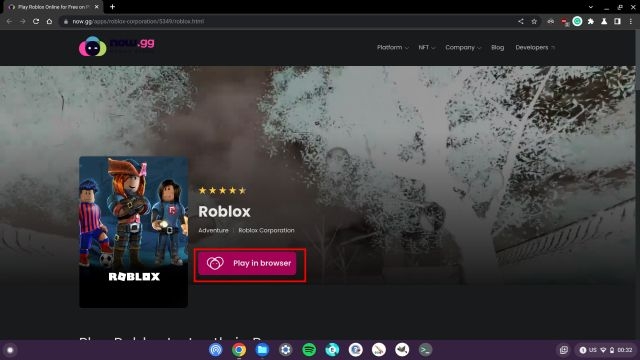
- Now, wait for some time, and then enter your Roblox credentials.
- Once you log in to your Roblox account, you can start playing the game instantly on now.gg platform.
Conclusion
We hope this article has provided you with the best ways to play Roblox on Chromebook. You can either play the Roblox game on your browser or install it through Google Play Store.
Enjoyed this article?
If TechLatest has helped you, consider supporting us with a one-time tip on Ko-fi. Every contribution keeps our work free and independent.
