
If you are a hardcore gamer and wish to play Google Stadia games on android devices, but you can’t do that because according to Google only Google pixel smartphones are eligible to access the game on mobile devices.
If you are a gaming enthusiast so there is no need to explain what Google Stadia is, but if you are new to the gaming world so let me introduce Google Stadia. Basically, Google Stadia is an online cloud game provided by Google which does not require good system specifications, but a good internet connection is a must. That’s the main reason why more and more users are seeking for online cloud gaming because these games do not require an expensive and hefty setup only a good internet connection completes all the need.
Don’t want to miss the best from TechLatest ? Set us as a preferred source in Google Search and make sure you never miss our latest.
Content Table
Google Stadia
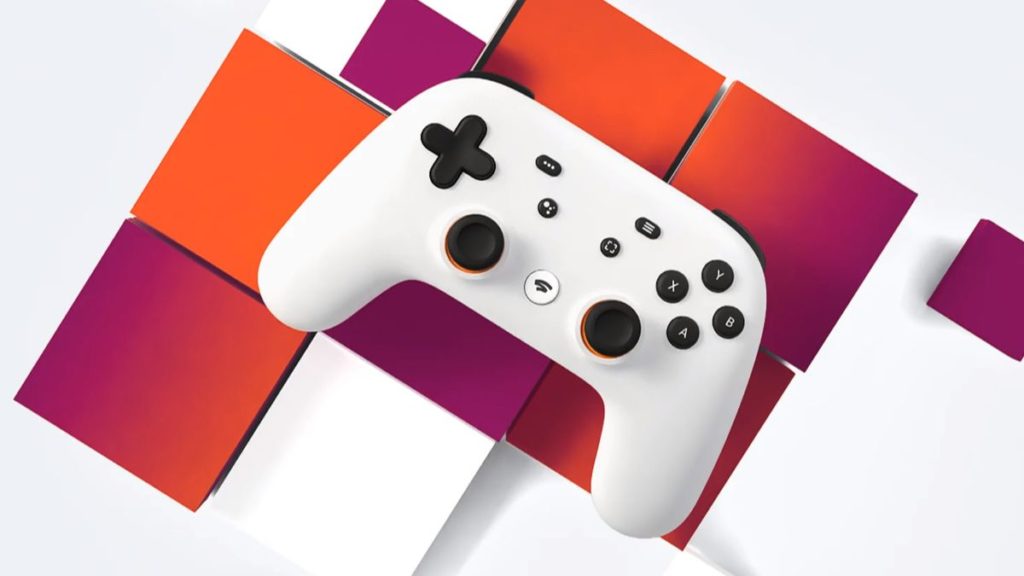
Google launched its Stadia in last year November, i.e November 2019. The game can be accessed using Google Chrome web browser in computer, in ChromeOS tablets, as well as in Chromecast for TV but not for Android, that was a disappointing point.
Thanks to an XDA member, Aminelzumi who developed a bypass method, by using this Android users can also play Google Stadia games on Android. Because not every user is interested to buy Google Pixel Device to play Google Stadia games. He designed a module called Xtadia and using this module we can play Google Stadia games on Android; this module makes stadia games compatible with the Android environment.
Stadia is a cool online game, it is device independent, i.e you can play games from any device your progress will be saved online in the clouds. Moreover, Google charges $10 for Stadia Pro, you can try the game free for one month but after the trial period, you will be charged $9.99 per month. We would not consider this as a disadvantage because you haven’t invested a single penny for the hardware and graphics.
Moreover, Google stadia is only available in some countries, for now, So if Google stadia isn’t available in your country, you can use VPN and change your location to the USA, or to the countries where Google Stadia is available. Know more about Best VPN Services .
If you don’t want a wired setup so you can play the game by connecting with a wireless Bluetooth controller, like Playstation 4 controller, to recognize your controller by Google Stadia, your Android device should have Android 10.
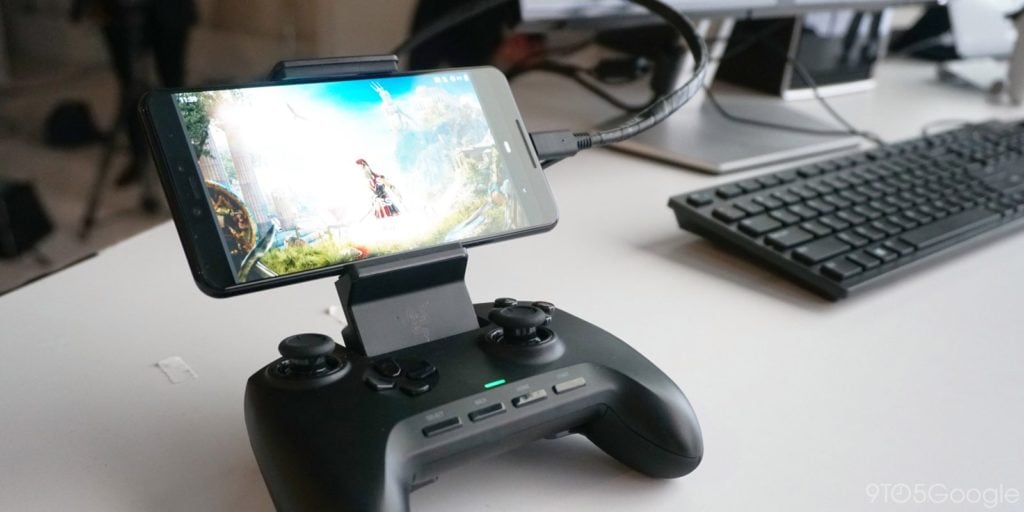
How to Play Google Stadia Games on Android?
Xtadia
Xtadia is an Xposed module that is only available for rooted Android devices. If your device is rooted so you can play the game instantly, otherwise, if your device isn’t rooted so follow our guide How to Root Your Android Device . So after rooting, you can install Xtadia on your device and enjoy playing Google Stadia games on Android devices too.
Requirements
Here we have listed some basic requirements your device should possess before playing Google Stadia games on Android,
- The first and most important thing is that your Android device must be rooted, Xtadia doesn’t work on a non-rooted device.
- Your device should be running on Android version 6.0 or above, (Android 10 is suggested for a better experience)
- A good internet connection is a must (possessing at least 10Mbps of speed) so that you can enjoy the game without any glitches.
- Backup essential data from your device. Know more about Best Cloud Storage
- You should have an Xposed framework and Installer installed in your rooted Android device. [For the latest Android version, Xposed isn’t available, so you can complete the process with EdXposed (an unofficial version of Xposed Framework)]

Install Xtadia on Your Rooted Android Device.
- Download Xtadia Xposed module.
- Tap on the downloaded Xtadia Xposed module to install it in your device.
- The installation will take a few minutes, wait until it finishes.
- Open the Xposed module installer on your smartphone.
- Now, click on the hamburger menu from the top-left corner.
- Now, go to the module option, and here you will find the Xposed module.
- Check the checkbox beside the Xtadia module.
- Reboot your smartphone and install playing Google Stadia games on Android.
Xtadia on Non-Rooted Android Devices
If you don’t want to root your device and still want to play Google Stadia games on Android, so you have to wait, because, in 2019, Director for Product for Stadia, Andrey Doronichev said that “ We’re aiming to get more devices supported next year. I really want to have Stadia gameplay on every mobile device, across Android and iOS at some point. But it’s a hard technical challenge and will take us time. Just need to start somewhere. So we’re starting with the device we know the best and can provide an optimal experience – our latest Pixel phones. ” So, we can expect that Google will launch the Stadia for all Android devices this year. If you don’t want to root your device and play Google stadia games on Android, so waiting until official launch is the only option. As soon as Google will update anything related to Stadia on Android, we will update the article.
Enjoyed this article?
If TechLatest has helped you, consider supporting us with a one-time tip on Ko-fi. Every contribution keeps our work free and independent.
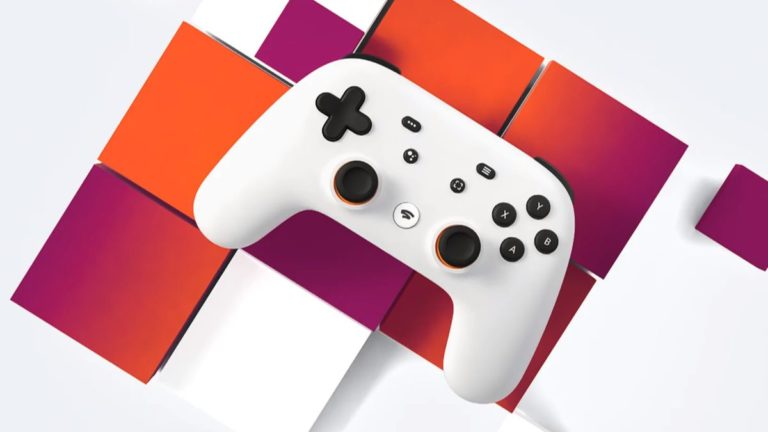
Google has recently launched ‘Google Stadia’ its new cloud gaming service which reportedly can stream video games up to 4K resolution at 60 frames per second with support for HDR and now rivals other cloud-streaming services such as Sony’s Playstation now, Microsoft’s Xcloud, Nvidia’s Geforce Now.
It sells at an initial price of $130 with three months of premium service and a 10$ monthly subscription and for the players who play using a controller, the Google stadia controller comes for a price of $70 and an additional price for all the premium games that you want to buy from Stadia.
Don’t want to miss the best from TechLatest ? Set us as a preferred source in Google Search and make sure you never miss our latest.
Content Table
Not too great, But Not too bad
Google Stadia offers a game-streaming service that requires only a good internet connection (Wifi only) with a speed of at least 10 Mbps and a device, such as a mobile phone (only Pixel 4 or Pixel 3 or Pixel 3a for now) or a laptop or a Chromecast or a personal computer, to stream the games.
The games can be played on all these devices although not simultaneously but can be switched back and forth from device to device. Google has announced that Stadia will include a basic free subscription in 2020 that will be limited to a 1080p streaming resolution and the Stadia service can be streamed from any android phone with a wifi connection.
Currently, there are 22 premium games including Assassin’s Creed Odyssey, Final Fantasy XV, Mortal Kombat 11, etc that are available to buy from the Google Stadia games catalog and more games are said to be released in the upcoming years.
The gaming experience that Stadia offers is good without any noticeable glitches or rendering issues and is better than most of its competitors but they do not look as good as they look on a high-end gaming PC or an Xbox one-X or a Playstation 4.
The graphics quality was not too bad but it did not look very visually appealing even at 4K resolution. With that being said, Google is working on the further development of Stadia and taking it to the next level.
Google Stadia: How it works
The Stadia streams video games by rendering them on remote servers that are located in Google’s data centers in over 200 countries and territories and stream the video game back to your device while also sending your input simultaneously to the server.
According to Google, Stadia can stream at 4K resolution at 60 FPS without any lag with HDR and surround sound. It is said that Stadia will stream 8K resolution at 120 FPS in the future.
As the video games are streamed via the cloud, the players are not required to download the games or to buy a physical copy of the games and offer players to buy games directly from Steam and not for renting like some other cloud streaming services.
Google has partnered with AMD to develop specialized GPUs for streaming via Stadia and the chips inside the GPUs will be able to deliver 10.7 teraflops of power which is much higher than that of Xbox one-X and the PS4 pro.
Conclusion
Although many say that it is not ready yet and it never will be as good as local gaming machines. It is still the early days of Stadia and judging by Google’s announcements for the future, Stadia promises to be one of the best alternatives to consoles like Microsoft Xbox, Sony Playstations and high-end gaming PCs for the people who cannot afford to buy those. Google Stadia can very well change the scope of the gaming industry if it chooses the right choices and makes the right decisions in the future.
Enjoyed this article?
If TechLatest has helped you, consider supporting us with a one-time tip on Ko-fi. Every contribution keeps our work free and independent.
