Highlights
- Borderlands 4 started on September 10 for PC, PS5, and Xbox Series X/S.
- Initial file sizes vary, with PS5 and Xbox around 30 GB, while PC requires 65 GB.
- A large day one patch is expected, pushing the final size closer to 65 GB.

If you are waiting for Gearbox’s next big game, you can now pre load Borderlands 4 before launch. Preloads went live on September 10, according to PlayStation Game Size on X (earlier Twitter). This means players can download most of the game now and play the second it goes live.
Preload Borderlands 4: File Sizes, Platforms, and How to Get Started
Borderlands 4 Download Size
The preload file sizes are not the same everywhere. Here is what’s reported right now:
- PC ( Steam ): 65 GB
- PlayStation 5 : 28.1 GB
- Xbox Series X/S: 29.5 GB
Don’t want to miss the best from TechLatest ? Set us as a preferred source in Google Search and make sure you never miss our latest.
These are only the starting sizes. A big day one patch is very likely, and it will probably bring the final install close to 65 GB on all platforms.
How to Preload Borderlands 4?
On PC (Steam)
- First, you must buy the game on Steam.
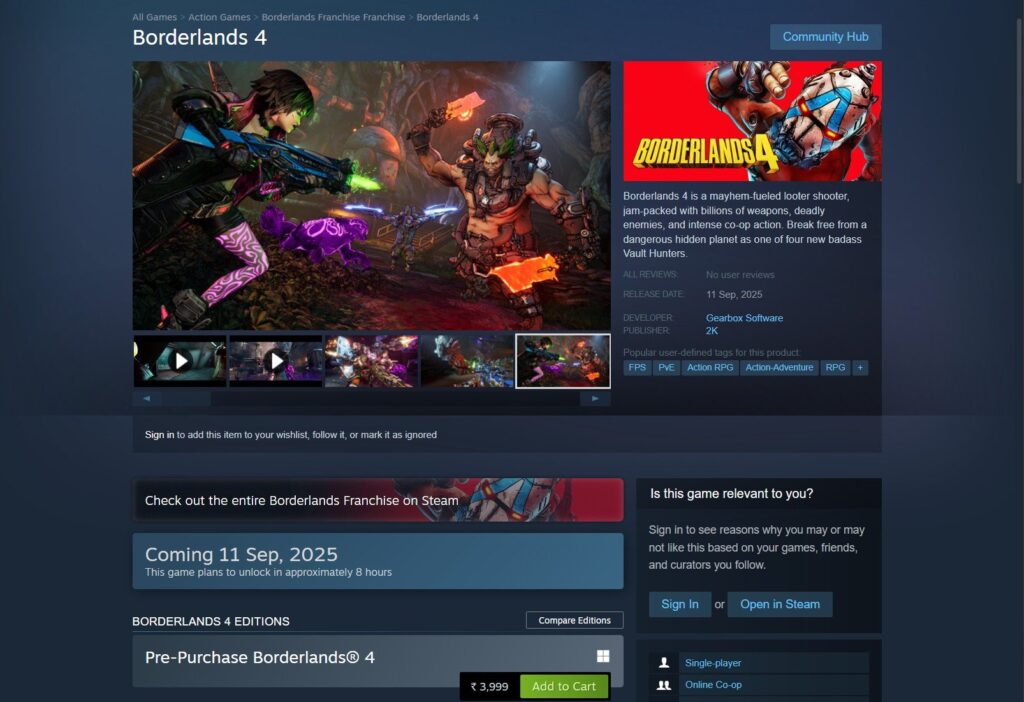
- Open the Steam app and visit the Borderlands 4 page.
- After purchase, you will see the Preload option.
- Click it to start downloading the game.
On PlayStation 5
- Go to the PlayStation Store and pre-purchase Borderlands 4.
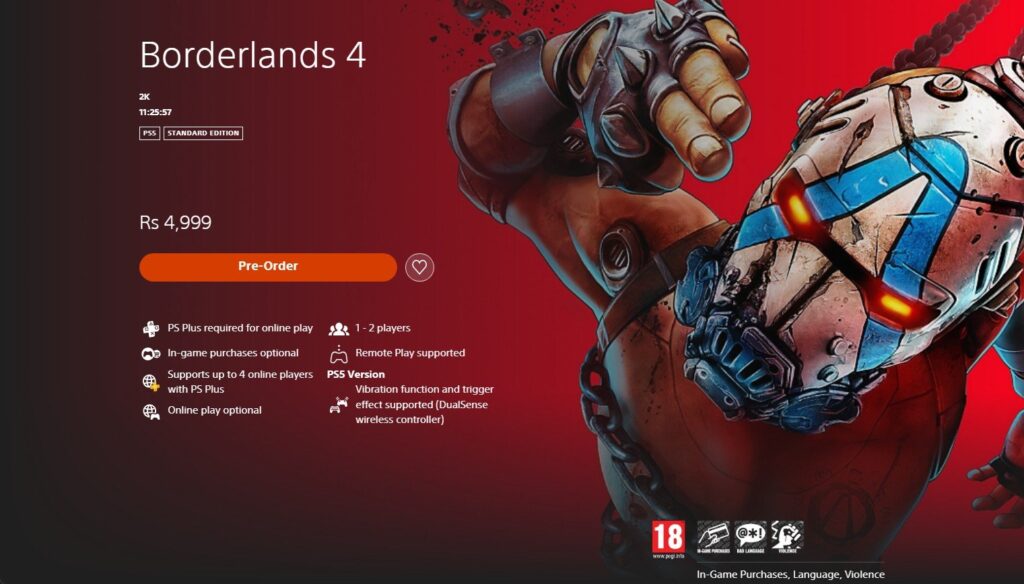
- After that, check your Game Library.
- Find Borderlands 4 in your list.
- Select Download to preload the game.
On Xbox Series X/S
- Buy the game from the Xbox Store.
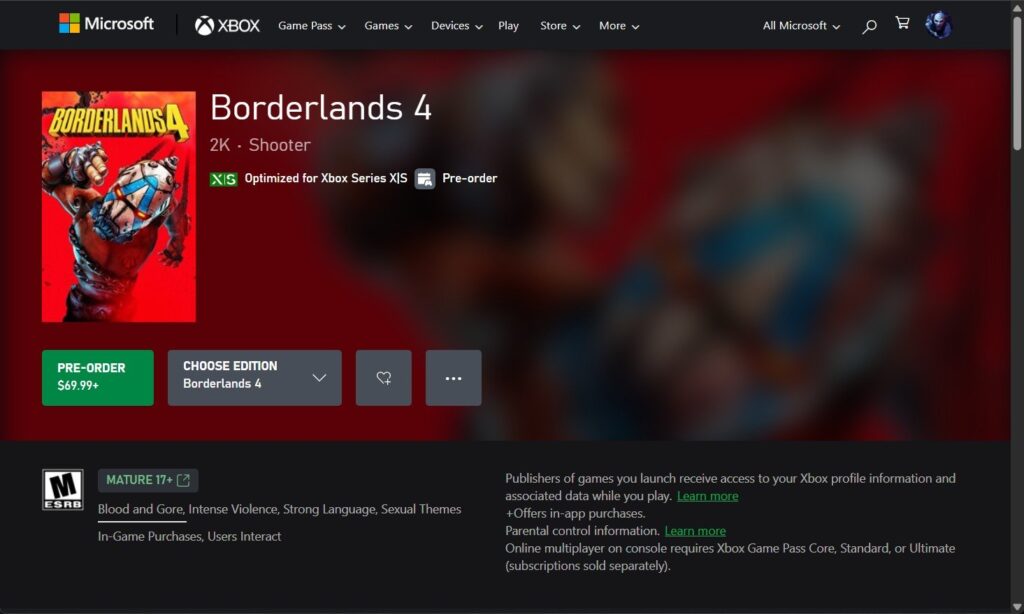
- Open the Borderlands 4 page on your console.
- The preload option will appear once you own the game.
- Choose it to begin downloading.
- Hell is Us Exploration Items Guide (100+ Items)
- LEGO Fortnite Map, Codes and Locations Guide
- Prime Gaming Free Games for September 2025 Revealed with 11 Exciting Titles
Overall, preloading is the best way to make sure you don’t waste time on launch day. By doing this now, you will be ready to play Borderlands 4 as soon as it’s live.
The game is expected to be huge with a bigger world and new post-launch updates. If you pre load Borderlands 4 now, you will avoid waiting hours when the servers go live.
Enjoyed this article?
If TechLatest has helped you, consider supporting us with a one-time tip on Ko-fi. Every contribution keeps our work free and independent.
