Highlights
- AirPods Pro 3 let you track your heart rate accurately during workouts, combining comfort with smart in-ear monitoring.
- Ensuring a proper ear tip fit and enabling app permissions is essential for precise and consistent heart rate readings.
- Integration with Apple Health, Fitness apps, and Apple Watch helps you monitor trends, optimize workouts, and maintain overall wellness.

Apple’s AirPods Pro has completed its transformation from being a high-end audio accessory designed for music and video into a full-on health wearable device.
With the recent introduction of AirPods Pro 3, Apple now offers in-ear heart rate tracking that completely changes how you track fitness and health.
Don’t want to miss the best from TechLatest ? Set us as a preferred source in Google Search and make sure you never miss our latest.
This feature lets you measure your heart rate during workouts, see how your heart rate trends over time, customize alerts so you know if it’s too high or too low, and share the data with other apps like the Apple Fitness app or Health App.
Here’s a full guide to using heart rate tracking on your AirPods Pro 3.
Content Table
What is Heart Rate Tracking in AirPods Pro?
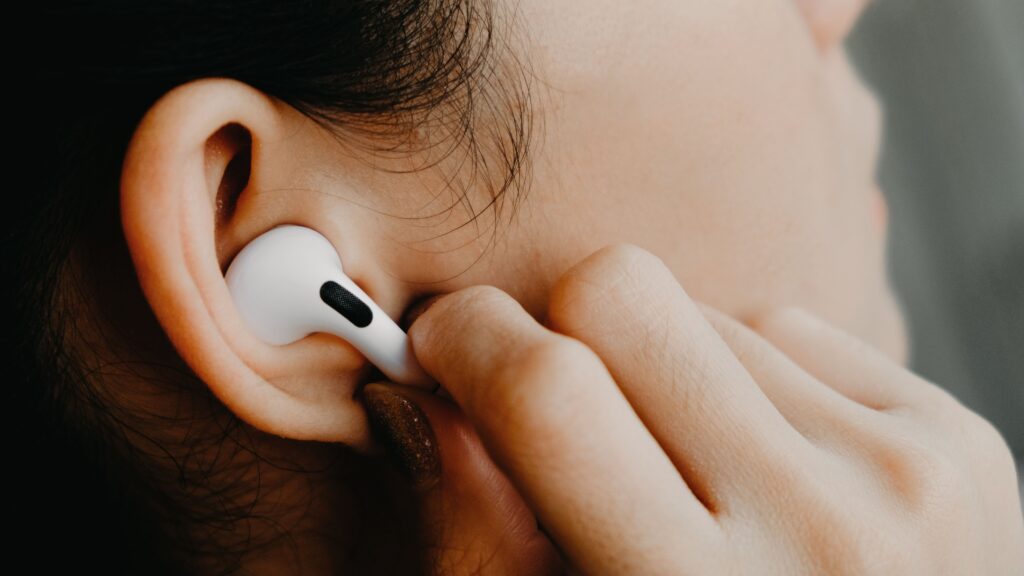
Credit: Apple
AirPods Pro heart rate monitoring relies on photoplethysmography (PPG) technology that detects blood flow by changes in light absorption.
The AirPods Pro 3 contain a miniature PPG sensor inside the earbud that gives out invisible infrared light at a rate of 256 pulses per second. Your device carefully calculates your heart rate in real time by measuring how this light is absorbed by blood vessels in your ear canal.
This approach has several advantages:
- Non-intrusive measurement : Unlike chest straps, the AirPods are comfortable and unobtrusive.
- Continuous tracking : It can track your heart rate during workouts without needing any additional gear.
- Integration with Apple ecosystem : Data is automatically synced with the Health & Fitness apps and can be shared with third-party fitness apps too.
How to Set Up Heart Rate Monitoring
Before tracking your heart rate, you need to set up the AirPods Pro 3 correctly:
- Pair AirPods Pro 3 with your iPhone Open the AirPods case near your iPhone. Follow the on-screen prompts to complete pairing. Make sure that your iPhone has iOS 17 or later, as heart rate tracking functionality is contingent on this version of the OS.
- Enable Heart Rate Tracking Go to Settings > Bluetooth > Your AirPods Pro 3 . Toggle on Heart Rate Tracking .
- Fit the Ear Tips Properly AirPods Pro 3 come in three sizes and have silicone tips . Choose tips that provide a tight, comfortable seal for accurate readings. A poor fit can result in inconsistent or inaccurate heart rate measurements.
- Update Health Profile Open the Health app > Profile > Health Details . Make sure age, weight, gender, and other required information are accurate for better calculation of heart rate.
How to View Your Heart Rate Data
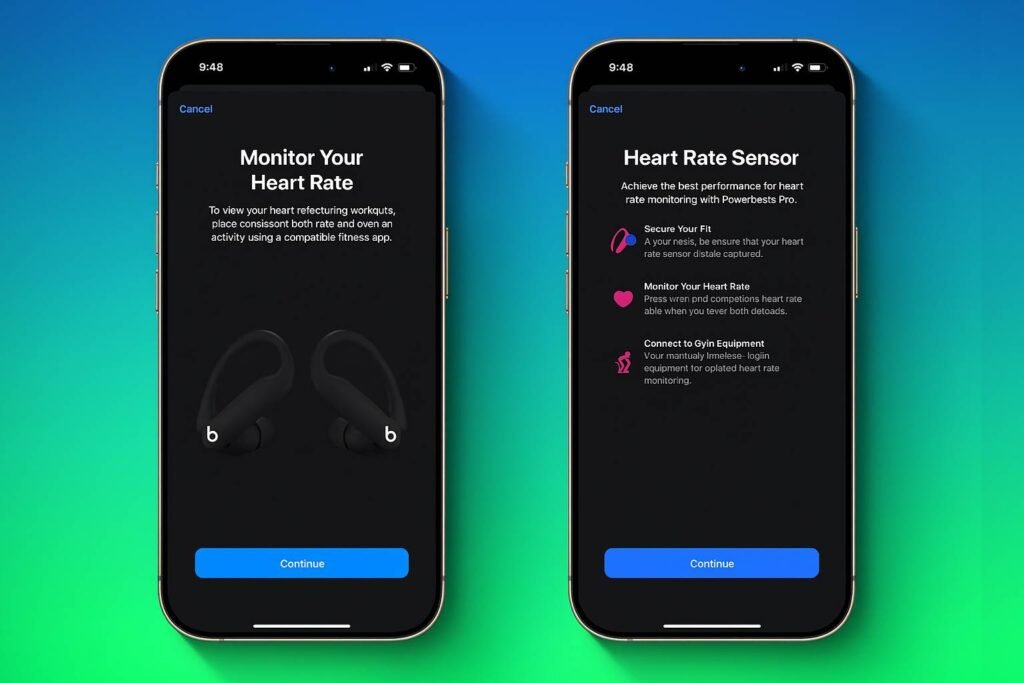
After setup, you can access your heart rate data in multiple ways:
1. Using the Fitness App
The Fitness app lets you keep an eye on your heart rate as you work out in real time:
- Open Fitness > Workouts .
- Start a workout session (running, cycling, HIIT, etc.).
- This present will show you your current heart rate, as well as other stats, including calories burned, distance, and active minutes.
2. Using the Health App
For a broader view of your heart rate trends:
- Open the Health app > Browse > Heart > Heart Rate .
- You can see daily, weekly, monthly, and yearly trends.
- The app displays resting heart rate, walking average, and workout heart rate data as gathered by your AirPods Pro 3.
3. Third-Party Fitness Apps
Many third-party apps, including Strava, Nike Run Club, and MapMyRun , support heart rate data from AirPods Pro:
- Open the app and ensure it has permission to access Health data .
- When you begin a workout, your heart rate will be shown among other metrics.
How to Get Accurate Heart Rate Measurement
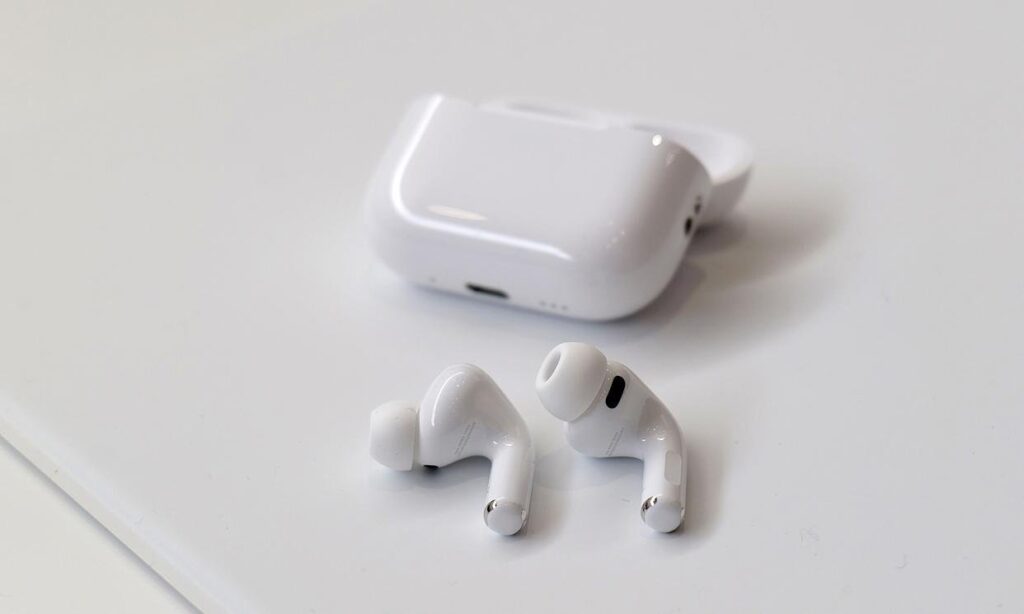
To maximize the accuracy of your readings:
- Secure Fit : Make sure that the AirPods are snug in your ears. If it’s too loose, the test is inaccurate.
- Keep Ear Tips Clean : The sensor can also be affected by dirt or earwax. Clean the ear tips regularly.
- Avoid Excessive Motion : Although heart rate monitoring functions during a workout, it may not work as well on extreme head movement challenges.
- Update Your iPhone and AirPods Firmware : Sensor performance has improved further with Apple software updates.
Integrating AirPods Pro with Apple Watch
You might also get better heart rate monitoring if you own an Apple Watch that can work with your AirPods Pro:
- Wear both devices during workouts.
- The Apple Watch offers round-the-clock wrist-based heart rate monitoring.
- AirPods Pro 3 provide additional data points from the ear canal.
- Apple’s system intelligently selects the most reliable source for workouts, giving you the most accurate readings.
Best Use Cases for Heart Rate Tracking
1. During Workouts
- Track your heart rate zones for fat burn, cardio, and peak performance .
- Monitor real-time heart rate during HIIT, running, cycling, or yoga.
- Receive information to aid in your training intensity and recovery times.
2. Daily Wellness Monitoring
- Keep tabs on your cardio health/relax after too many steps.
- Notice slight changes that might signal stress or illness.
- Customize sleep, diet, and activity patterns using Health app insights.
3. Meditation and Breathing Exercises
- Monitor heart rate during mindfulness sessions .
- Monitor your heart rate variability (HRV) to track stress and relaxation.
- Employ the trend to make your meditation and breathing practices better.
How to Fix Common Issue Realted to Heart Rate Monitoring
Common issues and solutions include:
No Heart Rate Data : Make sure you have your AirPods Pro 3 connected and heart rate tracking turned on in the Settings.
Inaccurate Readings : Check the ear tip fit and clean the sensors.
Data Not Syncing : Ensure health and fitness apps have permission (and both devices are updated).
Persistent Problems : Restart your iPhone and AirPods, or contact Apple Support .
How to Use Hypertension Monitor on Apple Watch Series 11
Apple Watch Hypertension Alerts; Everything You Need to Know
Apple AirPods Pro 3 Heart Rate Monitoring: What Apple Shipped Today
Conclusion
AirPods Pro 3’s heart rate monitoring is an amazing feature because it takes convenient, accurate fitness tracking and integrates it into Apple’s ecosystem.
Using the setup and use above, you will be able to monitor your cardiovascular fitness during training, track day-to-day wellness trends, and improve your fitness and health.
So whether you’re an athlete looking for performance metrics, or just want a discreet way to track your wellness, Pro 3 works really well and simplifies things.
Over time and with regular use, the AirPods Pro 3 have real potential to be a key part of any audio lover’s exploration of healthy living.
Enjoyed this article?
If TechLatest has helped you, consider supporting us with a one-time tip on Ko-fi. Every contribution keeps our work free and independent.
