Highlights
- Apple Watch Series 11 can spot potential signs of high blood pressure using optical sensors and algorithms, providing alerts for undiagnosed users.
- The mode requires compliance with certain criteria – such as being of age, not pregnant, and no previous diagnosis of hypertension – to be activated.
- Despite being helpful for awareness, it’s not a diagnostic tool, and people should see a doctor even after alerts notify them.
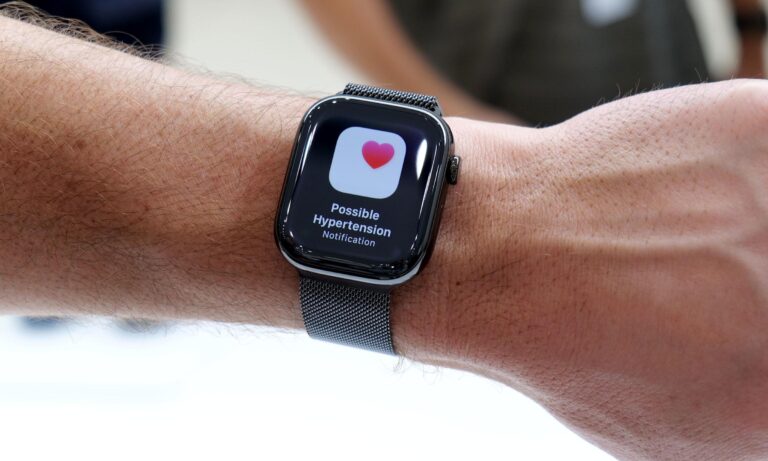
Hypertension, also known as high blood pressure, is sometimes called the “silent killer” because many people live with it for years without realizing it.
If left unchecked, it can cause serious health problems, including heart attacks, strokes, kidney disease, and vision loss. Almost a third of all adults worldwide have high blood pressure, though many are undiagnosed, according to recent research.
Don’t want to miss the best from TechLatest ? Set us as a preferred source in Google Search and make sure you never miss our latest.
In a time of greater support for your wellbeing from technology, wearables are no longer simply tech-geek gizmos; they are an approach to health.
watchOS 26 has debuted Hypertension Notifications, which enable Apple Watch wearers to track potential high blood pressure directly from their wrist. The Apple Watch Series 11 (and other compatible accessories) can now detect a silent killer and prompt early medical advice.
Content Table
What are the Supported Apple Watch Models?
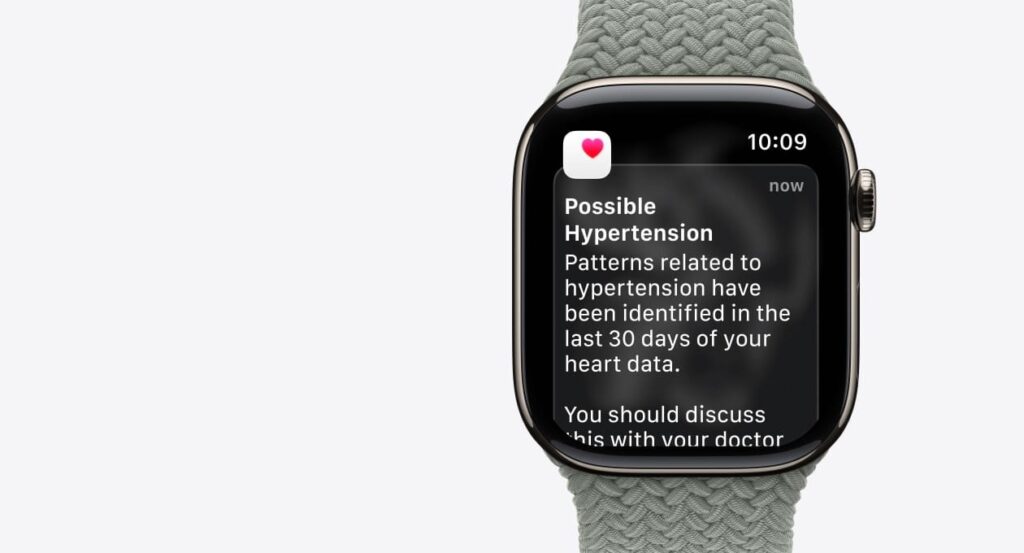
Hypertension Notifications are available on certain Apple Watch models with the latest health sensors:
- Apple Watch Series 9
- Apple Watch Series 10
- Apple Watch Series 11
- Apple Watch Ultra 2
- Apple Watch Ultra 3
Why Only These Models?
Apple ‘s newer hardware products feature more refined optical heart sensors, better accelerometers, and additional battery life for better processing power to get an accurate read on cardiovascular patterns. The Series 11, in particular, features:
- A better illuminated always-on display for exercise and daily wear.
- Advanced PPG (photoplethysmography) sensors to accurately detect your heart rate.
- They need faster processing to deal with complex algorithms in live conditions.
To access hypertension tracking, all compatible watches would need to run watchOS 26 and be paired with an iPhone 11 or later using iOS 26.
What are the Eligibility Requirements?
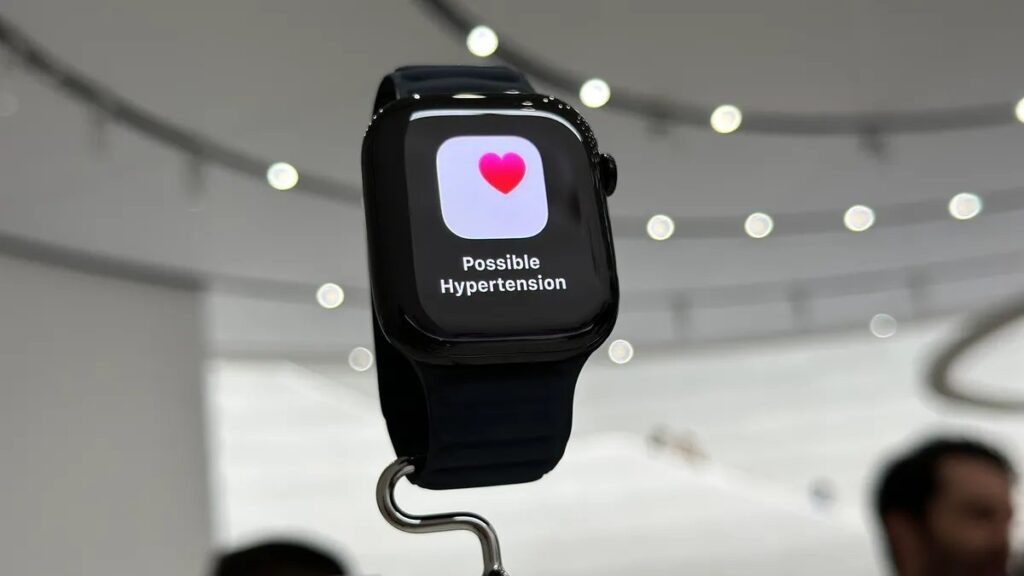
Hypertension notifications are not available for all users. Apple has established certain eligibility requirements to ensure accurate tracking:
- Age : You must be at least 22 to use this system. Younger users also have dissimilar cardiovascular features, which could impact the readings.
- Pregnancy : Pregnant individuals cannot activate the feature because during pregnancy, there are natural variations in a woman’s blood pressure.
- Medical History : You can’t use this feature for the 1st time alerts if you have had a hypertension diagnosis before.
- Wrist Detection : This feature can be turned on from the watch to ensure that data is collected correctly and deleted securely.
These constraints allow Apple to ensure the algorithm is studying baseline data properly, reducing false alerts.
Setting Up Hypertension Monitoring on Apple Watch Series 11
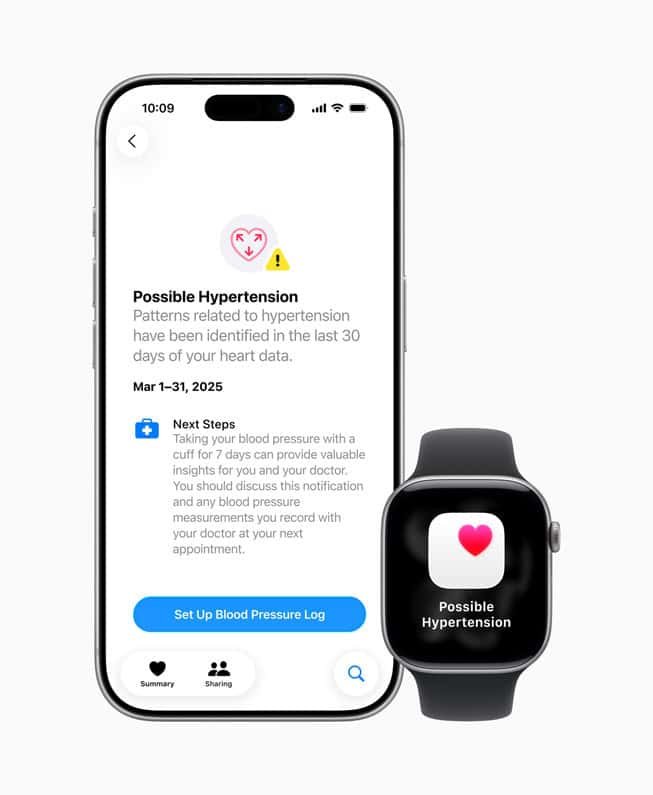
Activating hypertension alerts is very easy. Here’s a step-by-step guide:
- Open the Health App on your iPhone.
- Tap Your Profile in the top-right corner.
- Select Health Checklist under the “ Features ” section.
- Enable Hypertension Notifications : Tap the option and follow on-screen instructions to confirm eligibility.
- Understand the Feature : Apple will show prominent notes, including the fact that the watch must not be used as a substitute for medical assessment.
- Wear Your Watch Consistently : Data is collected over a 30-day baseline period to identify trends.
During this early stage, the watch remains silent, giving it a chance to learn your typical heart-pumping patterns.
How the Hypertension Monitor Works
There’s a catch, though, as the Apple Watch doesn’t measure blood pressure the way a cuff does. Instead, it relies on an algorithm that interprets heart data :
- Optical Heart Sensor : Uses light to detect blood flow and pulse rate.
- Pulse Wave Analysis : Observes how blood vessels expand and contract with each heartbeat.
- Algorithm Processing : Throughout the 30-day baseline, the watch looks for changes that could suggest early signs of hypertension.
The watch also checks for unusual readings and issues a Hypertension Notification to warn you of potential danger. Although it’s extremely helpful for early warning, the feature isn’t able to actually diagnose hypertension.
Responding to a Hypertension Alert
If your Apple Watch sends a hypertension alert, follow these steps:
- Record Blood Pressure Readings Use a clinically validated blood pressure cuff. Record your readings for seven consecutive days at the same times each day.
- Log Data in the Health App Open the Health app, navigate to Heart > Blood Pressure , and enter your readings. It collates information to send trends to your healthcare professional.
- Consult a Healthcare Professional Share your seven-day blood pressure log with a doctor.
Professional assessment is necessary for diagnosis and treatment recommendations.
Benefits of Using an Apple Watch for Hypertension
There are a number of advantages to detecting early hypertension with an Apple Watch:
- Proactive Monitoring : Detects early signs before symptoms appear.
- Convenience : Tracks health data continuously without bulky devices.
- Personal Awareness : Encourage users to take health seriously and adjust their lifestyle.
- Integration : Compatible with the iPhone Health app for logging activity, sleep, weight, and more.
Example: Imagine a user who does not know he or she has hypertension getting an emergency alert. They record their blood pressure and see a doctor, finding that they have early-stage hypertension that lifestyle adjustments can address, reducing future complications.
What are the Limitations of Hypertension?
While the Apple Watch is a powerful tool, there are limitations:
- Indirect Measurement : The watch does not provide exact blood pressure readings.
- False Positives/Negatives : Specific conditions or irregular usage may trigger inaccurate alerts.
- Not a Replacement for Medical Care : The watch is an early warning system, not a diagnostic tool.
- Eligibility Restrictions : Only specific users can activate the feature, limiting its reach.
People need to maintain regular follow-ups and use the appropriate medically sanctioned instruments for accurate monitoring.
Privacy and Data Security
Apple places a strong emphasis on privacy :
Encrypted Data : On-device health data is encrypted; with respect to backups, all health data is encrypted in iCloud.
User Control : Users decide which apps or healthcare providers have access.
No Sharing Without Consent : Apple doesn’t sell or share health data with third parties without user consent.
How To Calibrate Apple Watch?
Is Your Apple Watch Not Pairing? Here’s How to Fix
Apple Watch Hypertension Alerts; Everything You Need to Know
Conclusion
The Apple Watch Series 11, along with watchOS 26, introduces a new way to monitor heart health with Hypertension Notifications.
Empower users to proactively manage health by identifying the early signs of high blood pressure.
It is not a substitute for professional medical evaluations, but it can be referred to as an alerting tool for early warnings, lifestyle management, and discussions with healthcare professionals.
Wearables like this are examples of lifestyle accessories that can also save lives when they evolve from just being an accessory to being a health buddy.
Enjoyed this article?
If TechLatest has helped you, consider supporting us with a one-time tip on Ko-fi. Every contribution keeps our work free and independent.
