
Several devices share the bandwidth simultaneously in most houses. All the smartphones, tablets, smart TVs, gaming devices, and computers are connected and are consuming data. This contest usually results in slowness and lags when having video calls or buffering when streaming content.
A property in this traffic known as Quality of Service, or QoS, is available to many routers and is useful to manage this traffic better.
Don’t want to miss the best from TechLatest ? Set us as a preferred source in Google Search and make sure you never miss our latest.
It enables the user to give priority to certain gadgets or a given internet activity, and this means that important tasks can be assigned the amount of bandwidth they require without interference.
QoS is especially useful to families and individuals that extensively use home internet to work, attend online classes, video conference, and stream.
Devoid of the QoS, an update running in the background of a device could easily interfere with more time-critical tasks, such as a video call.
Through knowledge on how to use QoS, the conflicts can be minimized and allow better performance of the internet connection in general.
Understanding How QoS Works
QoS functions by examining the data routing throughout your router and giving a greater or reduced amount of precedence to special sorts of traffic or tools.
These settings are used when bandwidth is scarce and the router decides which data packets need to go through first.
To give an example, in case you value video calls and streaming, they will receive priority over background downloads or loose surfing on the Internet. This will ensure that the critical activities are smooth and uninterrupted even during busy times on the network.
The majority of the routers having QoS settings options provide the customer with the ability to set up rules according to device type, particular application, or traffic type.
It would be possible to assign a work laptop or workplace computer to be more important during your working hours and streaming computers to be more important at night.
Such a degree of control makes home internet more personalized and stable, which is particularly helpful in multi-user families.
Setting Up QoS on Your Router
In order to start using QoS, you first have to access your router admin interface, which is normally available by typing in the IP address of the router into a web browser. Then you will get the setting menu where the QoS is located.
The layout within each router is a little bit different, yet most of the models on the modern market provide a convenient interface where you can choose the devices in the list or manually enter their MAC addresses or IP addresses.
Certain routers go as far as having default settings for particular services such as video calling, gaming, or streaming.
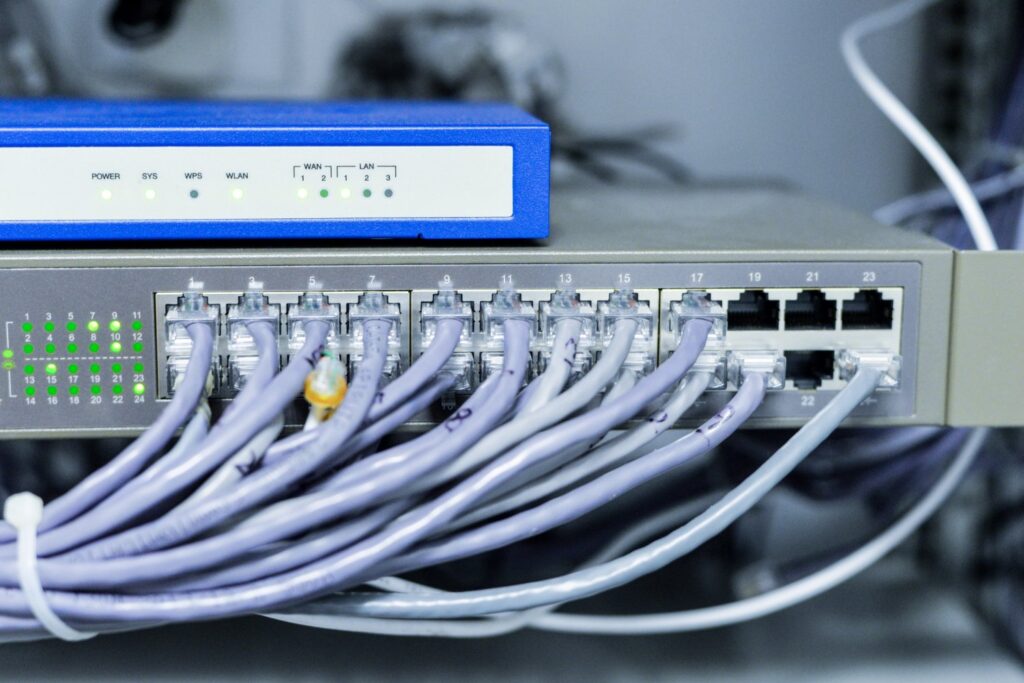
Image by freepik
Once you have come up with the devices or services that you would like to prioritize, then you can set a higher priority for them and a lower one for the rest, which are less vital.
One should also note that QoS does not add more width to the total bandwidth provided by your internet providers . It regulates the way that bandwidth is shared in the network instead.
Another place where the presence of a properly tuned QoS setup can really make a difference is performance because of the fact that high-priority activities are never going to get delayed because of congestion.
Benefits Of Using QoS In A Busy Household
This is because conflicting internet usages have been the major problems in most homes that have more than one internet user at a time. QoS can therefore be used to avoid these conflicts and to follow through better quality of experience of the whole.
As an example, a video call can hang up or drop when one person initiates the download of a large file in the absence of QoS.
Priority on the usage of such communication tools as Zoom or Microsoft Teams will guarantee you that meetings can take place without the need to consider what other devices are performing on the network.
QoS settings are of enormous advantage to streaming services and online gaming as well. By prioritizing such activities, you will minimize buffering and latency, and the process of entertainment will be more pleasant and consistent.
This is notable when a number of individuals in the household happen to be utilizing bandwidth-consuming apps concurrently. QoS enables the maintenance of a stable connection on all devices with few interruptions or lagging.
Adjusting Settings as Household Needs Change
One of the advantages of QoS is its flexibility. Your internet habits are evolving as your household is adapting to them, and you can simply adjust the settings accordingly.
As an example, when one of the household members needs to start to work at home or a child will attend virtual school, you are allowed to change the priority level and devote the required bandwidth to these activities during the day.
One can then later switch to streaming or gaming during the evenings. This flexibility makes the QoS suit a broad variety of schedules and use patterns.
Then, you can also test your home internet performance periodically and determine whether the QoS you set up still works. Traffic reports or usage statistics in some routers can be used to determine what devices consume the most data.
In case the performance is still irregular, then you may need to call up your internet providers to see whether your subscription has sufficient speed to meet the requirements of your household.
More bandwidth experienced with a better experience may be acquired by upgrading to a higher plan or even changing a provider.
Making the Most of Your Internet Connection
Setting QoS to give priority to your devices is one of the easiest and most obvious methods, which helps you to enhance your home internet to some reasonable level without even expensive upgrades.
It gives you the freedom to decide what priority should be given to applications of bandwidth and also check whether the activities that need more attention are given the same priority.
When properly configured, QoS allows you to get better video calls , downloads, and even stream your content without interruptions even when using the entire house.
Since the use of the internet is increasing day by day and more and more smart devices are entering home networks, bandwidth can be a significant concern.
With the help of the routers to provide an advanced set of QoS features, as well as the help of internet providers in some circumstances, the household should be able to implement a more stable and responsive internet environment that is serviced to the requirements of the household.
Enjoyed this article?
If TechLatest has helped you, consider supporting us with a one-time tip on Ko-fi. Every contribution keeps our work free and independent.
