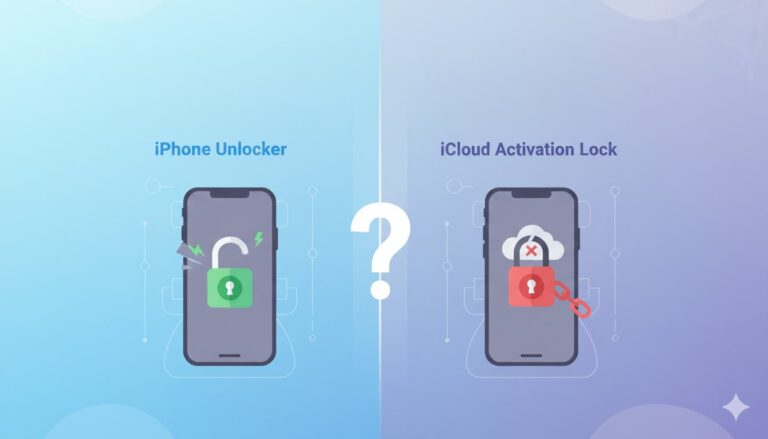
If you’ve ever been locked out of your iPhone, you may have come across terms like iPhone Unlocker and iCloud Activation Lock.
They are actually two independent iPhone security and unlocking layers. Understanding the difference is important for personal security, device ownership verification, fraud prevention, and legal gadget use.
Don’t want to miss the best from TechLatest ? Set us as a preferred source in Google Search and make sure you never miss our latest.
Knowing the difference can save time, money, and irritation for iPhone owners seeking to restore access or buyers looking at used devices.
This article explains iPhone Unlockers, iCloud Activation Lock, their differences, and when they apply. We’ll compare Apple’s official unlocking methods to Dr.Fone – Screen Unlock (iOS) and provide recommended practices for users.
Content Table
What is an iPhone Unlocker?
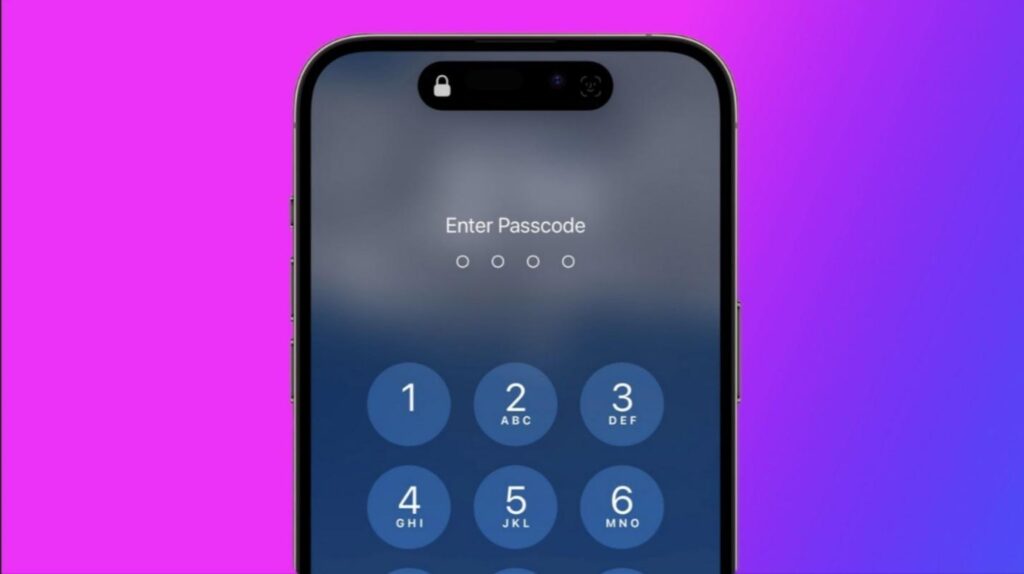
Any tool that bypasses your iPhone’s local security screen is an iPhone Unlocker. It fixes forgotten credentials and technical obstacles that prevent device access.
An iPhone Unlocker disables Face ID, Touch ID, and screen passcodes. It allows legitimate owners to access their device when local screen access is banned.
Common Scenarios Where an iPhone Unlocker is Useful:
- You mistyped your passcode too often.
- Your iPhone gets disabled after multiple login failures.
- You can’t enter the smartphone because Face ID or Touch ID is broken.
- A passcode was left on a device you bought.
Most unlockers erase the device, so unless you back up your data, you may lose access to it.
What is iCloud Activation Lock?
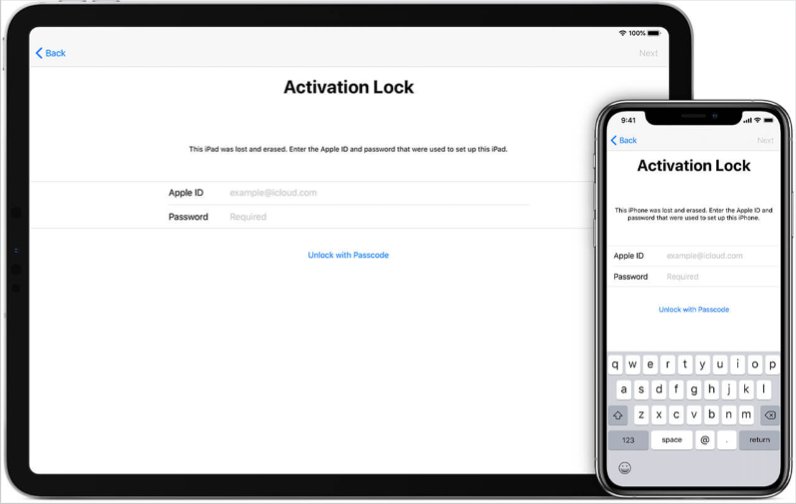
Unlike the local screen lock, iCloud Activation Lock is related to Apple’s iCloud and Find My iPhone ecosystem. Find My iPhone includes Activation Lock.
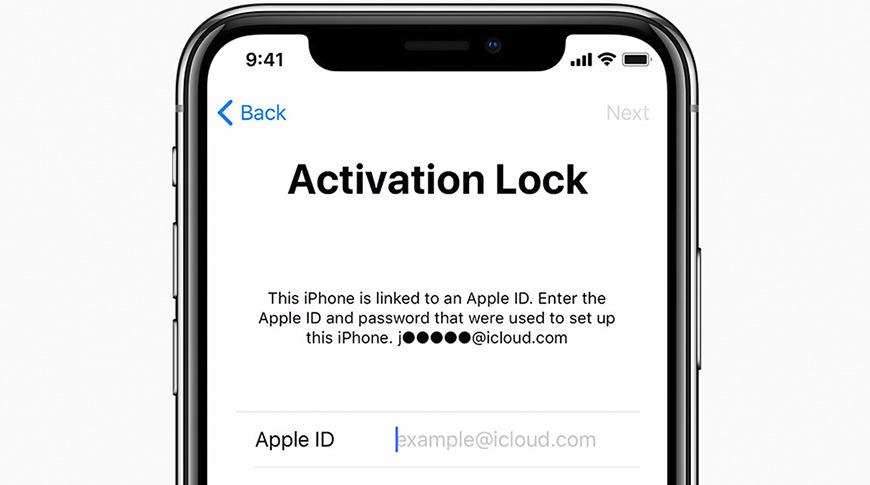
The device is linked to the owner’s Apple ID upon activation. It prevents stolen or lost devices from being used after a factory reset. An Apple ID and password are required to operate the device.
When It Appears:
- Following a factory reset, the setup screen prompts for the device’s Apple ID and password.
- If the previous owner retains their Apple ID, they may need to present evidence of ownership when buying or selling second-hand devices.
Why It’s Stricter Than Screen Unlock:
Activation Lock requires Apple server authentication, unlike a passcode reset. The iPhone is locked until you enter your Apple ID. No local bypass can fix this—it makes theft unprofitable.
What Each Protects & When They Apply
Understanding the unique features that each type of lock offers is quite necessary:
- Screen Lock: This lock hides the local pictures, applications, and communications from the user. It prevents the illegal use if someone finds it, but it doesn’t reset your device.
- Activation Lock: This lock keeps the device safe from unauthorized erasure and further use.
Example Scenarios:
- Forgotten Passcode: Eventually when you type in a wrong passcode a number of times, your iPhone is automatically disabled. To get access again, an unlocking tool should be employed or a restore by iTunes should be done.
- Second-hand phone bought: The device, after a reset, is still tied to the previous Apple ID. You cannot remove the Activation Lock without the owner’s assistance.
- Stolen Phone: Activation Lock will prevent the installation of the correct Apple ID so the device will become non-operational for the thieves.
Key Differences: iPhone Unlocker vs. iCloud Activation Lock
Remove Screen Lock and iCloud Activation Lock with Dr.Fone – Screen Unlock (iOS)
Apple offers official unlocking flows, but many users opt for Wondershare instead. Dr.Fone? For iOS, unlock the screen when standard methods fail.
Key Features of Dr.Fone Screen Unlock (iOS):
- Forget 4/6-digit screen passcodes, Face ID, and Touch ID.
- Unlock disabled iPhones after too many failures.
- (As advertised) bypass iCloud Activation Lock or Apple ID.
- MDM restrictions should be lifted.
- Compliant with iOS 26 and later.
How Dr.Fone Works :
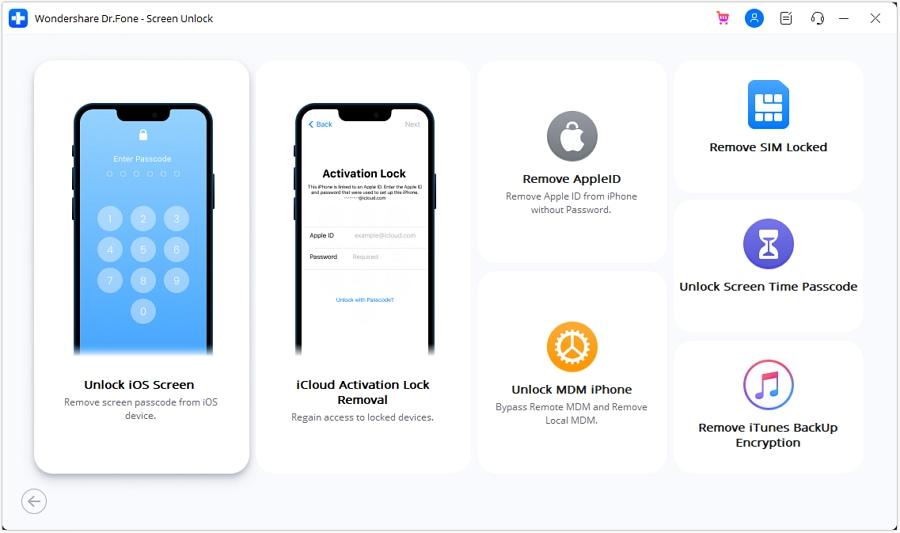
Step 1. After installing Wondershare Dr.Fone on PC/Mac, click “Toolbox > Screen Unlock > iOS” and choose “Unlock iOS Screen.”
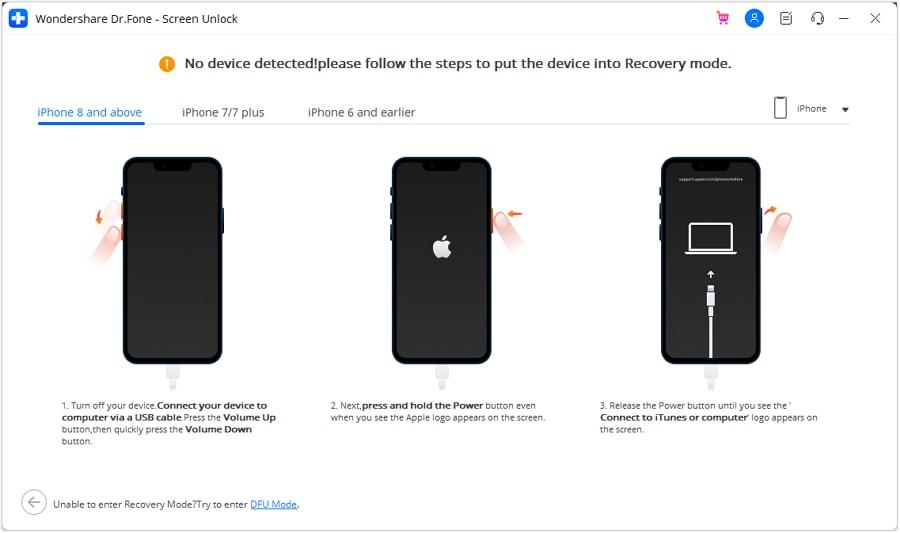
Step 2. Connect your iPhone, press “Start,” and follow on-screen instructions to enter “Recovery Mode (or DFU).” Choose the system version based on the device model.
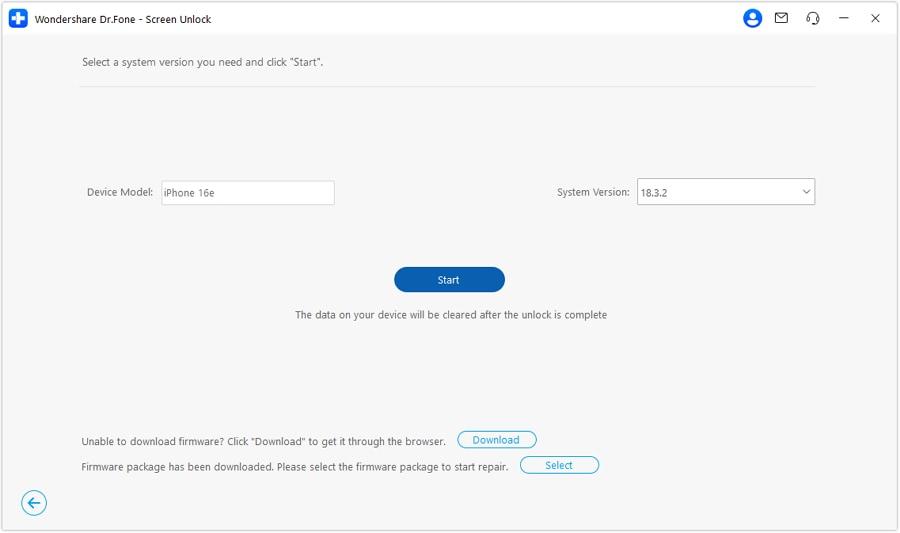
Step 3. Dr.Fone downloads iOS firmware automatically. If verification takes too long, copy the link to download manually.
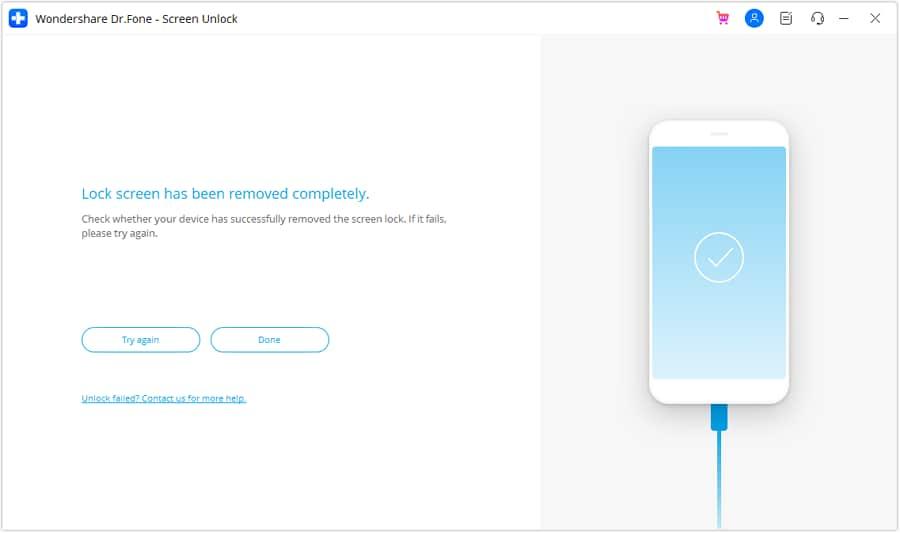
Step 4. Dr.Fone will install the firmware after you click “Unlock Now” and enter the code. Keep your device connected until completion, then click “Done.”
Dr.Fone simplifies a complicated process, but it should only be used for device recovery.
Comparative Analysis: Official Apple Methods vs. Third-Party Tools
Security: Official Apple methods: Activation Lock protects against theft with Apple ID + server verification. Third-Party Tools: Effective for some owners but riskier due to unverified vendors, malware, and warranty loss.
Usability Official Method: Needs Apple ID or carrier support. It takes longer but proves legitimacy. Third-Party Tools: The third-party option is faster and more automated, but it may cost, wipe data, or have limited functionality.
When Each is Appropriate Official Methods: Firstly, Apple ID users can use iCloud, iTunes, or Recovery Mode. Third-Party Tools: A last resort for genuine owners when official recovery is impossible (e.g., a forgotten Apple ID with purchase proof). Always verify local laws.
Best Practices for Users & Buyers
- Buy Used Devices: Always verify that Activation Lock has been disabled with the seller. Remove the device from iCloud before paying.
- If you own: Use Apple’s official methods (iCloud.com, iTunes restore, Apple ID recovery). Only utilize third-party software when necessary.
- Use Third-Party Tools: Only official vendor websites allow downloading. Avoid shady “free cracks.” Read reviews and privacy policies.
- Backup data regularly: Unlocking often erases. Backups protect important data.
- Keep Ownership Proof: Items like receipts, IMEIs, and serial numbers. These aid Apple Support verification.
- For Businesses: Create clear device recovery procedures, log unlock attempts, and enforce MDM policies for employee devices.
- How to Fix if iPhone Stuck on Apple Logo?
- How to Resolve Face ID Not Working on iPhone
- Apple Testing ChatGPT-Like App as Siri Gets Major Upgrade
Conclusion
Both iPhone Unlockers and iCloud Activation Lock provide access, but for different reasons. An iPhone Unlocker bypasses local passcodes or biometric locks, while iCloud Activation Lock protects device ownership at the server level.
The safest and most secure method for legitimate Apple users is the official one. Third-party applications such as Dr.Fone can assist you.
Enjoyed this article?
If TechLatest has helped you, consider supporting us with a one-time tip on Ko-fi. Every contribution keeps our work free and independent.
