Highlights
- Windows 11 25H2 release expands access for both businesses and consumers.
- The update is primarily an enablement package with minor changes.
- Installing 25H2 extends support and security updates by one year.
Microsoft is planning to expand access to the Windows 11 25H2 release on October 14 2025 . For businesses, the update will be available through Windows Server Update Services (WSUS) .
Companies could get the update earlier using Windows Autopatch or the Microsoft 365 admin center , but WSUS usually means a bigger rollout to regular users as well. Let’s discuss further
Windows 11 25H2 release set for broader availability on October 14, 2025
Don’t want to miss the best from TechLatest ? Set us as a preferred source in Google Search and make sure you never miss our latest.
In previous updates like 21H2, 22H2, 23H2, and 24H2, the consumer update and WSUS release were at the same time. This time it looks like Microsoft is being more careful which is why it is slower than usual.
Don’t want to wait for the update? Windows 11 25H2 ISO is already available to download, visit the below website (links generated from Microsoft servers) to download the ISO and clean-install it right now.
How to install Windows 11 25H2?
The Windows 11 25H2 release is an optional update. It will not install automatically. You need to go to Windows Update and click Download & Install when it shows up.
If you don’t want to wait, you can use the Installation Assistant or the Media Creation Tool to install 25H2 immediately. These tools are safe and work without breaking anything.
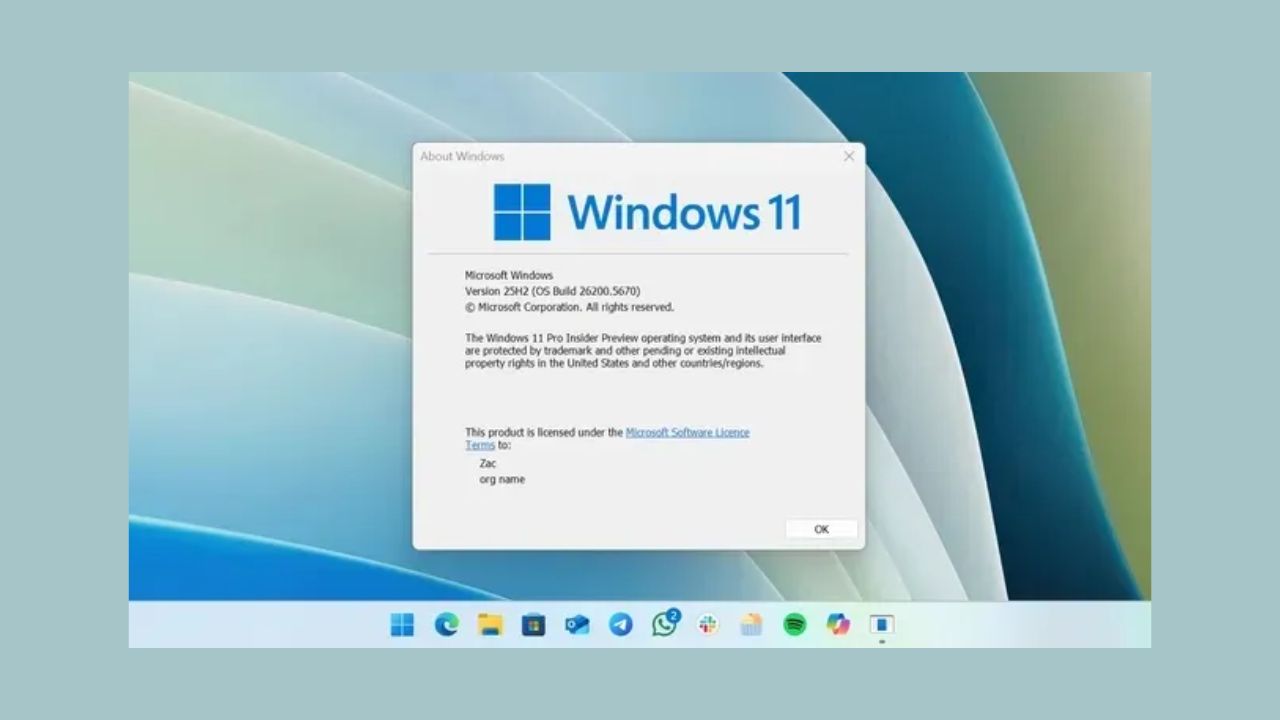
What’s actually new?
If your PC is already on Windows 11 24H2 , the 25H2 release does not bring major new features. It is mainly an Enablement Package . For users on 24H2, the download is very small, about 167KB . This tiny package just switches your PC to the new version and updates the build number.
Things to watch out for
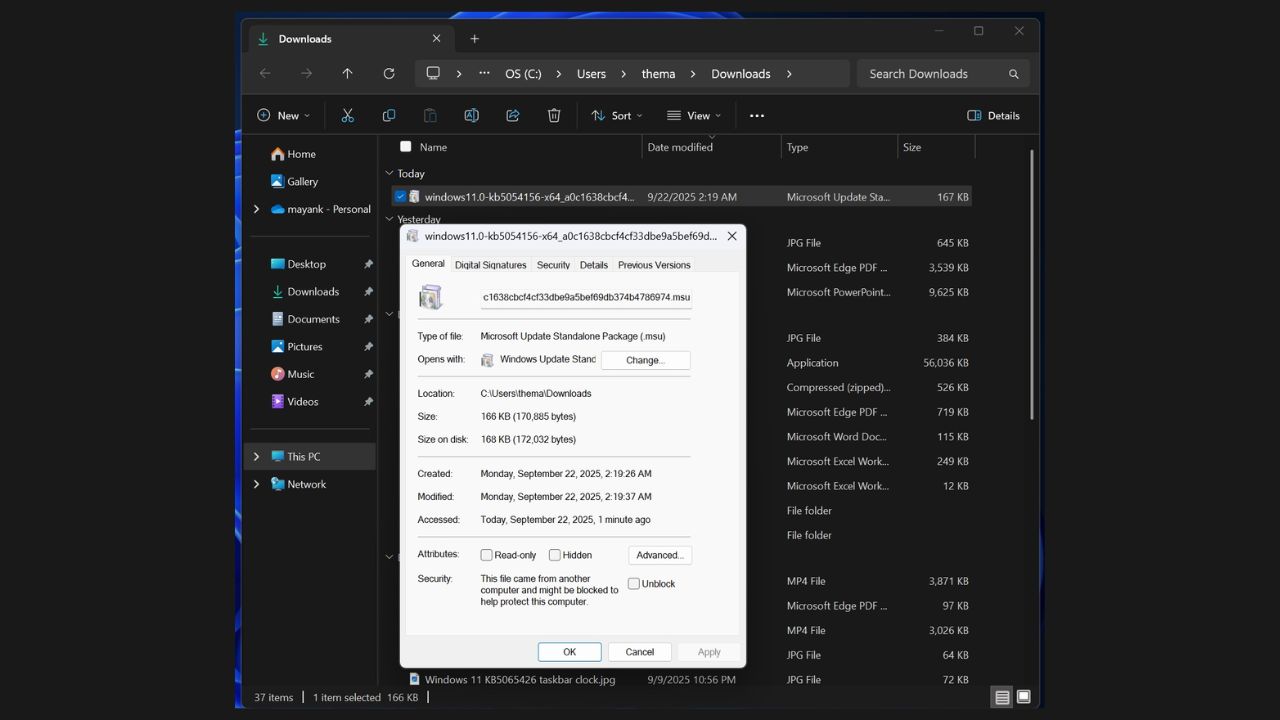
Image Credits: Windows Latest
- How to Check if Your Windows Key Is Genuine or Not?
- Buying a Windows Key: Retail vs. OEM vs. Grey-Market – What’s Safe & Legal?
- Windhawk for Windows: The Ultimate Tool to Customize Your PC Experience
After installing Windows 11 25H2 release , check your update history if something goes wrong. Sometimes Windows installs optional preview updates alongside 25H2, like KB5065789. Those updates can cause problems like DRM errors. These are not caused by 25H2 itself.
Overall, the Windows 11 25H2 release is simple, low-risk, and mostly about stability and support. Nothing big is changing, but it is important if you want an extra year of updates. On October 14 2025 , you can safely click Download & Install and get your PC ready for another year.
Enjoyed this article?
If TechLatest has helped you, consider supporting us with a one-time tip on Ko-fi. Every contribution keeps our work free and independent.
