Highlights
- PowerDisplay adds quick multi-monitor brightness control inside Windows 11 PowerToys.
- The new tool places all display settings in one small system tray menu.
- Microsoft plans to release PowerDisplay in January after final testing work.
If you are using multiple monitors, then you must be aware of how inconvenient it is to change the brightness or settings of each separate screen.
Windows 11 PowerToys has a new tool called PowerDisplay that intends to solve this problem. An idea was knocking in my head, to explain it straightforwardly so anyone could understand.
PowerToys is getting a smart upgrade that finally makes multi-monitor control easier on Windows 11
What PowerDisplay does?
Don’t want to miss the best from TechLatest ? Set us as a preferred source in Google Search and make sure you never miss our latest.
PowerDisplay transfers the monitor controls to a very compact menu in the system tray. There is no need for many applications or system settings.
One can adjust the brightness and switch between displays very quickly. For many users, this will be small third-party tools like Twinkle Tray or DisplayBuddy that are replaced for basic needs.
This is as simple as it gets. One clicks on the tray icon, selects a monitor, and then adjusts the brightness. There is no need to jump through various settings. The tool is intended for people who use 2 or 3 screens and want to save time.
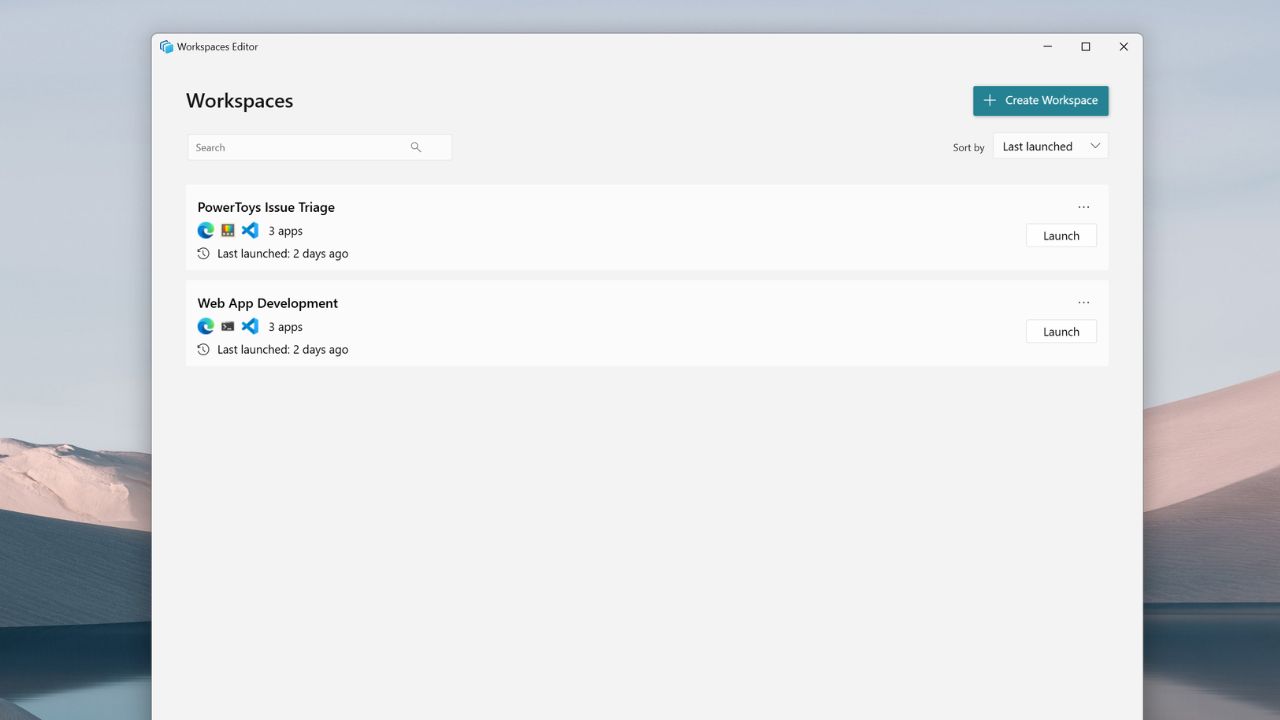
Image Credits: Microsoft
Development and timing
A preview was shown by a Microsoft program manager on X . The team changed the layout a few times and fixed issues.
They are currently code-reviewing and bug-fixing. The intention is to get it out in January. The date is not fixed, but it is pretty close.
Why it matters?
Windows 11 PowerToys frequently experiments with new concepts that Microsoft may eventually incorporate into Windows.
FancyZones is an example. It was initially a PowerToys feature and then influenced Windows snapping. PowerDisplay might do something similar too. At the moment, it just gives more control to power users and simple tasks become faster for everyone.
Overall, PowerDisplay is just a minor but very valuable improvement. If you want to be the first to get this tool, then make sure your PowerToys is always up-to-date, either from GitHub or the Microsoft Store. People who use several monitors will definitely benefit from it.
Enjoyed this article?
If TechLatest has helped you, consider supporting us with a one-time tip on Ko-fi. Every contribution keeps our work free and independent.
