Highlights
- Nothing OS 4.0 open beta now available for four supported models.
- Phone (3) gets exclusive AI usage dashboard, while Phone (2a) series gains new Stretch Camera preset.
- Beta registration is open until October 14, after which sign-ups close.
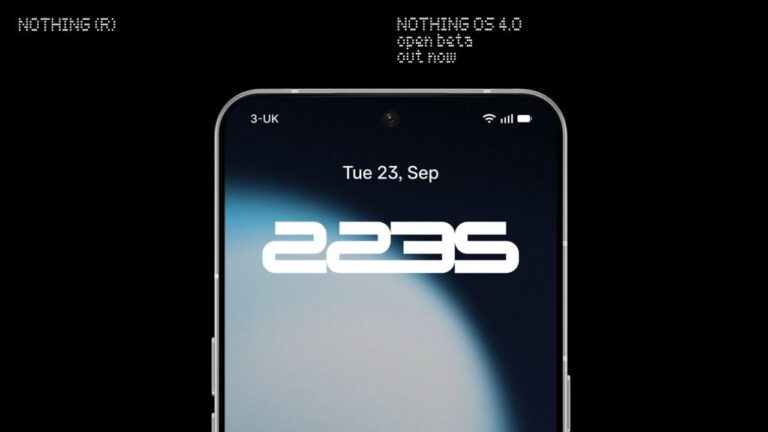
Nothing OS 4.0 open beta lands with AI tools, camera updates and quick system tweaks
Supported devices
The beta covers four models right now: Phone (3) , Phone (2) , Phone (2a), and Phone (2a) Plus . The Phone (3a) series is not in this first batch, but Nothing says those models will join later this month with a few extra features.
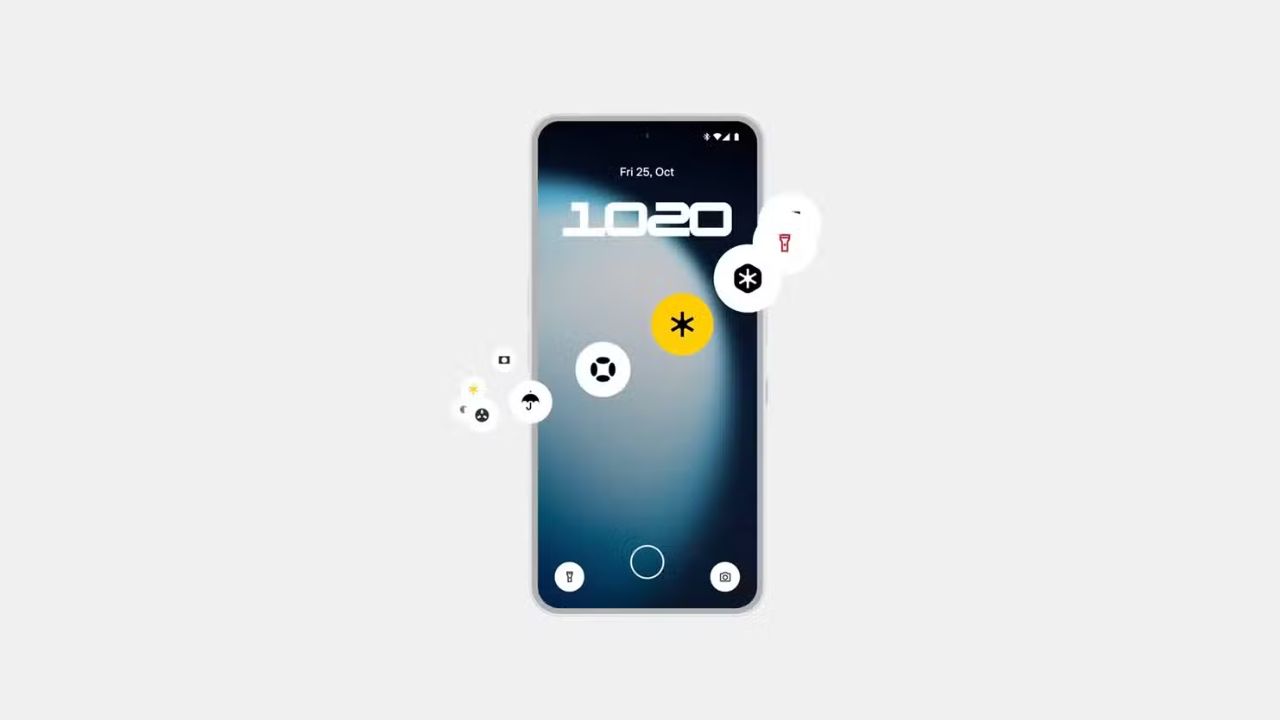
Image Credits: Nothing Community
What’s new?
Don’t want to miss the best from TechLatest ? Set us as a preferred source in Google Search and make sure you never miss our latest.
Phone (3) : Adds an AI usage dashboard in Essential Space. This shows when big AI services run on your phone, so you know what’s happening.
Also expect better lock screen and Always-on Display performance, improved brightness handling and more stable camera behavior.
Phone (2a) and Phone (2a) Plus : Get the Stretch Camera preset , made with photographer Jordan Hemingway.
It boosts shadows and creates long, bright highlights for dramatic photos. These models also get a system-level app optimization setting that speeds up app launches.
All supported devices : Receive common improvements: better Pop-up View multitasking with two floating icons, two new lock screen clock faces, a 2×2 Quick Settings tile layout, an Extra Dark Mode under Display settings, and Essential Apps & Widgets which lets you create AI-powered widgets (Phone (3) supports up to six widgets, other models currently limited to two for performance reasons).
How to join the Nothing OS 4.0 open beta?
- Make sure your phone is on the latest official update.
- Download and install the Beta Updates Hub APK from Nothing (install from Downloads).
- Open Settings – System – Nothing Beta Hub.
- Tap Join Beta then Go to Update or check Settings – System – System updates manually. Backup your data first. This is a beta so apps may crash or behave oddly.
- Google Pixel Bootloader Unlocking Guide: Step-by-Step Tutorial
- Xiaomi 17 Pro Max Debuts with Back Screen Design & Powerful Upgrades
- Google TV Homescreen Redesign Set to Bring Fresh, Immersive Experience
The Nothing OS 4.0 open beta is a useful preview if you want early access to AI tools and camera tricks. It’s not perfect; some bugs will be present, but it gives a clear look at Nothing’s direction. If you own a supported Phone, you can try it, just remember to back up and be ready for small issues.
Enjoyed this article?
If TechLatest has helped you, consider supporting us with a one-time tip on Ko-fi. Every contribution keeps our work free and independent.
