Highlights
- Productivity of 2025 means getting the most out of each hour with tools that eliminate repetitive tasks and streamline everyday duties.
- There are a variety of solutions available so that individuals and teams can choose the one that best suits their workflow.
- If you are looking for some AI tools to increase your productivity, then this guide will help you.
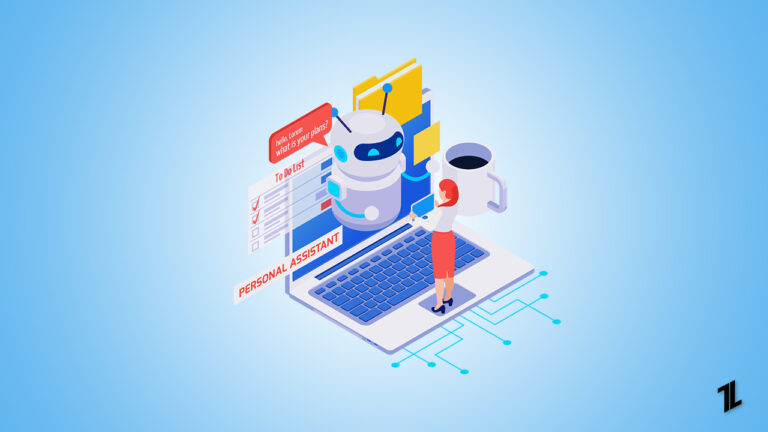
Being productive in 2026 isn’t about working harder; it’s about working smarter. As technology continues to advance, there are many new solutions available to help people and teams save time, stay organized, and even get more done with less effort.
These tools are no longer the exclusive area of tech experts or big businesses. Freelancers and small businesses, as well as larger, more established enterprises, are all working to figure out ways to integrate them into daily workflows.
Don’t want to miss the best from TechLatest ? Set us as a preferred source in Google Search and make sure you never miss our latest.
So, let’s see some of the top AI -powered productivity tools in 2026.
Content Table
Does AI Help to Increase Productivity in 2026?
Yes, but not quite in the way people sometimes imagine. Productivity today isn’t about automating human effort; it’s about making the everyday tasks simpler, faster, and less repetitive .
With tools powered by advanced technology, we no longer need to worry about scheduling a meeting, summarizing long documents, organizing a project, or even getting insights to help us make better decisions as teams.
Instead of wasting their time on low-value tasks, professionals can direct their energies toward strategy, creativity and problem-solving — the things our human judgment is actually good at.
By removing friction from the daily work, these tools operate more like helpful assistants than replacements. As a result, in 2025, they are at the heart of how people and companies stay competitive.
Top 10 Best AI-Powered Productivity Tools in 2026
Now that we see what these tools do in terms of driving greater efficiency, here’s a list of the most powerful such tools deployed by 2025. From project management to communication and automation, here are the best contenders that are transforming the way we work.
1. Notion
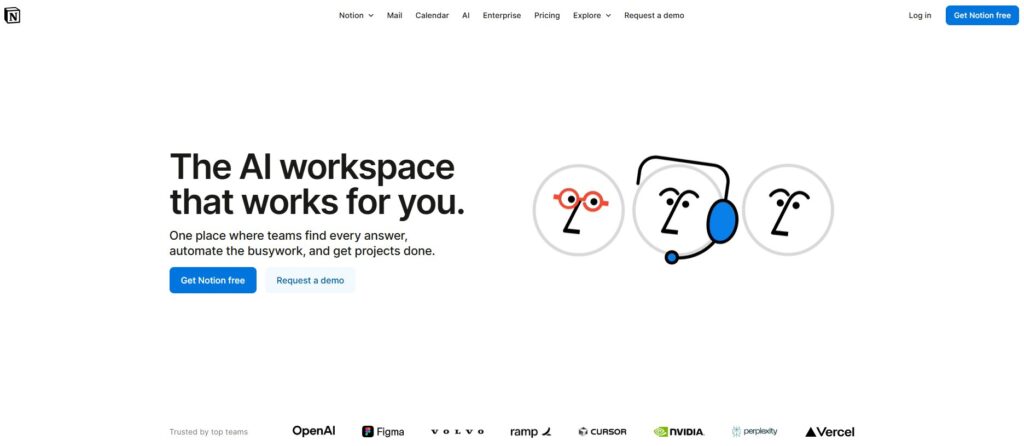
Notion remains the most flexible tool for both personal and team use. What is new and different about it in 2026 are its advanced automation capabilities and intelligent integrations. Instead of switching between multiple apps, users can manage tasks, notes, project timelines, and even knowledge bases in one place.
Why it stands out in 2026:
- Automatic progress-adaptive task updating.
- Templates tailored for different industries.
- Enhanced collaboration tools for employees working from home.
Whether you’re a student keeping track of assignments or a business leader overseeing project milestones, Notion is an app you can trust.
Try It Now
2. ClickUp
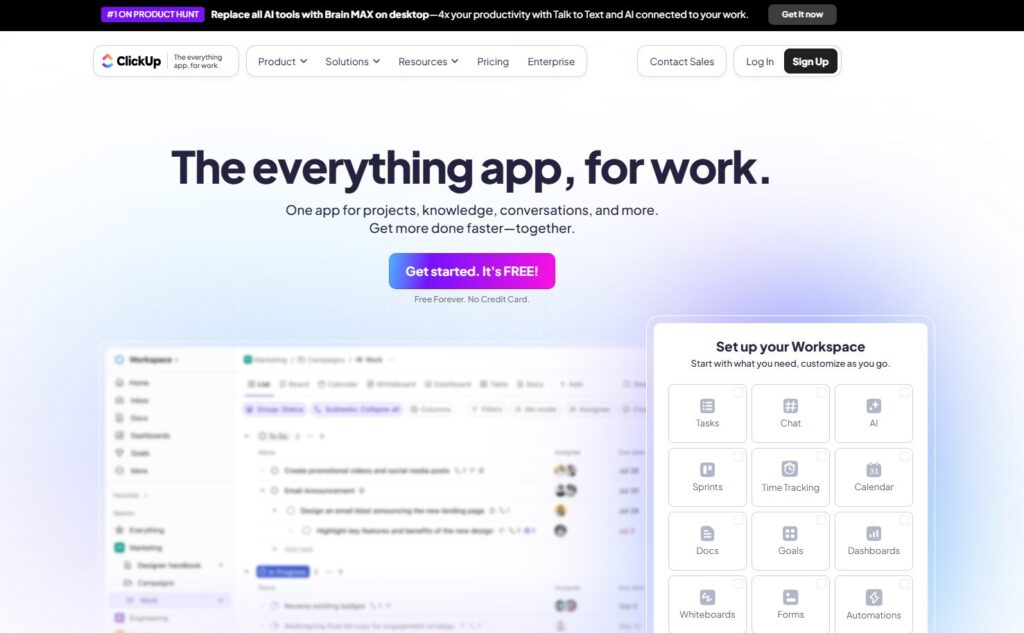
ClickUp has become an all-in-one required application for teams that require more than task lists. It combines project management, time tracking, goal setting and document sharing in one place.
Key upgrades in 2026:
- Predicative project timelines to help managers see delays.
- Custom dashboards that display only what each team member needs.
- Seamless integrations with tools likes Slack, Zoom, and Google Workspace.
For fast-growing companies, ClickUp saves time by centralizing everything together, instead of being spread across different apps. So, you can consider this as one of the best AI-Powered Productivity Tools in 2026.
Try It Now
3. Otter.ai
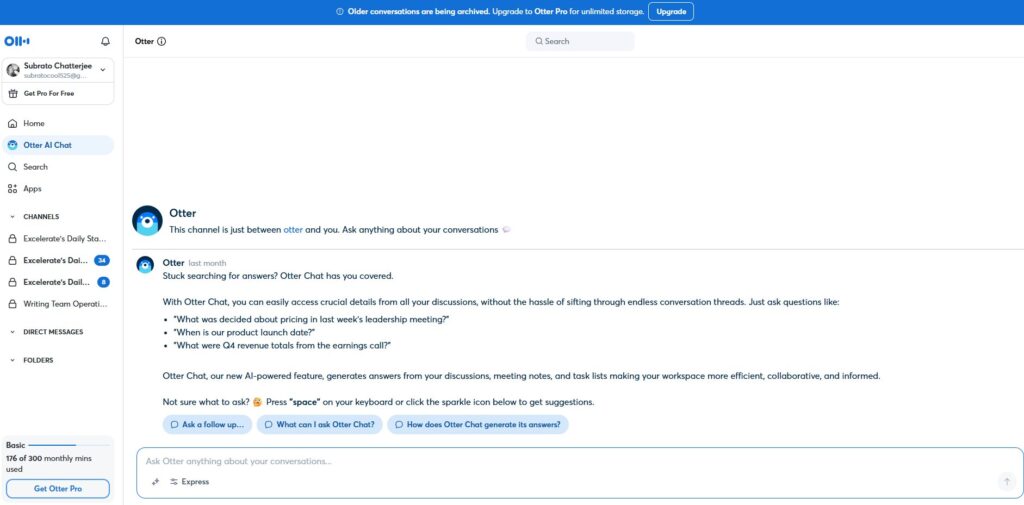
Recording meeting minutes is perhaps the most dreaded chore of them all. Otter does its part by providing automatic and accurate transcripts and summaries of conversations. In 2026, it has become sharper in hearing voices and knowing what to listen to.
Why people use it:
- Provides ready-to-use meeting notes.
- Highlights important decisions and follow-ups.
- Great across all online meeting platforms like Zoom, Teams and Google Meet.
Instead of watching recorded meetings twice before holding them, teams can go directly to decisions and action items.
Try It Now
4. Grammarly
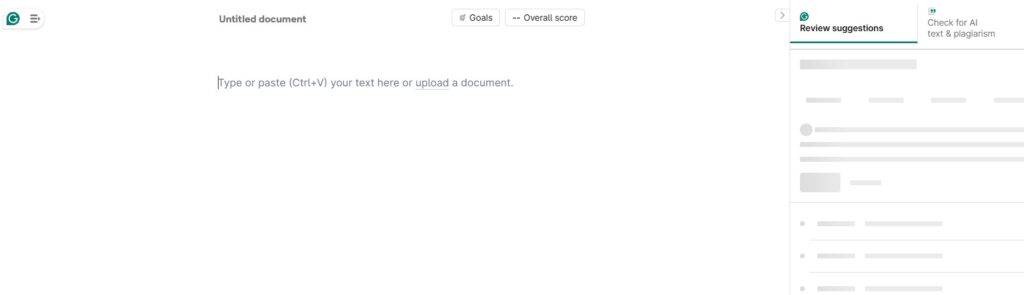
Productive communication is key, and Grammarly makes it easy with a writing assistant that’s trusted by millions. By 2026, it catches more than typos, and it fine-tunes writing for tone, clarity and intent.
Notable improvements:
- Suggestions on context for work emails, social media posts, and reports.
- Seamless integration with workplace apps.
- Suggestions for keeping writing concise, a win for both writer and reader.
Grammarly is the personal editor you never had, but always dreamed of, for anyone who writes.
Try It Now
5. Motion
Calendars are productivity workhorses, but Motion kicks scheduling into the world of email. Instead of manually rescheduling meetings and deadlines, it reschedules your calendar based on priorities.
What’s new in 2026:
- Intelligent rescheduling when things come up unplanned or are canceled.
- Optimized daily plans to prevent burnout.
- Synchronises with task lists and project timelines for a seamless schedule.
For hustling professionals, Motion helps make sure you’re not just filling your calendar, you’re actually using your time effectively.
Try It Now
6. Slack
Slack began life as a messaging app for teams, but by 2026, it had evolved into a workplace center. With channels, file sharing and workflow automations, it obviates the necessity for never-ending emails.
What makes Slack powerful now:
- Built-in task management features.
- Smart reminders and notifications.
- Custom workflows that trigger actions automatically.
Rather than overwhelming workers with more information, Slack helps to know what is important and helps feed conversations into action-oriented outcomes.
Try It Now
7. Trello
Trello is still popular with those who prefer visual task management. Because it’s a board and card game, your progress is easy to track.
Latest strengths:
- Templates for different needs: content planning, HR onboarding, sprint planning, etc.
- Enhanced automation for recurring tasks.
- Easy collaboration with clients and external partners.
Trello is great for small teams and creative projects.
Try It Now
8. Evernote
Note-taking has always been essential for productivity, and Evernote continues to be one of the best options. In 2026, it is one of the best AI-powered productivity tools for note-taking, and so it has set its sights on making knowledge more searchable and actionable.
Highlights:
- Faster note syncing across devices.
- Ability to link notes with tasks and deadlines.
- Improved web clipping for research and content curation.
From inspiration to achievement, the Evernote app is where you do the work to shape your life and the world around you.
Try It Now
9. Figma
I just feel that productivity doesn’t just stop at text or to-dos, and the same for design teams. Figma is the design standard for real-time collaboration.
Why it matters in 2026:
- Designers, developers and marketers can all be in the file at the same time.
- Quick prototyping features reduce turnaround time.
- Enhanced version control prevents confusion over edits.
Figma has redefined how creative teams turn ideas into reality without those endless back-and-forth emails.
Try It Now
10. Zapier
Following a to-do list is repeatedly seen as a negative thing for productivity. Zapier solves this by linking apps together and automating tasks.
What’s different in 2026:
- Easier setup for non-technical users.
- Pre-built “recipes” for common workflows.
- Smarter error handling when something goes wrong.
Imagine getting an email attachment, and that attachment is automatically saved to Google Drive and you’re notified in Slack, without you doing anything. That’s the type of productivity you get from Zapier.
Try It Now
- AI Breakthroughs That Are Reshaping Marketing in 2025: From Models to Strategy
- Benefits of Using AI in Management & IT Consulting
- Best AI Tools Directory to List Your AI Tool
Final Thoughts
The AI-powered productivity tools we’ll have in 2026 reveal that success isn’t about working longer, but about working smarter. Whether it’s to communicate efficiently, track projects, or easily automate activities, the right tools can save time and increase efficiency.
Finally, we all have our own forms of productivity, so it’s about finding and testing, and being able to build a mix where technology handles the routine while you focus on what truly matters.
Enjoyed this article?
If TechLatest has helped you, consider supporting us with a one-time tip on Ko-fi. Every contribution keeps our work free and independent.
