Highlights
- Windows 10’s end of support means users must shift to a newer or more secure operating system.
- Upgrading to Windows 11 or switching to lightweight options like Linux or Chrome OS Flex can extend device life.
- Choosing the right OS depends on your hardware, comfort level, and how you use your computer daily.
On October 14, 2025, Microsoft officially ended support for Windows 10. This means no more security updates, bug fixes, or technical assistance.
For users in India and around the world, this poses a significant challenge, especially for those with older hardware that can’t run Windows 11. However, all is not lost. There are several feature-packed alternatives to consider.
Don’t want to miss the best from TechLatest ? Set us as a preferred source in Google Search and make sure you never miss our latest.
So, if your PC is still running on Windows 10, then you must look at these alternatives for your device.
Content Table
Here are the Best Alternatives to Windows 10
If your PC is running on the Windows 10 operating system, then you must consider these alternatives that we have mentioned below:
1. Windows 10 Extended Security Updates (ESU)
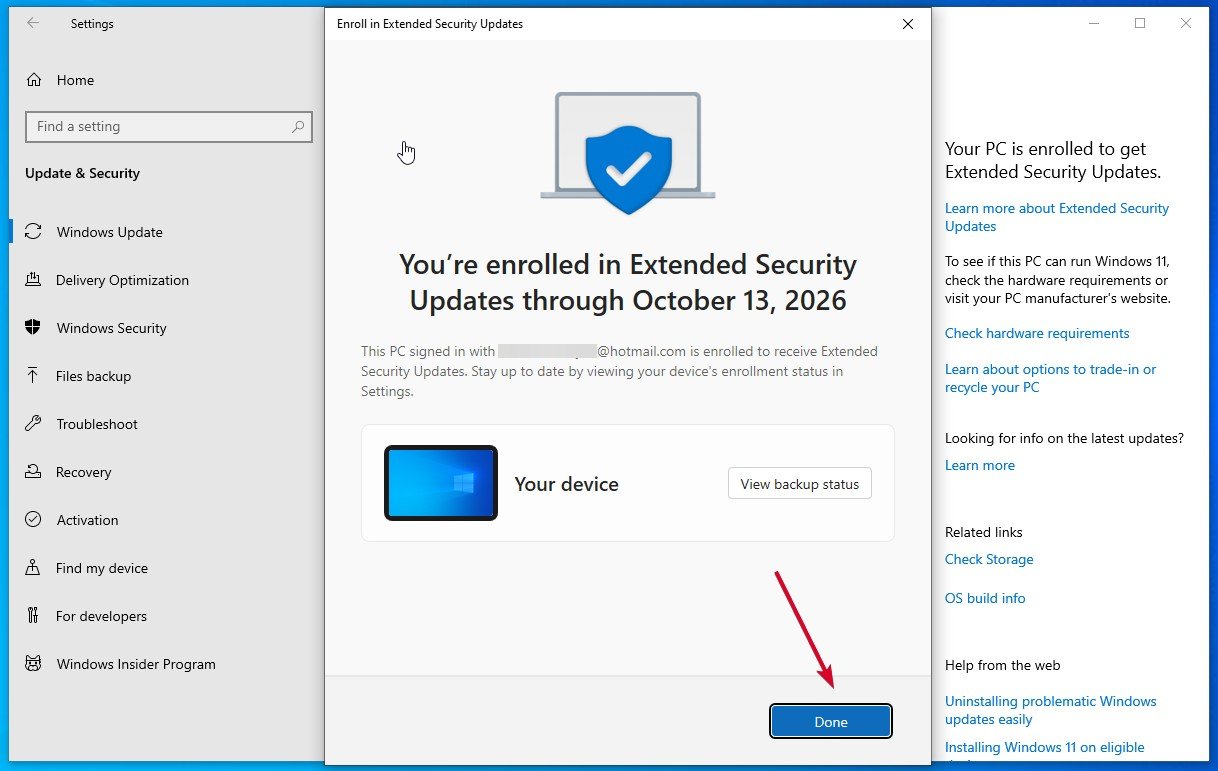
If upgrading to Windows 11 isn’t feasible, Microsoft’s ESU program offers a temporary solution. This program provides critical security updates for Windows 10 devices. In the European Economic Area (EEA), these updates are free, but in regions like India, there’s a cost associated. However, this is a short-term fix, until October 13, 2026 .
Continued security patches for a limited time
Allows users to plan for a more permanent solution
No new features or bug fixes
Costs involved outside the EEA
Limited timeframe before support ends
2. Windows 11 (Official and Custom Builds)
Official Windows 11
For those with compatible hardware, upgrading to Windows 11 is the most straightforward option. The upgrade is free, provided your device meets the system requirements. Tools like Microsoft’s PC Health Check can help determine compatibility.
Modern interface with improved performance
Enhanced security features
Continued support and updates from Microsoft
Higher system requirements may exclude older devices
Some legacy applications might face compatibility issues
Ghost Spectre Windows 11
Ghost Spectre Windows 11 is the modded version of the original Windows. Here, “modded” doesn’t only refer to extra features but also truncated useless features and bloatware for a normal user.
Microsoft has been very subtle and strict with the features of the Windows OS since the same OS is being used by many different groups of people, like students, medical professionals, entrepreneurs, etc., so not all features are valuable for everyone.
Thus comes Ghost Spectre; it serves us with a different and truncated version of Windows, and most of the features are removed from the base build. And after the installation, you can install that specific feature if you need it.
- Full Guide: Ghost Spectre Windows 11 Pro Ghost Spectre Windows 11 Home
Tiny11
For users with older hardware that can’t run standard Windows 11, Tiny11 offers a stripped-down version. It retains the core features of Windows 11 but with reduced system requirements.
It retains Windows 11’s interface and features. And the best thing is that it has lower system requirements, making it suitable for older devices.
Full Guide: Tiny11 25H2 is Now Available; Download and Install Now
Atlas OS 11
“ An open and transparent Windows operating system, designed to optimize performance and latency. “
The Atlas OS is tailored for gamers, offering higher frame rates and lower latency for a more seamless gaming experience. It is a modified version of Windows that eliminates any factors that could negatively impact gaming performance.
As an open-source project, Atlas’s goal is to provide equal gaming opportunities for players regardless of their system’s capabilities. In addition to optimizing performance, Atlas is also effective in reducing system and network latency and input lag. It is also designed to protect the user’s privacy.
Full Guide : Download and Install Atlas OS Windows 11
3. Linux

Linux distributions like Ubuntu, Linux Mint, and Fedora offer robust alternatives to Windows. They are open-source, lightweight, and can breathe new life into older hardware.
Completely free to use
Highly customizable to suit user preferences
A vast range of applications is available
Steeper learning curve for those accustomed to Windows
Some Windows-specific applications may not be available
Hardware compatibility can vary
Full Guide: [Top] 5 Best Linux Distros For Better Reliability Best Windows Alternative for Linux Gaming
4. Chrome OS Flex
Google’s Chrome OS Flex is designed to be lightweight and fast, making it ideal for older PCs and laptops. It’s particularly suited for users who primarily use web-based applications.
Quick boot times and responsive performance
Seamless integration with Google services
Regular updates and security patches
Limited offline capabilities
Not suitable for resource-intensive applications
May require adaptation for users familiarized with traditional desktop environments
Full Guide : Download and Install Chrome OS Flex on Your PC or Mac
5. macOS
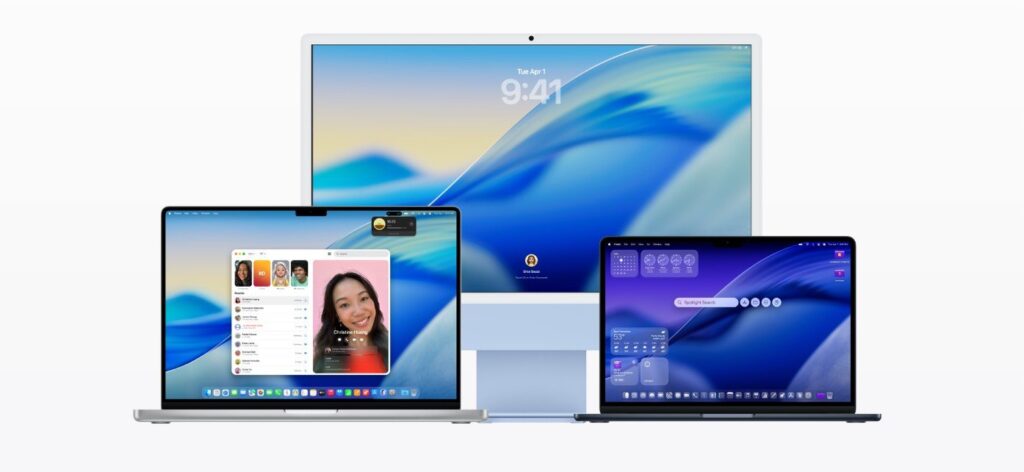
For those considering a hardware upgrade, Apple’s macOS offers a polished and user-friendly experience. While this involves purchasing new hardware, macOS is known for its stability and seamless integration with other Apple devices.
Intuitive and consistent user interface
Strong security and privacy features
Optimized performance on Apple hardware
Requires purchasing Apple hardware
Less software compatibility compared to Windows
Higher cost compared to other alternatives
7. ReactOS
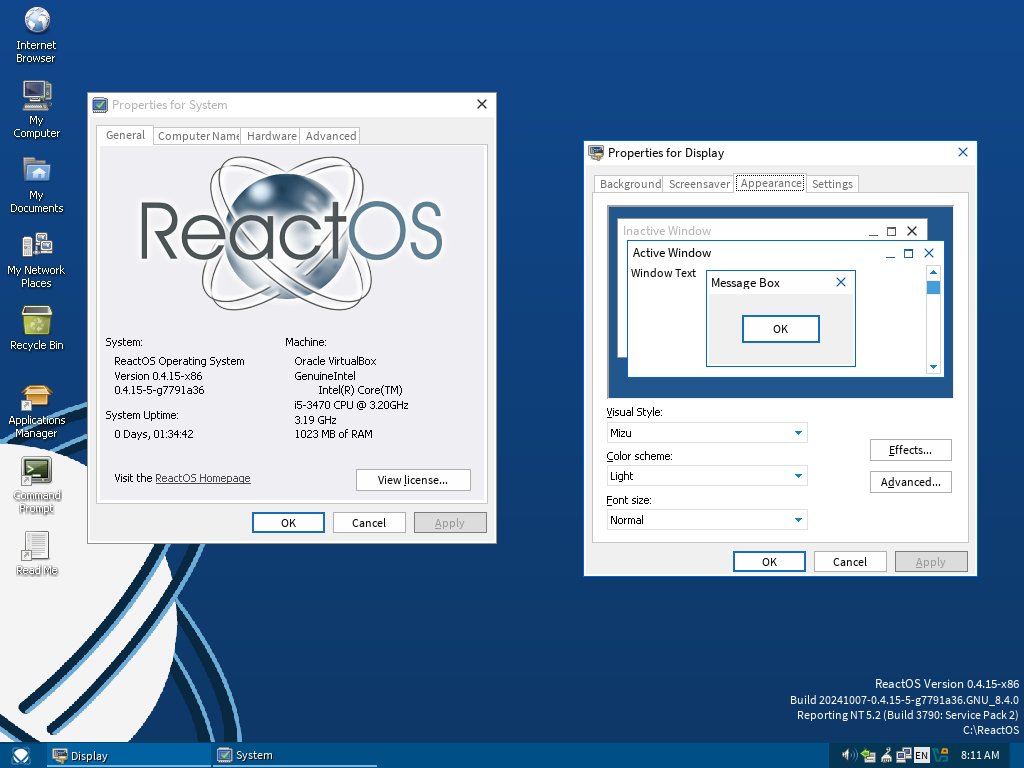
ReactOS is an open-source operating system aimed at being binary-compatible with Windows. It’s still in development, but it can be an intriguing option for those willing to experiment.
Free and open-source
Aims for compatibility with Windows applications
Suitable for testing and development purposes
Still in alpha stage; not stable for everyday use
Limited hardware and software support
Not recommended for critical tasks
Download ReactOS and install it .
Which One is Perfect For You?
Choosing the right alternative depends on your specific needs and hardware capabilities:
- For newer hardware: Upgrading to Windows 11 is the most straightforward path.
- For older hardware: Linux distributions like Ubuntu or Linux Mint can provide a fresh experience without the need for new hardware.
- For web-centric users: Chrome OS Flex offers a fast and efficient environment.
- For those seeking a premium experience: macOS provides a polished and integrated ecosystem.
- For legacy Windows experience: Tiny11 can be a temporary solution for unsupported hardware.
- For experimentation: ReactOS offers a glimpse into the future of open-source operating systems.
Final Thoughts
The end of support for Windows 10 doesn’t mean the end of your computing experience. With the right alternative, you can continue to enjoy a secure and efficient environment tailored to your needs.
It’s essential to assess your hardware, software requirements, and personal preferences before making a decision. Remember, the best choice is one that aligns with your specific use case and ensures a smooth transition.
So, that’s all we have for you about some of the best alternatives to Windows 10. We hope that this guide has helped you. For more queries, comment below.
Enjoyed this article?
If TechLatest has helped you, consider supporting us with a one-time tip on Ko-fi. Every contribution keeps our work free and independent.
