Highlights
- The Windows 11 Agentic OS update turns every PC into an AI-powered assistant.
- Copilot Vision and Hey Copilot introduce real-time visual and voice control.
- The new Ask Copilot bar replaces the taskbar search for smarter, unified results.
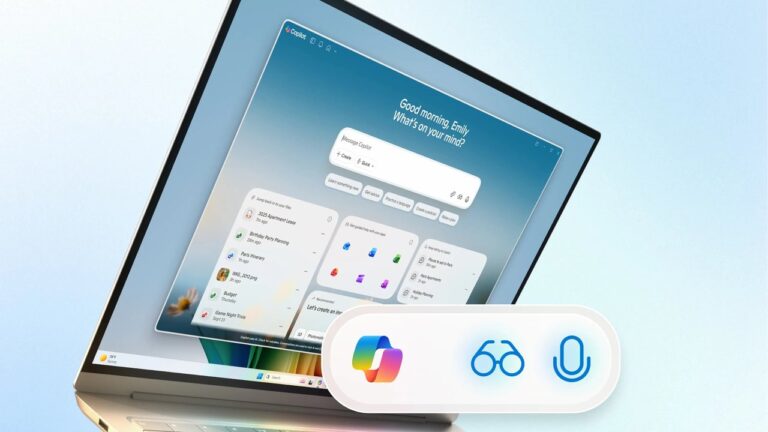
Microsoft is changing how Windows 11 works with a new update called the Windows 11 Agentic OS . This update turns normal Windows 11 PCs into smart, AI-powered systems.
The main goal here is to make your PC act more like an assistant that understands what you say, sees what’s on your screen, and helps you do your tasks faster.
Don’t want to miss the best from TechLatest ? Set us as a preferred source in Google Search and make sure you never miss our latest.
At the center of everything is Copilot , which is now built deep into the system and not just a separate app.
Content Table
Windows 11 Agentic OS transforms every PC into a smarter AI-powered system
Voice control with “Hey Copilot”
The most noticeable change in this update is the new “Hey Copilot” voice command. It lets users control their PC just by speaking.
You can open apps, check settings, search the web, or manage files without touching the keyboard. This feature was tested in early builds for a while, and now it’s being rolled out to everyone.
Microsoft wants this to make the PC feel more natural to use, especially for people who prefer voice over typing.
Actual help through Copilot Vision
Another big part of the Agentic OS is Copilot Vision . This feature lets Copilot see what’s on your screen and help you in real time.
If you’re stuck while using an app or changing system settings, you can ask Copilot to guide you. It can highlight parts of your screen, show where to click, and even explain steps in a simple way.
You can also ask Copilot to check your Word, Excel, or PowerPoint files and get useful suggestions. It’s like having a small assistant that can actually see what you’re doing and help you right there.
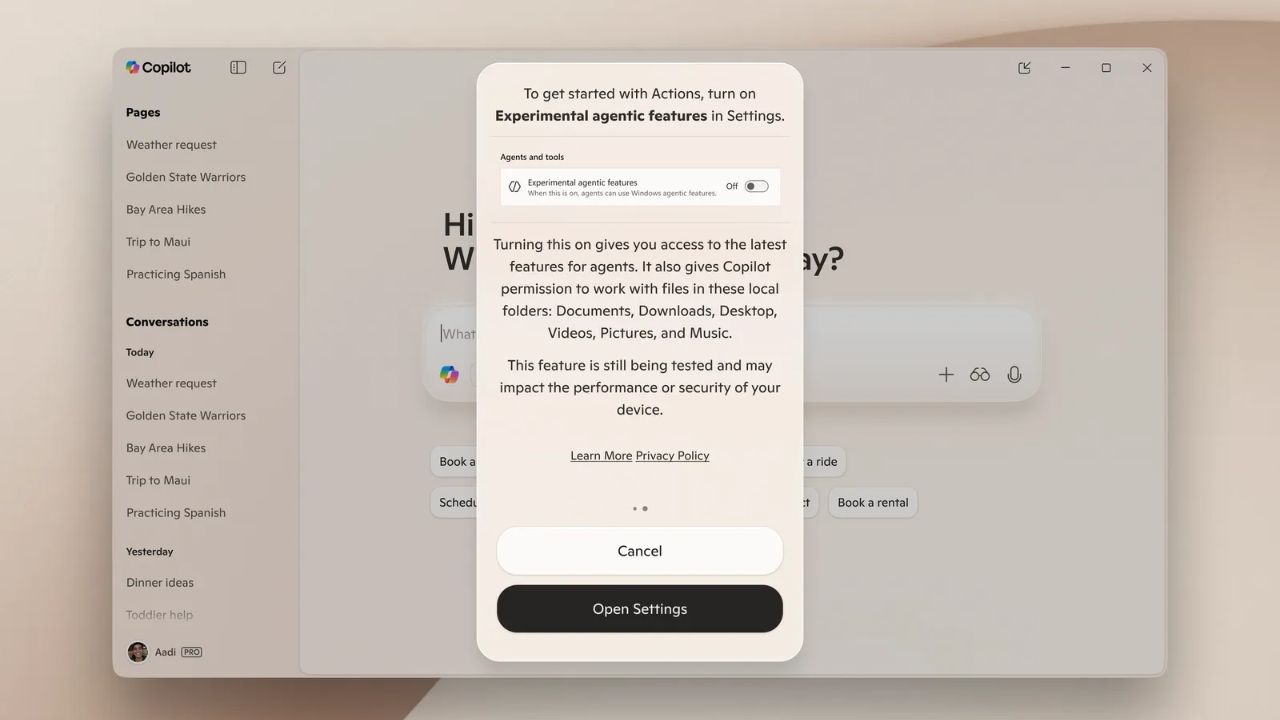
Image Credits: Microsoft
The new “Ask Copilot” bar
The search bar on the Windows 11 taskbar is now replaced with the new “Ask Copilot” bar. This single place lets you search files, apps, and the web together.
You can type or talk to it directly. Microsoft says that Copilot doesn’t access your personal files, it only uses Windows APIs for local searches, so privacy is still safe.
The change also shows how serious Microsoft is about making Copilot the main part of the Windows experience.
Local AI actions and automation
The Agentic OS isn’t just about talking or searching. It’s also about taking actions on your PC. With Copilot Actions , you can describe what you want, like “move my files to another folder” or “create slides about this topic,” and Copilot will do it for you.
It can open apps, organize files, and even extract data from PDFs or images. These actions happen in a safe, virtual space where you can pause or stop anytime.
Microsoft is also bringing Copilot Connectors , which let you link your email, calendar, and other services like Gmail or Outlook. That means you can ask Copilot to find your appointments or emails from any of those services directly.
Manus AI inside File Explorer
A new AI agent called Manus is also being added to File Explorer. You can right-click on any document and ask Manus to do things like “make a website using this file”.
It works right inside File Explorer, or you can use it separately as an app. This makes file handling and document-based work much faster and easier.
A free AI upgrade for everyone
The best part is that the Windows 11 Agentic OS update isn’t limited to the new Copilot+ PCs. Microsoft is making it available to all Windows 11 users.
That means even older systems will get the same AI features, turning every PC into an AI-ready computer .
- Tiny11 25H2 is Now Available; Download and Install Now
- 5 Tested Methods to Bypass Microsoft Account in OOBE on Windows 11
- How to Get Free Extended Security Updates (ESU) After Windows 10 End of Support
Overall, the it is a big step for Microsoft. It’s not just a normal update. It changes how people use Windows completely.
With voice, vision, and smart automation built in, Windows 11 is becoming more like a partner than just a tool.
Every PC now has the power to think, see, and act, and this is just the beginning of where AI on Windows is heading.
Enjoyed this article?
If TechLatest has helped you, consider supporting us with a one-time tip on Ko-fi. Every contribution keeps our work free and independent.
