Highlights
- The Xbox Full Screen experience is now available on all Windows 11 handheld gaming PCs.
- Microsoft replaces the old desktop layout with a simple, controller-friendly interface built for handhelds.
- The update hints at a bigger plan where this interface may expand to more Windows devices soon.
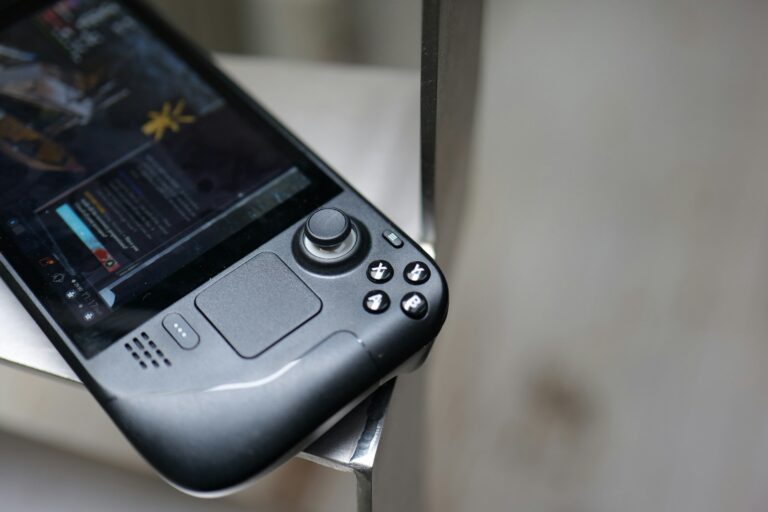
Handheld gaming PCs always had a major issue in one of their main concepts. Windows is a strong operating system; however, it never really fit well with a small-screen device that only used a controller for input.
Surface, little shortcuts, random menus, and your feeling was that, in fact, Windows was putting obstacles in your path of playing; basically, it wasn’t a nice Windows experience for gaming .
Don’t want to miss the best from TechLatest ? Set us as a preferred source in Google Search and make sure you never miss our latest.
Microsoft seems to have spotted it, and they are now extending the full Xbox experience to all the Windows 11-powered handheld devices.
The change was only available to the Xbox Ally devices, but now, the whole handheld industry can benefit from it.
Xbox full screen experience expands to all Windows 11 handhelds
What is the function of the Xbox full screen experience?
The full-screen Xbox experience is sort of a system where a very neat gaming console-style interface replaces most of the Windows desktop.
After booting, the user gets access to a very simple home screen, which is both touch and controller-friendly and thus works smoothly.
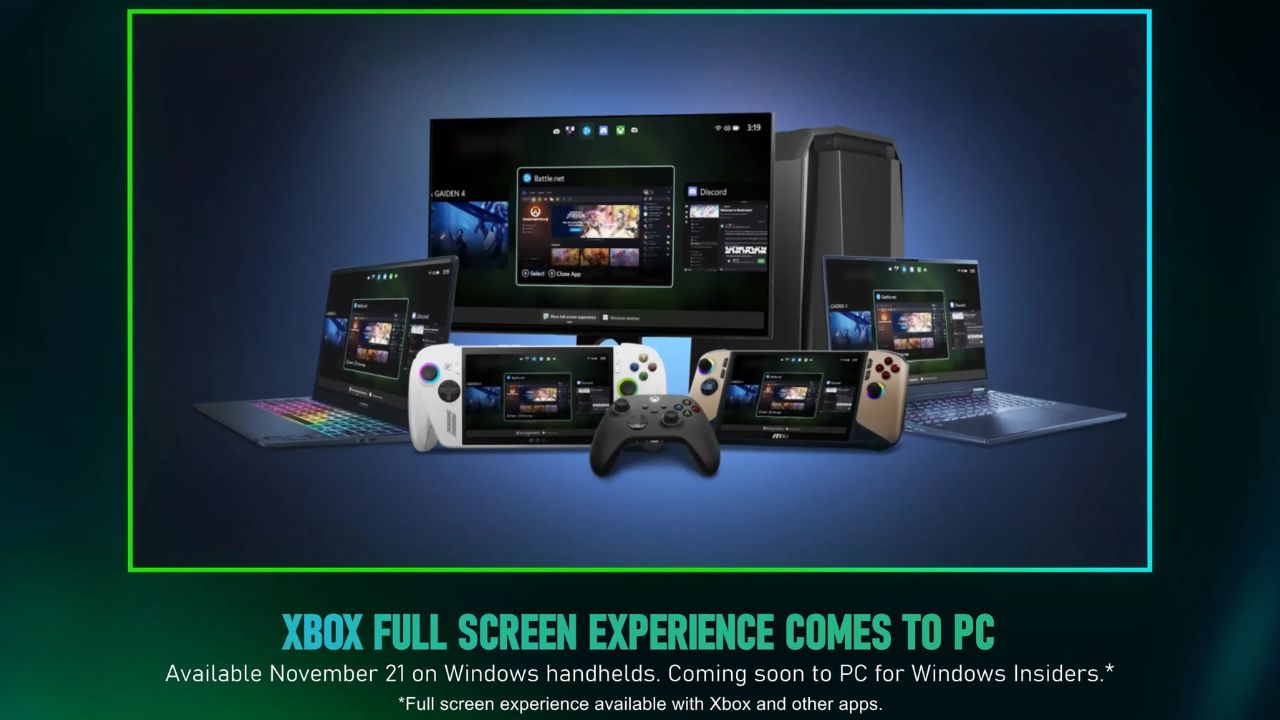
Image Credits: Microsoft
By far, the most important feature here is that the device becomes less demanding in terms of resources.
The creators made it a little less heavy, so the new UI is not going to be a battery eater, and performance slowdown will not happen unless the desktop is launched as usual. In the case of handhelds, this statement holds water, because every unit of battery is of great value.
Furthermore, the experience means a more user-friendly setup. Anyone who has ever tried a handheld Windows device must be aware of how the first-time setup scenario can test your patience. By relying on the new UI, users confront a much smoother and more straightforward task.
Comparison with other technologies
SteamOS , which powers the Steam Deck , has long boasted this sort of user interface and is already well refined. Microsoft is definitely a long way from catching up, but in any case.
The difference is now more users will experience the Xbox full screen, and therefore it will be easier and quicker for Microsoft to respond to the suggestions and fix the issues.
Hence, Microsoft has to speed up on software developments because these users care about stability and simplicity.
Implications of this developments for the future?
A curious fact is that Microsoft announced this interface will also be available for other types of Windows 11 devices soon via testing channels.
Those who are familiar with the issue tend to think that Microsoft might be looking into unifying the Xbox and PC games in the future.
Some of them even believe that the next Xbox might resemble more of an open PC system rather than a closed one. It is not confirmed, but this update makes that notion more feasible.
- New Xbox Game Pass: What It Means for Current Subscribers
- Xbox Ally X Set to Deliver Microsoft’s Most Powerful Gaming Console Yet
- Steam Machine Expected to Offer Competitive Pricing vs Custom PCs as Analysts Debate Final Cost
Overall, the open rollout of the Xbox full screen feature means a lot to the users of handheld Windows gaming PCs.
The biggest flaw that these devices had, which was the cluttered desktop, is now gone. With further updates, this could turn into a habitual way of using Windows handhelds, meaning they would become pretty much like the real gaming consoles, which is what most of the users expect.
Enjoyed this article?
If TechLatest has helped you, consider supporting us with a one-time tip on Ko-fi. Every contribution keeps our work free and independent.
